What Is a Conditional (Trigger) Order and How Automation Uses It
You set up a strategy that should only act when the market reaches a specific level — buy if price breaks above resistance, or exit if it falls through support....
Read more
Trading signals vs execution explained: why a TradingView alert notifies you but never places the order, what the execution layer actually does, and how to close the gap.
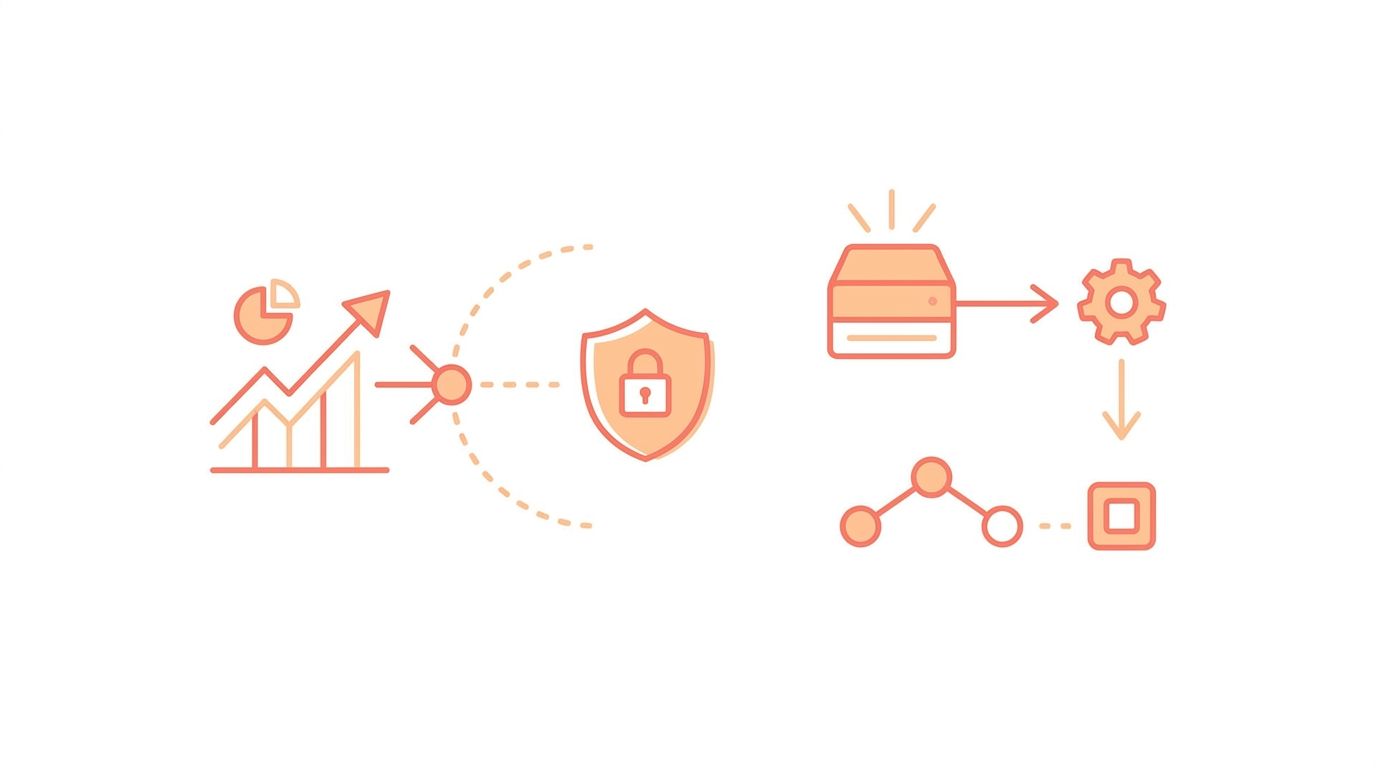
You built a strategy, set up your alerts, and watched them fire right on cue. Then nothing happened on your exchange. This is the moment most automated traders run into the difference between trading signals vs execution — two things that sound like one but are not. A signal is a notification that a condition was met. Execution is the work of turning that condition into a correctly placed, accepted order on your exchange. Understanding why your alerts aren't placing trades is the first step to closing the gap between the two.
This guide explains what each layer does, why the handoff between them is harder than it looks, and what a reliable execution layer needs to handle. We won't recommend a strategy or promise any outcome — the goal is to explain the mechanism.
A trading signal is information: "price crossed the moving average," "RSI dropped below 30," "the channel broke." In TradingView, a signal is an alert. When your condition triggers, TradingView can show a popup, send an email, or fire a webhook — an HTTP request carrying a small message you define.
That message is the entire output of the signal layer. TradingView does not have your exchange credentials, does not know your position size, and has no connection to Binance, Bybit, or anywhere else. It is excellent at watching the market and saying "now." It was never designed to place an order. As the saying goes: signals are easy; execution is hard.
Execution is everything that has to happen after the alert fires for a real order to land on your exchange. It is a different problem entirely, and it is where most homegrown setups break. A working execution layer has to:
None of this is visible from the TradingView side. The alert simply fires and assumes someone is listening. If nothing is listening — or if what's listening can't do all of the above — your trade never lands.
If your alerts trigger but nothing reaches your exchange, the cause is almost always a missing or broken execution layer. The common culprits:
For the full webhook-to-order path, see our TradingView webhook to exchange setup guide, which walks through the message format and connection step by step.
The moment a signal becomes an order, your exchange API key is involved — and that makes the execution layer a security decision, not just a plumbing one. A receiver that can place orders is holding access to your account. How it stores that key, and what the key is allowed to do, matters as much as whether the order lands.
The safest arrangement is a dedicated, trade-only key: the execution layer places orders, never withdrawals. Withdrawal permission stays disabled at the exchange, so even a compromised key can't drain your funds, and your assets never leave the exchange you already trust. If you're weighing how much access to grant, our guide on whether it's safe to give a trading bot your exchange API keys covers the trade-offs.
SignalToExchange is the execution layer between your signals and your exchange. It is non-custodial infrastructure: it receives your webhook, authenticates it, validates it against your rules, formats the order for your exchange, and submits it using a trade-only key that's encrypted at rest. It never takes deposits, never holds balances, and deduplicates so that one signal fires exactly one order. Your funds never leave your exchange, and you keep the kill switch by deleting the key whenever you choose. To see it applied to a specific venue, start with automating a TradingView strategy on Binance.
If you already generate signals and want a secure, reliable way to turn them into exchange orders, Request access / start your free trial →
Automated trading involves risk. SignalToExchange is execution infrastructure and does not provide financial advice, trading signals, or guarantees of any kind.

You set up a strategy that should only act when the market reaches a specific level — buy if price breaks above resistance, or exit if it falls through support....
If you automate futures trading, you have probably noticed something confusing: your chart shows one price, but your position's liquidation level and profit-and...
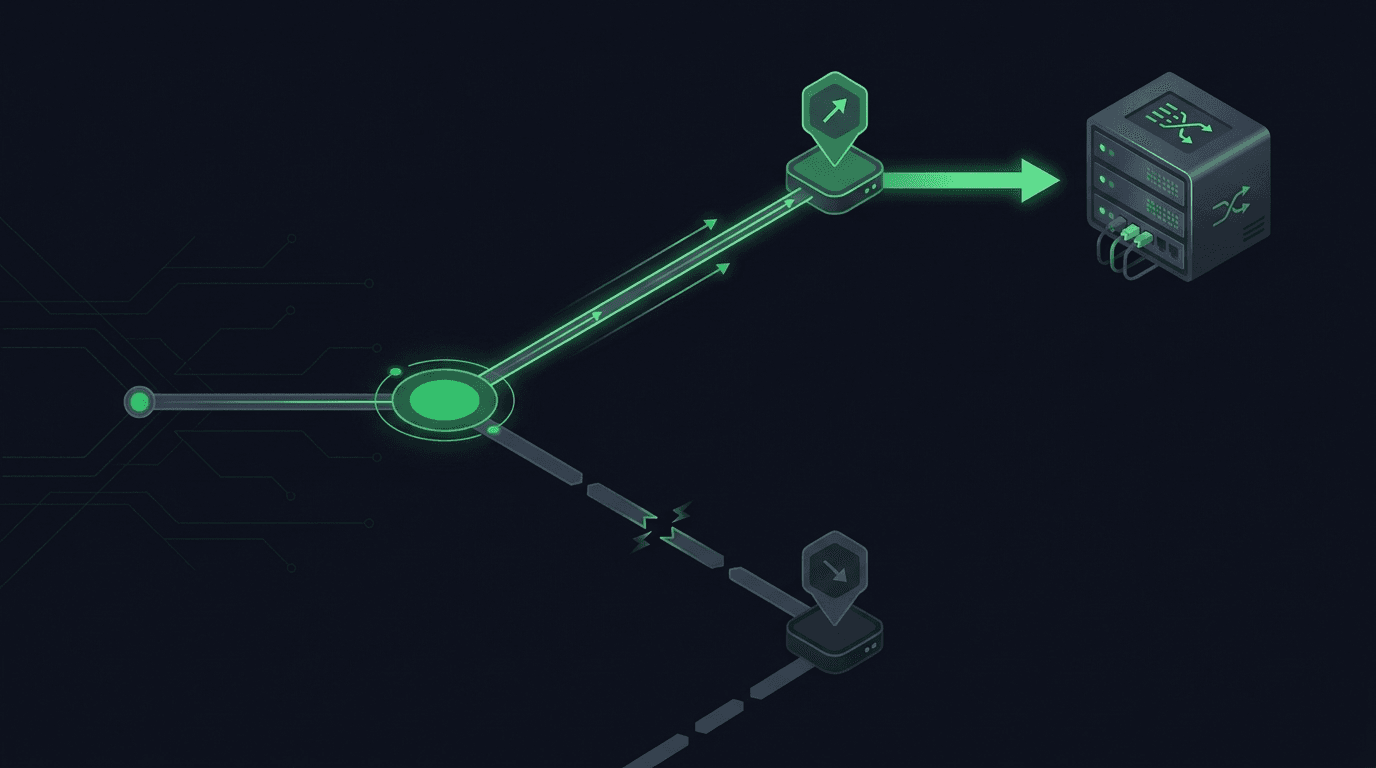
You set a take-profit and a stop-loss on the same position, walk away, and expect the exchange to close the trade at whichever level hits first. On most exchan...
Non-custodial execution. Trade-only API keys. Independent infrastructure built for reliability.
Request Early AccessTrade-only API key enforcement. No withdrawal permissions. No custody.