What Is a Conditional (Trigger) Order and How Automation Uses It
You set up a strategy that should only act when the market reaches a specific level — buy if price breaks above resistance, or exit if it falls through support....
Read more
An OCO (one-cancels-the-other) order links a take-profit and a stop-loss so filling one cancels the other. Here is how automated traders use OCO to bracket a position without leaving orphaned orders.
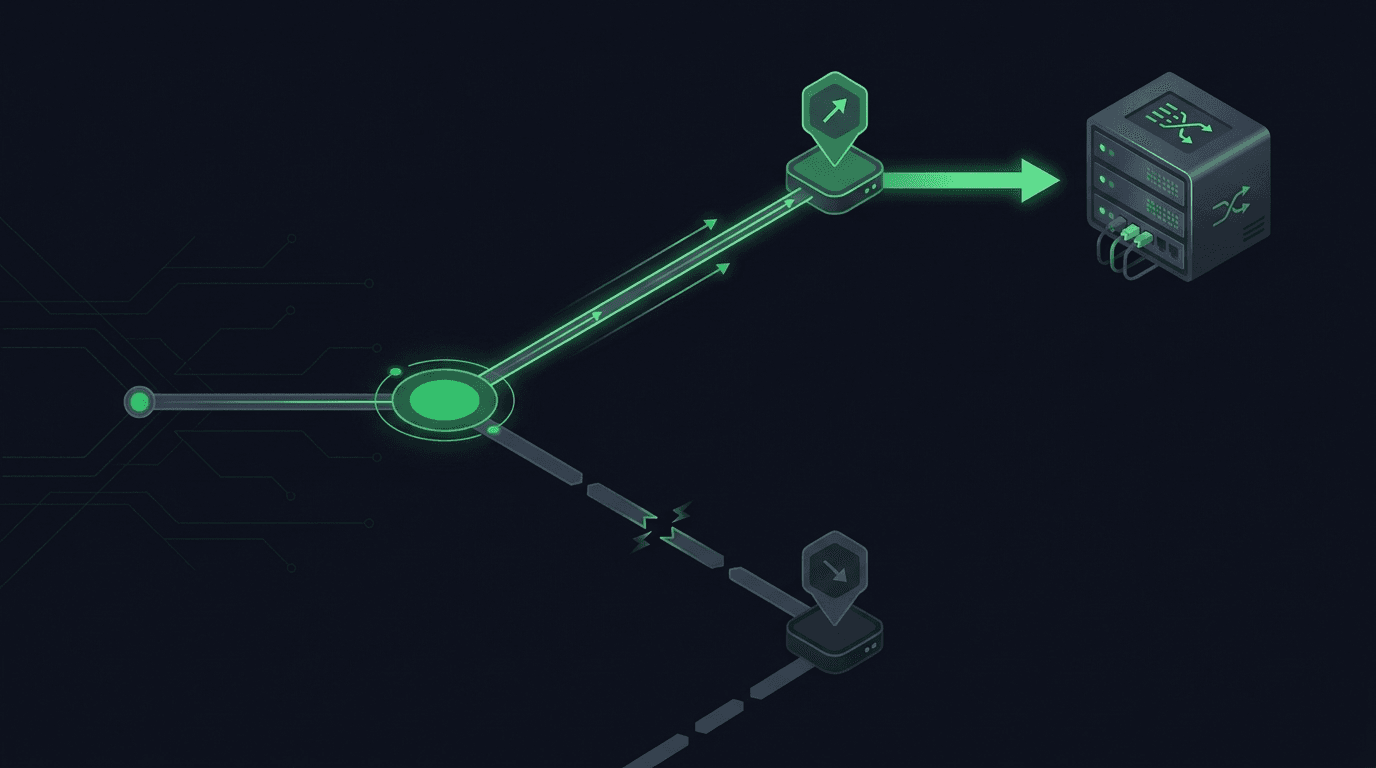
You set a take-profit and a stop-loss on the same position, walk away, and expect the exchange to close the trade at whichever level hits first. On most exchanges, that is not what happens by default. You end up with two separate live orders, and when one fills, the other is still sitting there waiting to trigger. An OCO order fixes exactly this gap, and if you automate execution, it is one of the most useful order types you can understand well.
This guide explains what an OCO order is, how its two legs work together, and how automated traders use it to bracket a position without leaving orphaned orders behind. It stays specific about where OCO helps, where it does not, and what tends to break when you wire it up through automation.
OCO stands for "one-cancels-the-other." It is a single instruction that links two orders together with one rule: the moment one of them fills or triggers, the exchange automatically cancels the other. You submit both at once, and you never have to manually clean up the leftover.
The classic use is to protect an open position from two sides at the same time. You place a take-profit order above the market and a stop-loss order below it. If price rises into your take-profit, that order fills and the stop-loss is cancelled. If price drops into your stop-loss instead, that order triggers and the take-profit is cancelled. Either way, you exit once, cleanly, and no stray order remains to open a surprise second position.
That last point is the whole reason OCO exists. Two independent exit orders can both stay live, and in a fast or choppy market you can get filled on one, then filled again on the other after price whips back. OCO removes that risk by making the two orders mutually exclusive.
An OCO order is usually built from two order types you already know. If you want a refresher on the building blocks, our guide on market vs. limit orders in automated trading covers them in detail.
The first leg is the take-profit, almost always a limit order resting above the current price for a long position (or below it for a short). It only fills at your price or better, so you know exactly where you exit on the upside.
The second leg is the stop-loss, which is a stop order that becomes active once price crosses your trigger level. It can be a stop-market, which submits a market order the instant the trigger hits, or a stop-limit, which submits a limit order at a price you define. Stop-market prioritizes getting out; stop-limit prioritizes price but risks not filling if the market gaps through your limit. We break down how to attach both legs in our walkthrough on adding stop-loss and take-profit to automated TradingView orders.
If you place orders by hand, you may never notice the orphaned-order problem until it costs you. You set your two exits, one fills, you move on, and you forget the other order is still open. Days later, price revisits that level, the stale order fills, and now you are holding a position you never intended to open.
OCO makes this a non-issue by design. The exchange enforces the "one cancels the other" rule server-side, so there is nothing to remember and nothing to clean up. For a trader watching one chart that is convenient; for automated execution it is close to essential.
When your entries and exits come from a TradingView strategy, an automation platform, or a custom backend, you are not there to cancel a leftover order. Automation multiplies the orphaned-order risk because signals fire faster than you can supervise, often across several pairs at once.
The common pattern is to bracket a position immediately after entry. Your strategy sends an entry order, the fill is confirmed, and then a paired take-profit and stop-loss go in as a single OCO tied to that position. From that point the position is fully protected, and whichever exit hits first cancels its counterpart automatically.
SignalToExchange is a non-custodial webhook relay that submits these orders to your exchange on your behalf. You keep your funds on your own exchange and connect a trade-only API key with no withdrawal access, so the relay can place and cancel orders but can never move your money. If you have not set up scoped keys yet, start with our guide on trade-only API keys.
Not every exchange implements OCO the same way, and this matters a lot for automation.
Some exchanges, including Binance, Bybit, OKX, and Kraken, support OCO natively as a first-class order type. When you or your relay submit a native OCO, the exchange itself enforces the cancellation rule internally. This is the most reliable option because the linkage lives on the exchange, not in an external system that could disconnect.
Other exchanges, or certain markets on them, do not expose a native OCO endpoint. In those cases automation emulates the behavior: it places both orders, watches the position or order status, and cancels the surviving order as soon as the other fills. Emulated OCO works, but it depends on a live connection and fast, correct cancellation. If the watcher misses a fill, you are back to the orphaned-order problem. When you need to remove a stale leg yourself, our guide on cancelling an open order with a TradingView webhook shows the mechanics.
Knowing which mode you are in tells you where the risk sits: native OCO pushes the guarantee onto the exchange, while emulated OCO puts it on whatever software is watching, so reliability and low latency become the deciding factors.
Several things tend to go wrong when traders first automate OCO, and most are avoidable once you know them.
Quantity mismatches are the most frequent. Both legs should reference the exact position size, and on futures they should typically be reduce-only so an exit can never accidentally flip you into a new position. See reduce-only orders for why this flag matters.
Partial fills complicate things too. If your take-profit fills halfway, a naive setup might cancel the full stop-loss and leave the remaining size unprotected. Handle partials explicitly; our notes on partial fills in automated crypto orders cover the edge cases.
Race conditions appear in emulated OCO when both legs sit near the market and price moves fast, so two triggers can fire before your cancel lands. Idempotent handling and quick cancellation reduce this, and you should plan for failed and rejected orders rather than assume every request succeeds.
They are closely related but not identical. A bracket order usually means an entry plus a paired take-profit and stop-loss, often assembled by a platform. OCO refers specifically to the two-order linkage where filling one cancels the other.
Support varies by exchange and by market. Binance, Bybit, OKX, and Kraken expose OCO on many of their markets, while some venues or specific instruments require your automation to emulate it. Always confirm against your exchange's current API documentation, since capabilities change over time.
Yes. You can link two entry orders so that filling one cancels the other, which is useful for breakout setups where you want to enter on whichever direction resolves first. The mechanics are the same; only the intent differs.
With native OCO, the exchange keeps enforcing the cancellation rule regardless of your connection, because the linkage lives on the exchange. With emulated OCO, a disconnect can leave both legs live until the connection returns, which is the main reason to prefer native OCO where possible.
No. A take-profit limit only fills at your price or better and may not fill at all if price never reaches it, and a stop can experience slippage in fast markets. OCO controls which order survives, not the fill quality of either leg.
An OCO order is a small idea with an outsized effect: it lets you define both sides of an exit and trust the exchange to keep only the one that matters. For automated traders that trust is the point, because you are rarely watching when a fill happens.
If you want your TradingView or webhook signals to place bracketed OCO exits on your exchange without giving up custody, that is exactly what SignalToExchange does. You keep your funds on your own exchange, connect a trade-only key, and let the relay submit and cancel orders reliably. Request access or start your free trial to route your signals into live, protected orders.
Automated trading involves risk. SignalToExchange is execution infrastructure and does not provide financial advice, trading signals, or guarantees of any kind.

You set up a strategy that should only act when the market reaches a specific level — buy if price breaks above resistance, or exit if it falls through support....
If you automate futures trading, you have probably noticed something confusing: your chart shows one price, but your position's liquidation level and profit-and...
Your strategy fires a buy signal, the order goes in, and it fills a few ticks above the price you saw on the chart. Nothing broke. That gap is the bid-ask sprea...
Non-custodial execution. Trade-only API keys. Independent infrastructure built for reliability.
Request Early AccessTrade-only API key enforcement. No withdrawal permissions. No custody.