How to Automate TradingView Alerts With Zapier
Your TradingView strategy fires a clean alert at exactly the right moment — and then nothing happens on your exchange. If that gap between signal and execution...
Read more
Learn how to automate TradingView alerts with Make (formerly Integromat): build a webhook scenario, map alert fields to order parameters, and route trades to your exchange with trade-only API keys and no loss of custody.
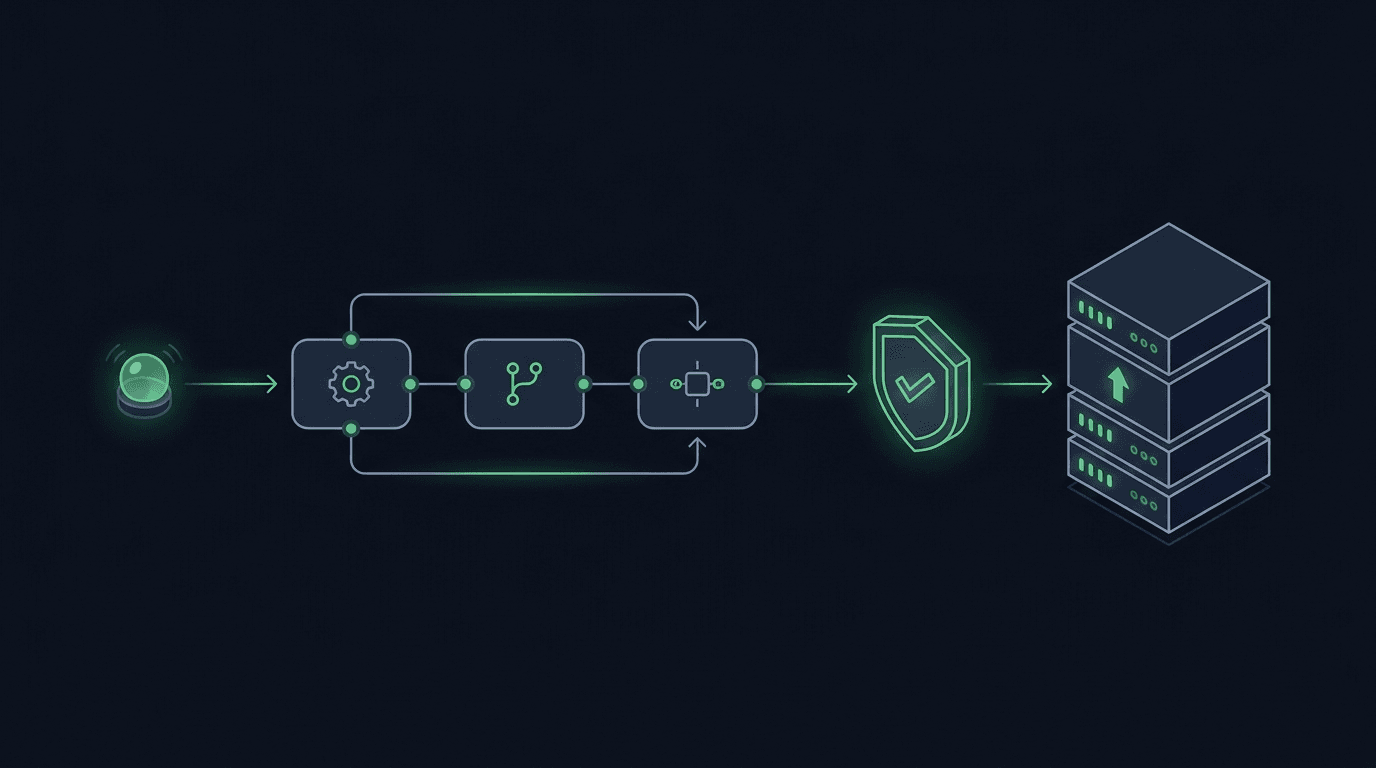
You have a TradingView strategy that fires clean alerts, but every signal still waits on you to see the notification and place the order by hand. By the time you react, the price has moved. The fix is to automate TradingView alerts with Make (formerly Integromat), a low-code automation platform that can catch an alert the instant it fires and turn it into an exchange order. This guide walks through the full pipeline, where Make fits, where it does not, and how to keep your funds and API keys safe the whole way.
Make is a visual workflow builder. You connect "modules" on a canvas, and data flows from one to the next. For trading, that means a TradingView alert can trigger a scenario, pass through validation, and end at an order submitted to your exchange, with no server for you to run. It is the same idea covered in our guide on how to automate TradingView alerts with n8n, applied to Make's hosted, drag-and-drop environment.
Make sits in the middle of your pipeline. TradingView generates the signal. Your exchange executes the order. Make is the connective tissue that listens for the signal, reshapes it, and forwards it.
A trading scenario in Make usually has three stages. A webhook module receives the alert payload from TradingView. One or more processing modules parse and validate the data, check conditions, and build the order. A final module sends the order, either by calling your exchange's API directly or by handing off to a dedicated execution layer.
The strength of Make is speed of assembly. You can wire a working scenario in an afternoon without writing a backend. The trade-off is that you are responsible for the parts Make does not handle on its own: request signing, idempotency, retries, and the security of your exchange credentials. We will cover each of those below.
Gather these first so the build goes smoothly:
Before you touch real funds, decide how you will test. Most major exchanges offer a testnet or sandbox, and you should prove the whole chain there first. See testnet vs live: how to safely move automation to real funds for a staged approach.
In Make, create a new scenario and add a Custom webhook module as the first step. Make generates a unique URL for that webhook. Copy it; this is the address TradingView will call.
Click "Run once" so the scenario listens for an incoming request. This lets Make learn the shape of your payload on the first real alert, which makes field mapping in later steps much easier.
Open your strategy or indicator in TradingView, create an alert, and set the webhook URL to the address Make gave you. In the alert message box, send structured JSON rather than plain text, because Make maps JSON fields cleanly.
A minimal payload looks like this:
``` { "symbol": "BTCUSDT", "side": "buy", "type": "market", "quantity": "0.01", "secret": "your-shared-secret" } ```
Keep the payload explicit. If you want a deeper reference on structure, naming, and common pitfalls, read how to structure a TradingView webhook JSON payload for orders. One rule matters above all: never put an exchange API key in a TradingView alert message. Alert text is not a secret store. Use a shared secret that only authorizes the webhook, and keep exchange credentials on the execution side.
Save the alert, then let it fire once (or trigger it manually) so Make captures the payload.
Back in Make, the webhook module now shows the fields it received. Add a module to build your order from those fields. This is where you translate the alert into exactly what your exchange expects.
Map each field deliberately. The alert's `symbol` becomes the exchange's trading pair, the `side` becomes buy or sell, and `quantity` becomes the order size. Watch for format differences: exchanges enforce minimum order sizes and step sizes, and a value that looks fine can be rejected for being too small or having too many decimals. Add a validation step that rejects anything malformed before it reaches the exchange.
This is also the right place to guard against duplicates. If an alert can fire more than once for the same bar, you can submit the same order twice. Our guide on how to prevent duplicate TradingView alerts from firing explains the patterns; in Make, a data store or a filter keyed on a unique alert ID gives you a simple deduplication check.
Now send the order. You have two broad options.
The direct route uses Make's HTTP module to call your exchange's API yourself. This works, but you take on the hard parts. Most exchange endpoints require each request to be cryptographically signed with your API secret, often with a timestamp and a nonce to prevent replay. Your exchange API key and secret would live inside Make's connection settings, so securing that account becomes part of your security surface. If you go this route, treat your secrets with the same discipline described in how to store webhook secrets and API keys safely in your automation stack, and review trade-only API keys: how to set up so the key can place orders but can never move funds.
The relay route hands the final hop to a dedicated execution layer built for this job. A non-custodial relay such as SignalToExchange receives the validated order from Make, signs the exchange request, enforces idempotency, and handles retries and failed orders, while your funds stay on your own exchange under trade-only keys. You keep Make for the visual logic you like and offload the fragile, security-sensitive execution step. You control the logic; the relay handles the order.
Whichever route you choose, add authentication to your webhook. A shared secret in the payload is a start; signing the request is stronger. See how to secure a TradingView webhook with HMAC signing to stop forged alerts from ever triggering a trade.
Make is excellent for the glue work: receiving alerts, transforming data, and branching on conditions, all without code. It is less suited to the execution hard parts on its own, such as request signing, idempotency, and retry logic. Many traders use Make for the workflow and a dedicated relay for the order submission.
Only if you call the exchange directly from Make's HTTP module. If you route orders through a non-custodial execution layer instead, your exchange trade-only keys stay with that layer, not in your automation platform. Either way, never place exchange keys in a TradingView alert message.
Both are workflow automation tools. Make is fully hosted with a polished visual editor, while n8n can be self-hosted for more control. The trading pipeline is the same shape in each. Compare the n8n approach in our n8n automation guide.
No. Automation removes manual delay and emotion from execution, but markets still move against positions, orders can be rejected, and infrastructure can fail. Automation changes how orders are placed, not whether trades can lose money. Test thoroughly and size positions responsibly.
Latency depends on Make's processing and your exchange's API. For many strategies it is fast enough, but tightly timed strategies may notice the overhead of extra hops. If low, consistent latency matters, a purpose-built relay typically submits orders faster than a general automation platform calling the exchange directly.
Make turns a TradingView alert into an exchange order without a server to maintain, and it pairs well with an execution layer that handles the security-critical final hop. Keep custody of your funds, use trade-only keys, validate every signal, and test before you go live. When you want the reliable execution step handled for you while you keep full control of your strategy logic, SignalToExchange is the non-custodial relay that routes your signals to your exchange. Request access / start your free trial.
Automated trading involves risk. SignalToExchange is execution infrastructure and does not provide financial advice, trading signals, or guarantees of any kind.
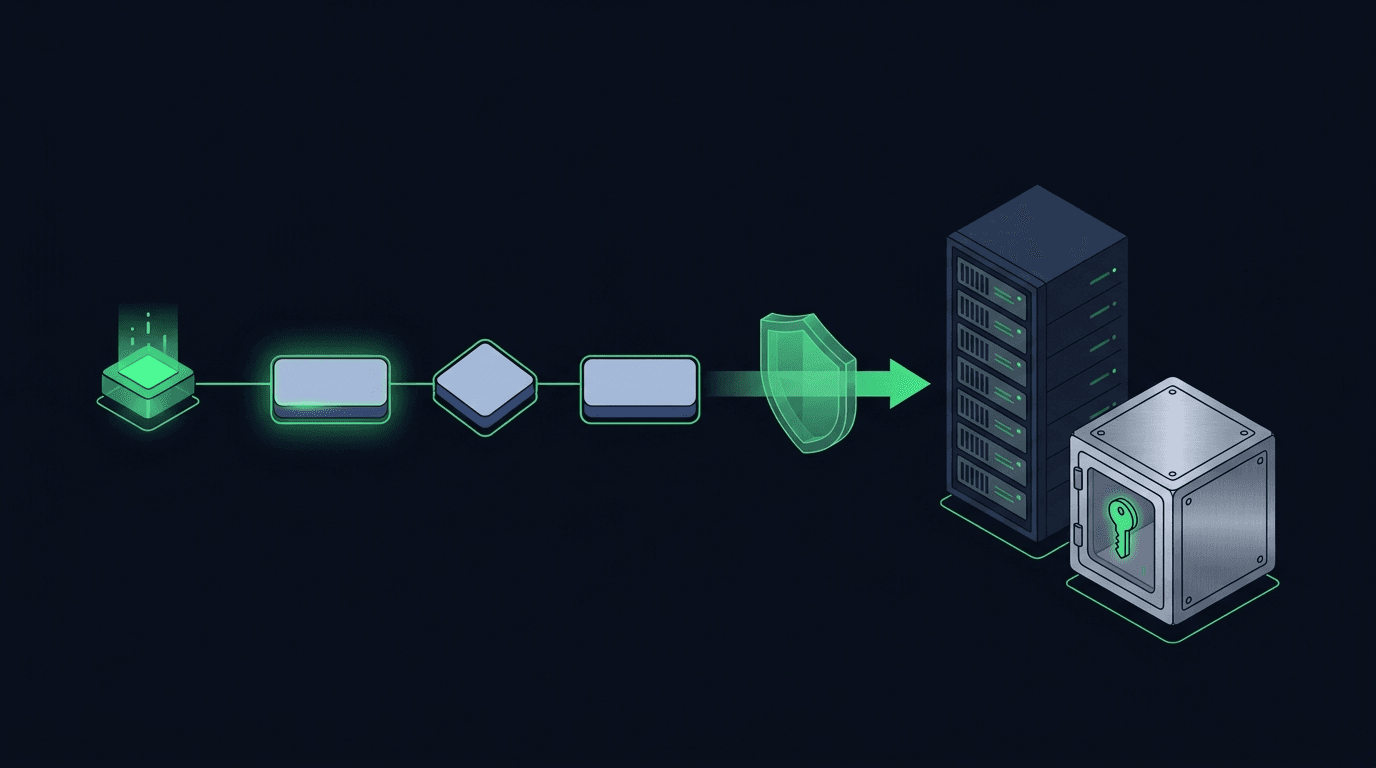
Your TradingView strategy fires a clean alert at exactly the right moment — and then nothing happens on your exchange. If that gap between signal and execution...
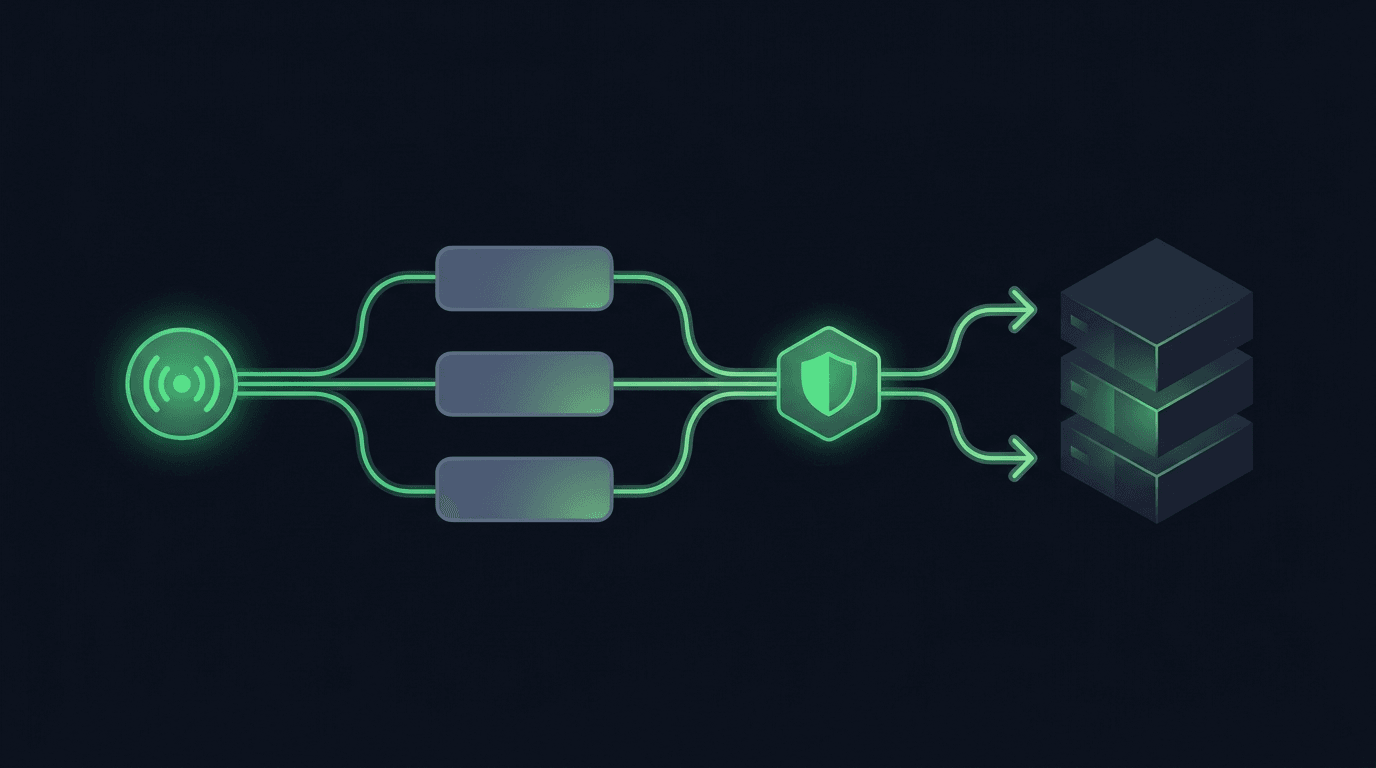
TradingView is where many traders build their edge, but a chart alert that only pops up on your screen still leaves the hardest part — placing the order — up t...
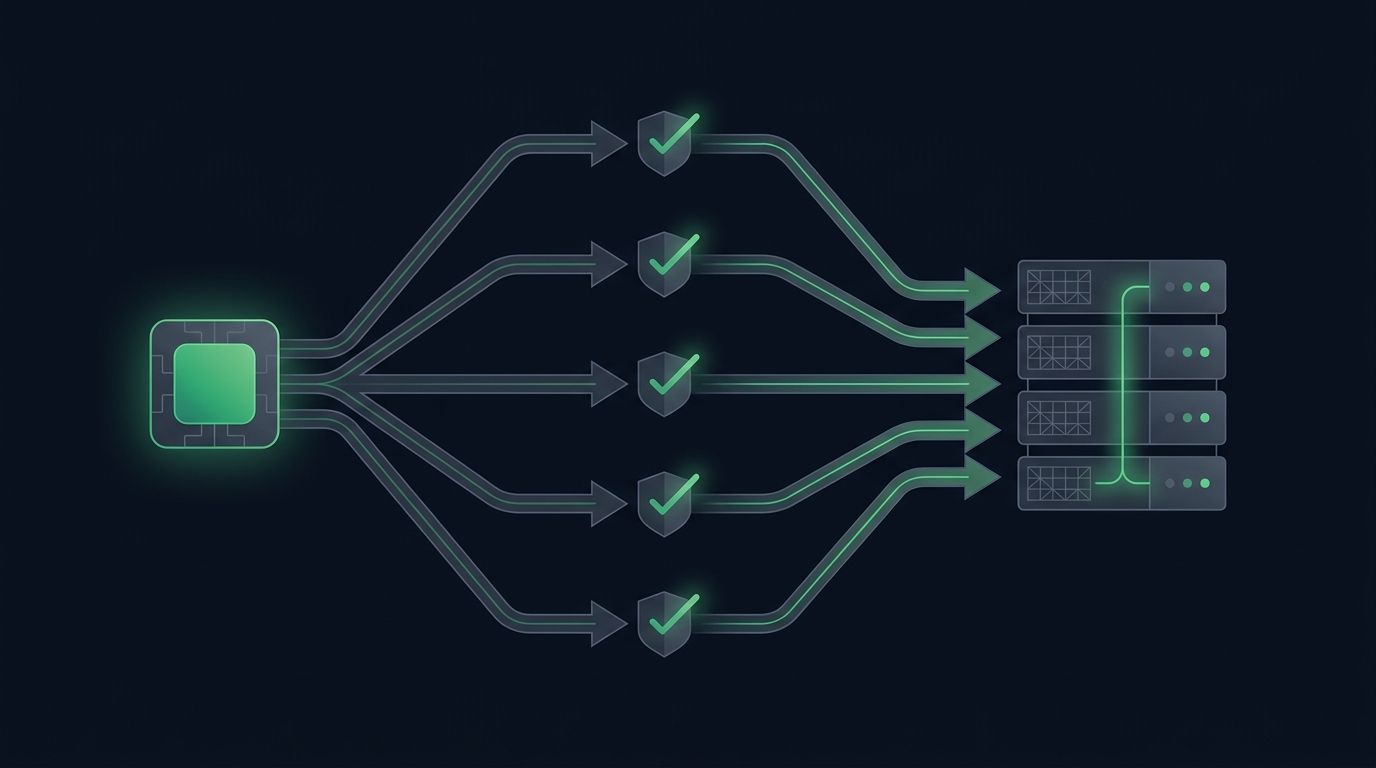
Most traders start automation with a single chart: one strategy, one pair, one alert. It works, so you add another pair. Then a third. Soon you want to automat...
Non-custodial execution. Trade-only API keys. Independent infrastructure built for reliability.
Request Early AccessTrade-only API key enforcement. No withdrawal permissions. No custody.