How to Automate TradingView Alerts With Zapier
Your TradingView strategy fires a clean alert at exactly the right moment — and then nothing happens on your exchange. If that gap between signal and execution...
Read more
Automate TradingView alerts with n8n end to end: catch the webhook, validate a shared secret, keep API keys out of the payload, and route trade-only orders to your exchange — plus where a workflow tool stops and a relay begins.
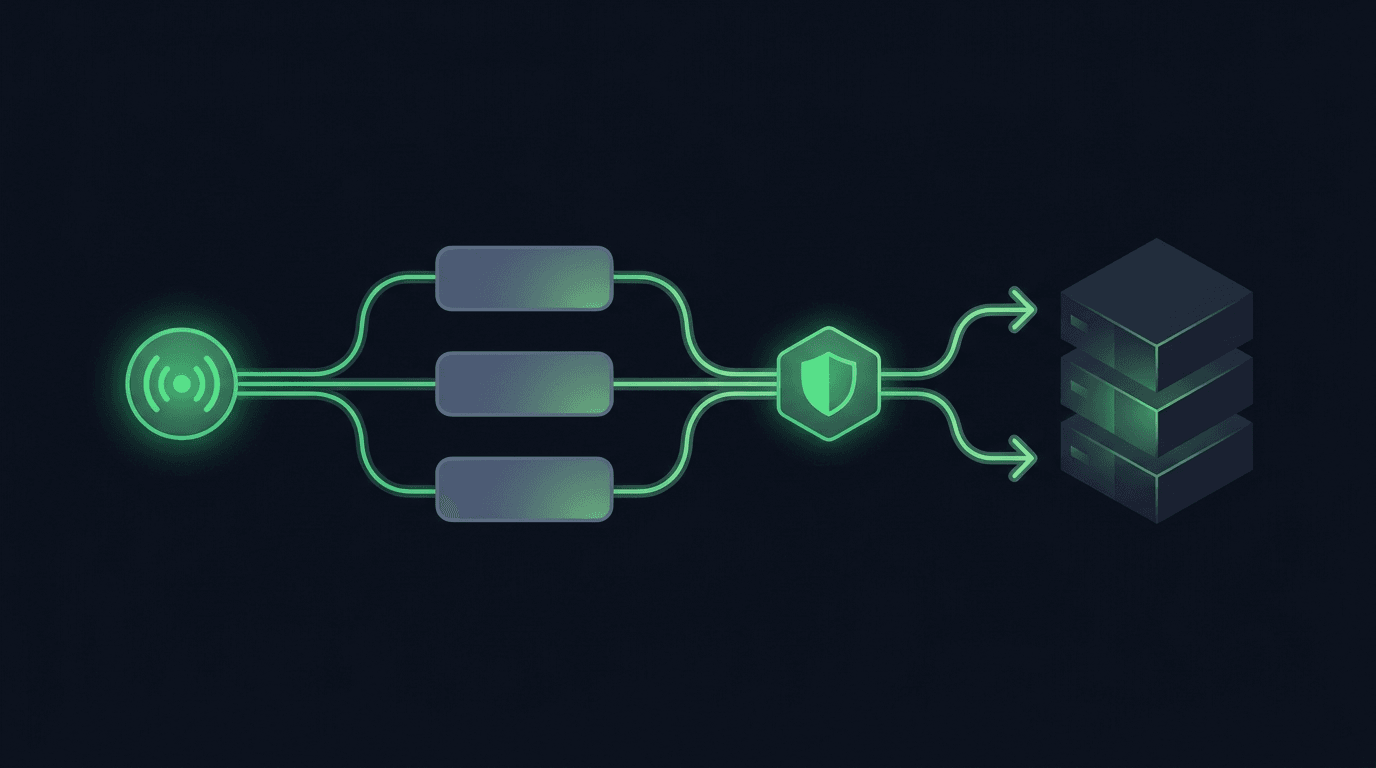
TradingView is where many traders build their edge, but a chart alert that only pops up on your screen still leaves the hardest part — placing the order — up to you. If you want to automate TradingView alerts with n8n, the goal is to close that gap: a strategy or indicator fires an alert, n8n catches it over a webhook, and an order lands on your exchange without you touching anything. n8n is a low-code automation tool, so you can wire this up visually instead of standing up a server and writing glue code from scratch. This guide walks through the full flow, the parts that tend to break, and where a workflow tool stops being enough.
n8n (pronounced "n-eight-n," short for "nodemation") is an open-source workflow automation platform. You drag nodes onto a canvas, connect them, and each node does one job: receive data, transform it, call an API. For traders, the appeal is control. Unlike a closed bot platform, you can see every step, log every payload, and change the logic without waiting on a vendor. You can self-host it or use n8n's cloud, and it speaks HTTP fluently — which is exactly what TradingView needs on the other end.
The tradeoff is that you own the reliability. A workflow tool will happily run your logic, but it will not automatically retry a failed order, dedupe a doubled alert, or tell you when your exchange rejected a trade. Those gaps are the theme of this guide.
The chain has three links. First, TradingView sends a webhook — an HTTP POST with a JSON body — the instant your alert condition is met. Second, n8n receives that POST on a Webhook node and processes it: parsing the JSON, checking a shared secret, and shaping the order. Third, n8n (or a relay it calls) submits the order to your exchange's API.
If you are new to the first link, start with how to send a webhook from TradingView and the TradingView alert message format. Those cover the alert side; the rest of this guide is about the n8n side.
Before you build anything, you will need a TradingView plan that supports webhook alerts (the paid tiers), an n8n instance (cloud or self-hosted), and an exchange account with API access. On the exchange, create trade-only API keys — keys that can place and cancel orders but cannot withdraw funds. This single choice separates a workflow that can only trade from one that could drain your account if a key leaks. Our guide on trade-only API keys and how to set them up covers the exact permissions to enable and, more importantly, disable.
In TradingView, open your indicator or strategy, create an alert, and set the "Webhook URL" to your n8n Webhook node URL (you will generate that in Step 2). In the alert's message box, write a compact JSON payload that describes the trade — not prose. A minimal example carries the action, symbol, and size, plus a secret you will check on the other side:
``` {"secret":"YOUR_SHARED_SECRET","action":"buy","symbol":"BTCUSDT","size":"0.01"} ```
Keep field names stable across every alert so your workflow can rely on them. If you run several pairs or strategies, standardize this shape once; how to structure a TradingView webhook JSON payload for orders goes deeper on field design.
In n8n, add a Webhook node as the trigger. Set the method to POST and copy its production URL into your TradingView alert. Add a node to parse the incoming body if needed, then a Set or Code node to map the alert fields to your exchange's order parameters. Finally, add an HTTP Request node that calls your exchange — or a relay endpoint — to place the order.
Activate the workflow so the production webhook is live; test URLs only fire while the editor is open. Send a test alert from TradingView and watch the execution log in n8n to confirm the payload arrives intact before you connect anything to real funds.
A webhook URL is effectively public: anyone who learns it can POST to it. Two safeguards matter. First, check the shared secret from the payload in an IF node and stop the workflow if it does not match. Second, prefer signed webhooks where you can — an HMAC signature proves the request really came from your alert and was not tampered with in transit. See how to secure a TradingView webhook with HMAC signing for the mechanics.
Never put exchange API keys inside the TradingView alert message. The alert body travels through TradingView's servers and lands in your workflow logs; keys belong in n8n's encrypted credentials store or your exchange connection, not in a JSON field.
The HTTP Request node has to speak your exchange's REST API: the right endpoint, authentication headers, and order parameters. Every exchange formats these differently, and most require a signed request with a timestamp and a nonce. This is where hand-built workflows get fragile — a change in required parameters or a rounding rule can start silently rejecting orders. If you would rather not maintain per-exchange request logic, n8n can POST to a relay that normalizes the exchange layer for you. For a single-exchange starting point, automating a TradingView strategy on Binance shows the order-submission details in context.
n8n is excellent for orchestration: catching the webhook, branching on conditions, notifying you, and stitching tools together. What it does not do out of the box is the hard part of execution — low-latency, deduplicated, retry-safe order submission with per-exchange quirks handled for you. That is the layer SignalToExchange focuses on. It is not a strategy platform or a signal seller; it is the relay between your signal and the exchange, built so one signal becomes exactly one order.
The security model stays the same either way: your funds never leave your exchange, and you connect trade-only keys with no withdrawal access. You can keep n8n for orchestration and hand the exchange call to a purpose-built relay, or run the whole flow in n8n if you are comfortable maintaining the exchange logic yourself. If reliability is the priority, the relay layer is usually where the effort pays off. For the broader picture of why signal delivery matters, compare webhooks vs API polling for trading signals.
n8n is open-source and can be self-hosted at no license cost, and it also offers a paid cloud plan. Your real costs are the infrastructure to run it reliably and the time to maintain your workflows. TradingView's webhook alerts require a paid TradingView plan regardless of which automation tool you connect to it.
Mostly no. The Webhook, IF, Set, and HTTP Request nodes cover the core flow visually. You may write small expressions to map fields, or add a Code node for custom validation, but you do not need to build or host a server from scratch.
n8n can call any exchange that exposes a REST API, but you are responsible for each exchange's authentication, order parameters, and rate limits. Maintaining that logic across several exchanges is the main reason traders route the final call through a relay that abstracts the exchange layer.
Store keys in n8n's encrypted credentials rather than in workflow fields or alert messages, restrict them to trade-only permissions, and rotate them periodically. Self-hosting also means securing the server and database where those credentials live.
Without protection, a duplicate alert becomes a duplicate order. Add an idempotency key or a short dedupe window in n8n so repeated signals within a small interval collapse into a single execution.
Automating TradingView alerts with n8n is very achievable — the workflow is the easy part. The durable challenge is execution that stays reliable under real market conditions: deduplication, retries, and exchange-specific handling that does not silently fail. Decide how much of that you want to own versus hand to dedicated infrastructure. Request access or start your free trial to see how SignalToExchange turns your signals into exchange orders.
Automated trading involves risk. SignalToExchange is execution infrastructure and does not provide financial advice, trading signals, or guarantees of any kind.
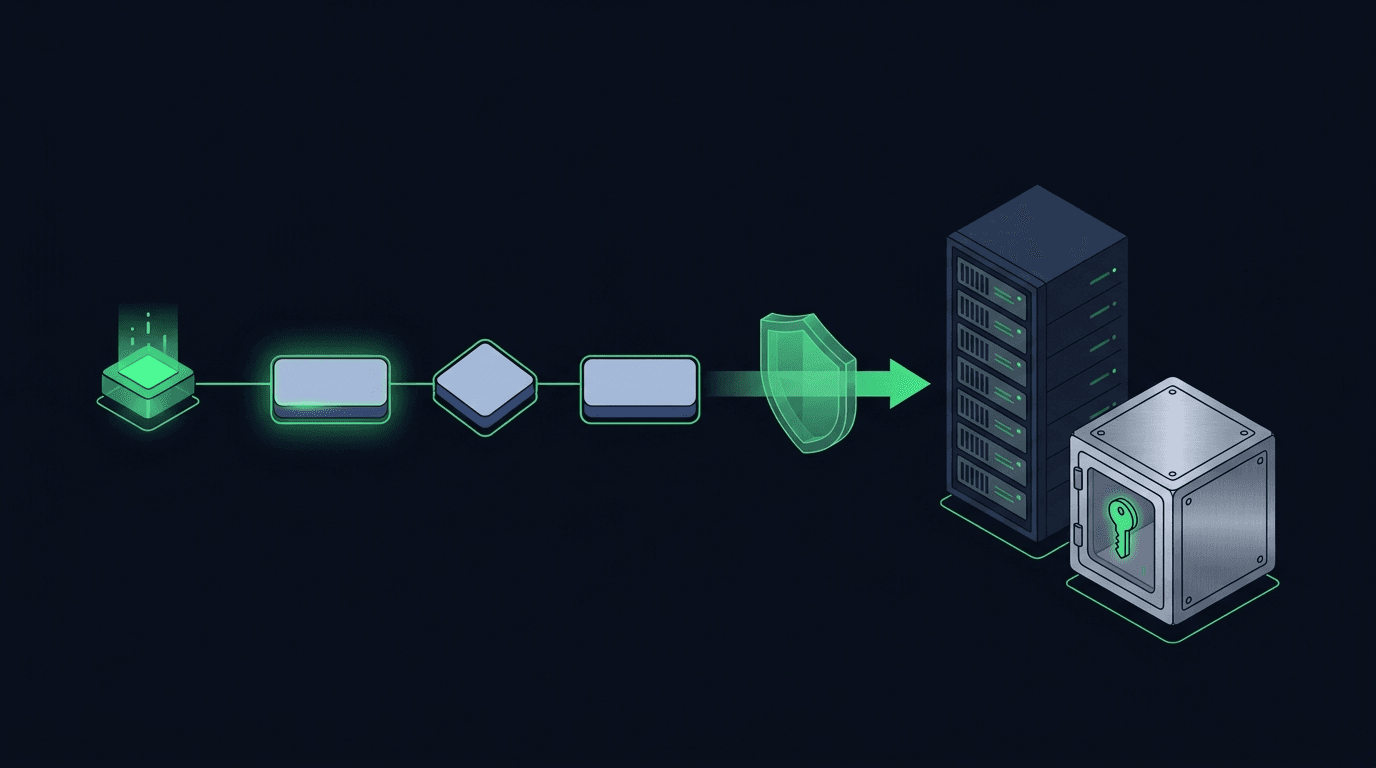
Your TradingView strategy fires a clean alert at exactly the right moment — and then nothing happens on your exchange. If that gap between signal and execution...
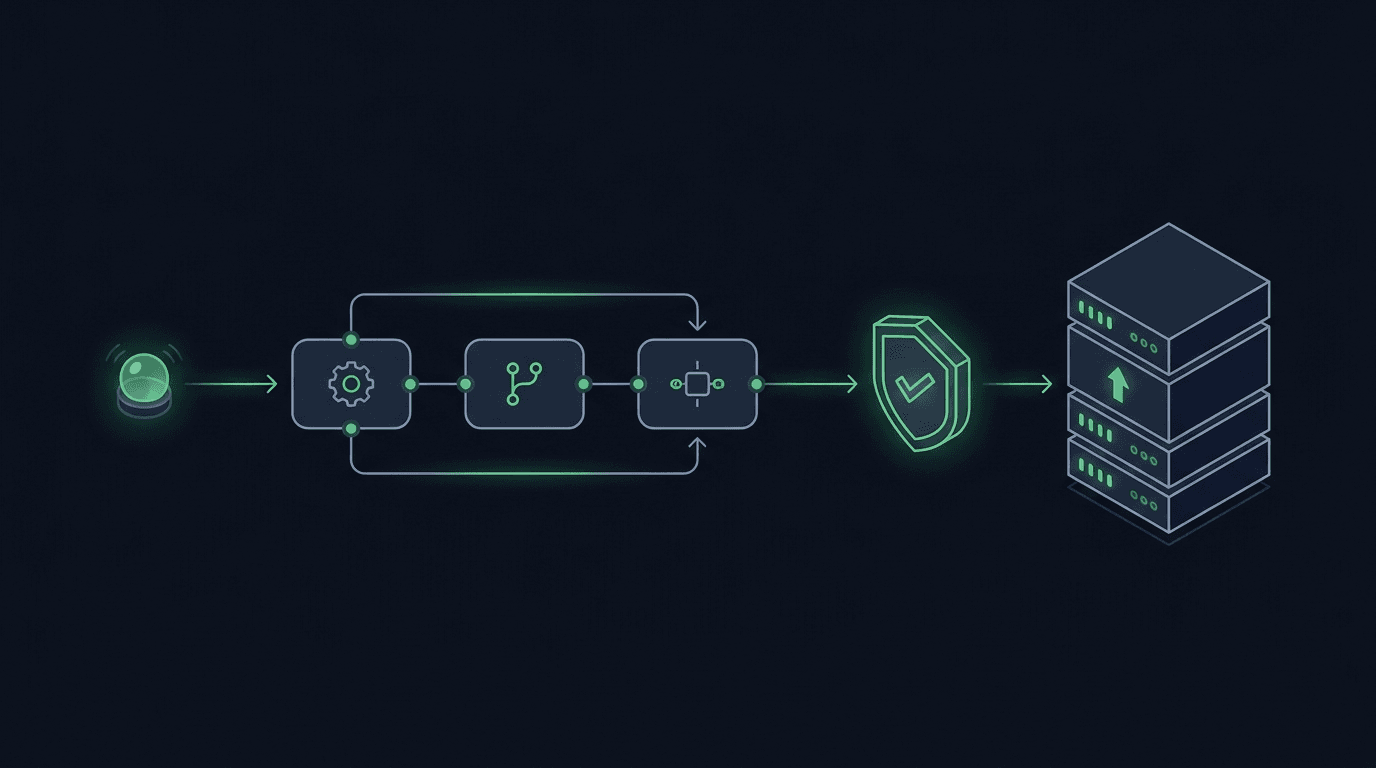
You have a TradingView strategy that fires clean alerts, but every signal still waits on you to see the notification and place the order by hand. By the time y...
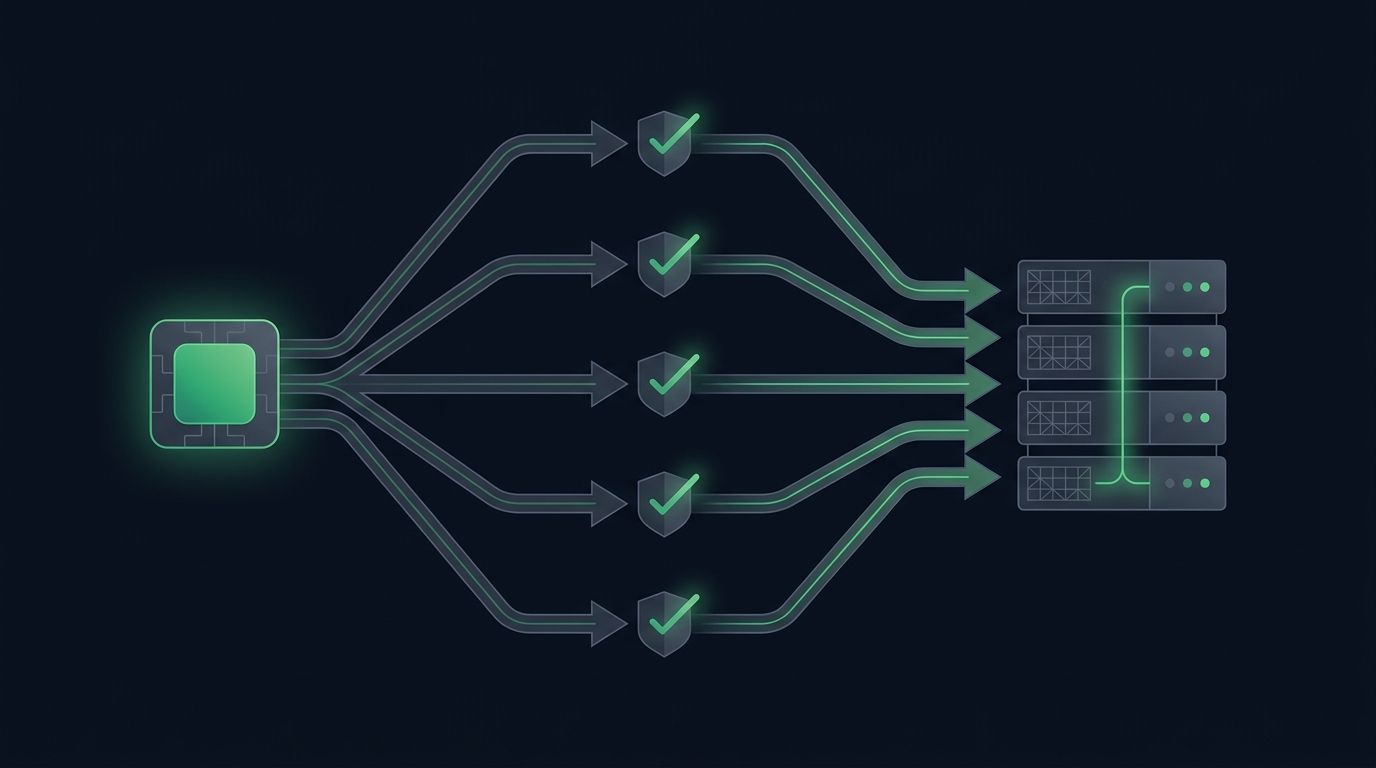
Most traders start automation with a single chart: one strategy, one pair, one alert. It works, so you add another pair. Then a third. Soon you want to automat...
Non-custodial execution. Trade-only API keys. Independent infrastructure built for reliability.
Request Early AccessTrade-only API key enforcement. No withdrawal permissions. No custody.