How to Automate TradingView Alerts With Zapier
Your TradingView strategy fires a clean alert at exactly the right moment — and then nothing happens on your exchange. If that gap between signal and execution...
Read more
Learn the TradingView alert message format that turns alerts into automated orders: required fields, working JSON examples, and the placeholders that make it dynamic.

Getting the TradingView alert message format right is the difference between an alert that fires reliably and one that silently fails to place a trade. TradingView can ping a webhook the instant your strategy condition triggers, but the platform on the other end only acts on what is inside the alert message. If that message is vague, malformed, or missing a field, your execution layer has nothing concrete to act on. This guide shows the exact alert message format for automated orders, with copy-ready JSON examples and the dynamic placeholders that make a single alert work across symbols and prices.
We will not tell you what to trade or when. The goal here is purely mechanical: how to structure the message so a signal becomes a correctly formed order.
An alert and an order are not the same thing. TradingView's job ends at "the condition happened" — the alert message is the structured instruction that an execution layer reads to know what to do. If you have ever had an alert fire while no order appeared, the cause is usually the message: free-text like "BUY NOW!!!" tells a human everything and a machine nothing. A receiver needs explicit, parseable fields. We cover the broader gap between firing an alert and placing a trade in signals vs execution.
Most execution layers, SignalToExchange included, expect a small set of fields in every alert message. At minimum you want:
A clean JSON message is the most reliable container for these fields because it is unambiguous to parse. Plain text can work if your receiver supports it, but JSON removes guesswork.
Here is a minimal market buy. Paste this into the TradingView alert's Message box and point the webhook URL at your execution endpoint:
{ "action": "buy", "symbol": "BTCUSDT", "type": "market", "qty": "0.01" }
To exit the position, a matching sell uses the same shape with the opposite action:
{ "action": "sell", "symbol": "BTCUSDT", "type": "market", "qty": "0.01" }
For a limit order, add the price field. You can hardcode it, but it is usually better to let TradingView fill it in dynamically (see placeholders below):
{ "action": "buy", "symbol": "BTCUSDT", "type": "limit", "qty": "0.01", "price": "{{close}}" }
Hardcoding every value means writing a new alert for every symbol and price. TradingView's placeholders solve this by injecting live values at fire time. The most useful ones are:
A strategy-driven alert that adapts to whatever your script does looks like this:
{ "action": "{{strategy.order.action}}", "symbol": "{{ticker}}", "type": "market", "qty": "{{strategy.order.contracts}}" }
One important caveat: {{ticker}} returns TradingView's symbol, which may differ from your exchange's pair format. Confirm the symbol your exchange expects before relying on it.
Two more fields make automated messages safe in production. First, most receivers require a secret or token so they only act on alerts that are genuinely yours — never expose this publicly. Second, a unique identifier per alert lets the receiver recognize duplicates. TradingView can retry, and networks can hiccup; without deduplication, one alert can become two orders. SignalToExchange uses an idempotency key so one signal fires exactly one order, even under retries. A production-ready message might look like:
{ "token": "YOUR_SECRET", "action": "buy", "symbol": "BTCUSDT", "type": "market", "qty": "0.01", "id": "{{timenow}}" }
A good alert message is small, explicit, and structured: an action, a symbol the exchange recognizes, a quantity, an order type, a secret, and a unique id. Get those right and the alert becomes a clean, single, predictable order on your exchange. For the full wiring — creating the alert, setting the webhook URL, and connecting your exchange — follow our TradingView webhook to exchange setup guide, and if you trade on Bybit, the TradingView to Bybit automation guide walks through it end to end.
SignalToExchange is non-custodial execution infrastructure: your funds stay on your own exchange, it connects with trade-only keys, and it turns each structured alert into exactly one order. To try it with your own alerts, Request access / start your free trial →
Automated trading involves risk. SignalToExchange is execution infrastructure and does not provide financial advice, trading signals, or guarantees of any kind.
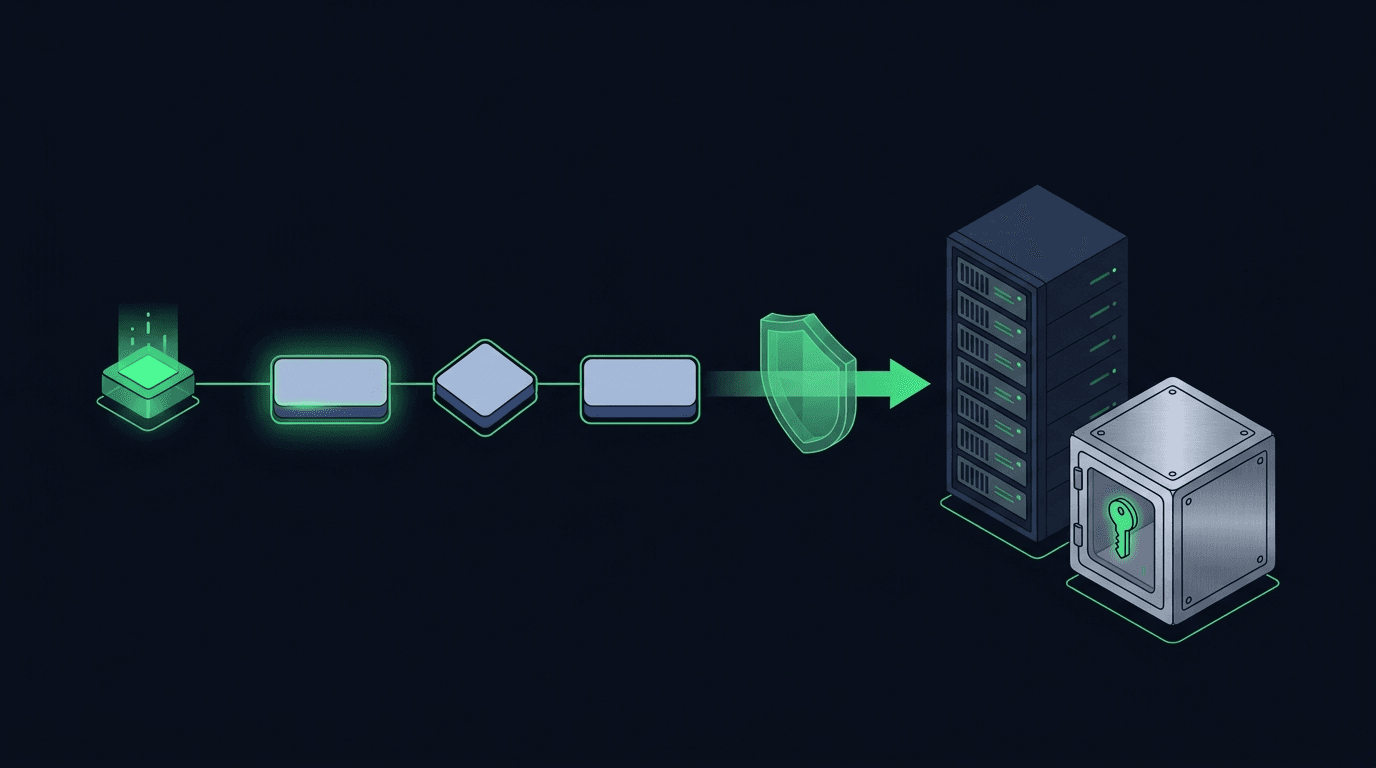
Your TradingView strategy fires a clean alert at exactly the right moment — and then nothing happens on your exchange. If that gap between signal and execution...
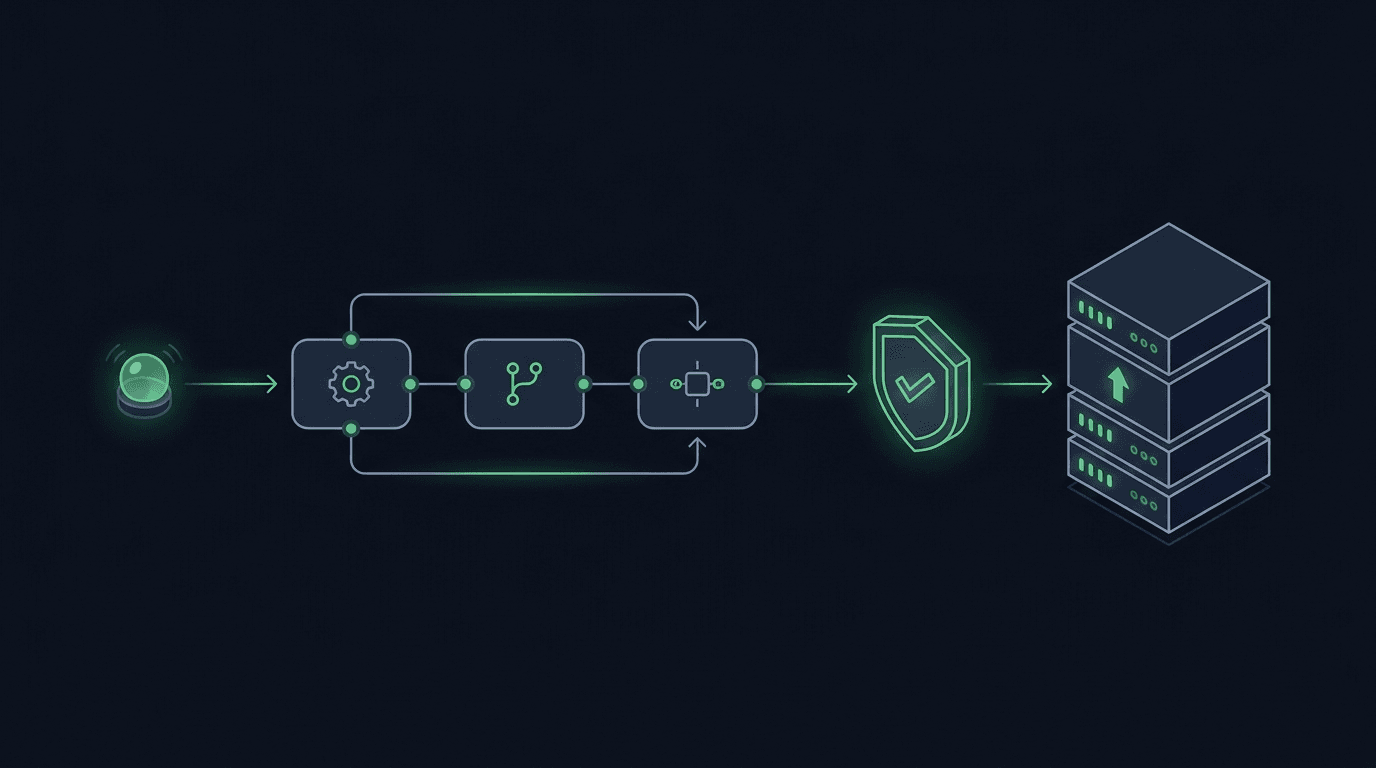
You have a TradingView strategy that fires clean alerts, but every signal still waits on you to see the notification and place the order by hand. By the time y...
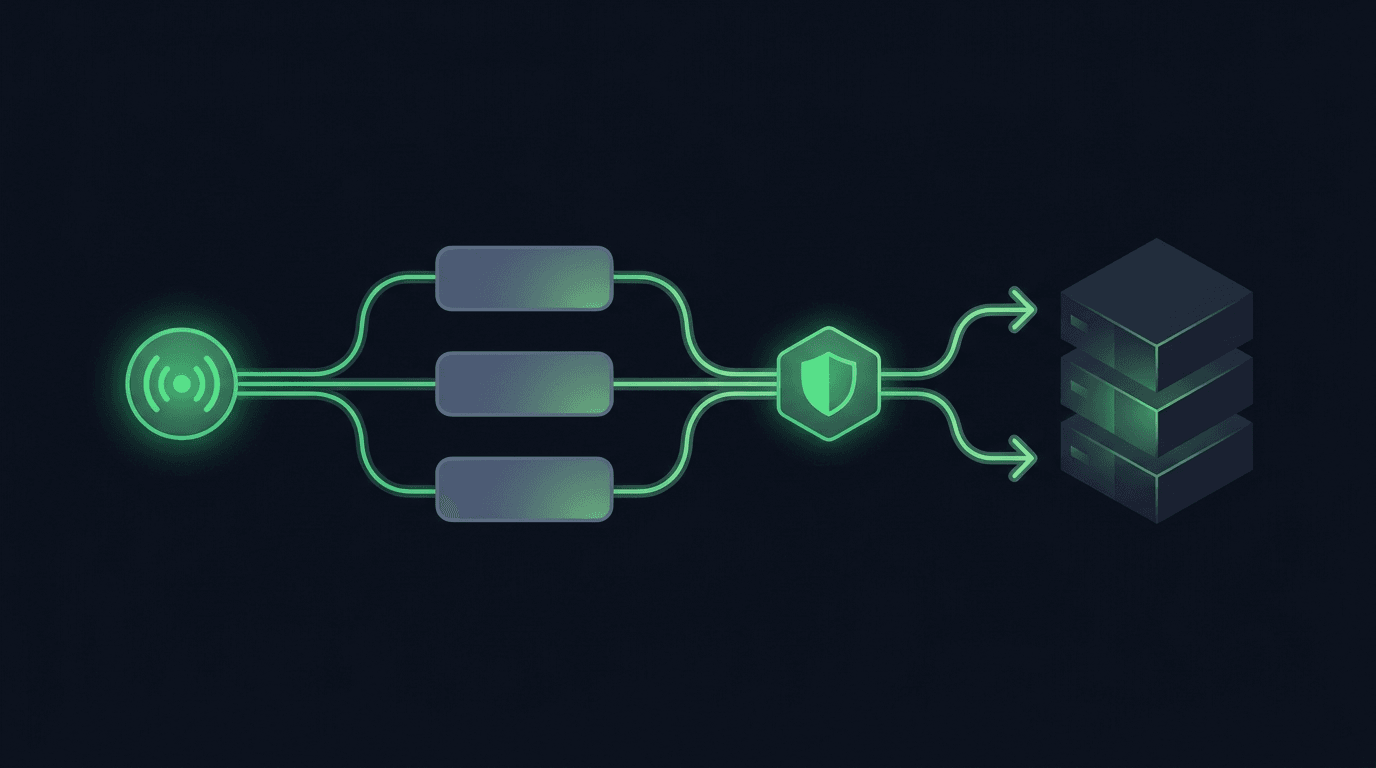
TradingView is where many traders build their edge, but a chart alert that only pops up on your screen still leaves the hardest part — placing the order — up t...
Non-custodial execution. Trade-only API keys. Independent infrastructure built for reliability.
Request Early AccessTrade-only API key enforcement. No withdrawal permissions. No custody.