How to Automate TradingView Alerts With Make (formerly Integromat)
You have a TradingView strategy that fires clean alerts, but every signal still waits on you to see the notification and place the order by hand. By the time y...
Read more
A step-by-step guide to automate TradingView alerts with Zapier: catch the webhook, validate the signal, and submit the order to your exchange, with non-custodial trade-only key safety built in.
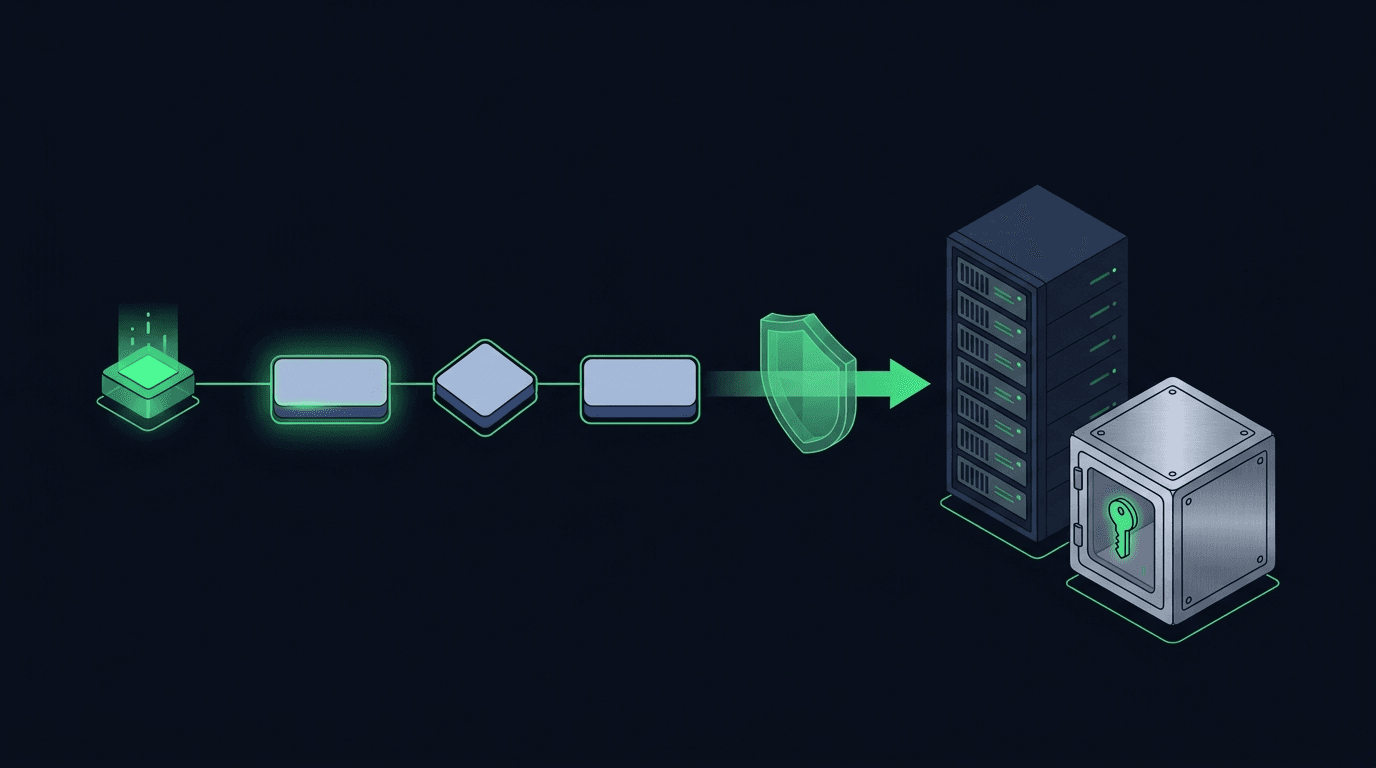
Your TradingView strategy fires a clean alert at exactly the right moment — and then nothing happens on your exchange. If that gap between signal and execution is costing you fills, you can close it with automation. This guide shows you how to automate TradingView alerts with Zapier, step by step, so a single alert turns into a single order on your exchange without you touching a keyboard.
Zapier is a familiar, no-code automation platform. If you have ever connected a form to a spreadsheet, you already understand the model: a trigger fires, and one or more actions run in response. We will use that same pattern to catch a TradingView webhook, check that the signal is valid, and route it to your exchange — while keeping your funds under your own control the entire time.
TradingView can send an alert as a webhook: an HTTP request carrying a small JSON payload that describes what just happened — symbol, side, size, and anything else you include. Zapier can receive that request using its "Webhooks by Zapier" feature, then run steps to interpret it and call another service.
So the end-to-end flow looks like this:
Zapier is the glue in the middle. It is not a strategy engine, and it does not decide what to trade; your TradingView logic does that. For a side-by-side look at other glue options, see our guides on how to automate TradingView alerts with n8n and automate TradingView alerts with Make.
You will need a TradingView plan that supports webhook alerts, since webhook notifications require a paid tier. You also need a Zapier account on a plan that includes "Webhooks by Zapier" (a Premium app), and an exchange account with API access. On the exchange, create a dedicated, trade-only API key — one that can place and cancel orders but cannot withdraw funds. If you are new to this, our guide on trade-only API keys walks through the exact permissions to enable and disable.
It also helps to know the shape of the payload you plan to send. If you have not designed one yet, read how to structure a TradingView webhook JSON payload for orders first, then come back.
In TradingView, open the chart running your strategy and create an alert. In the alert dialog, enable the "Webhook URL" notification — you will paste the Zapier URL here in Step 2. In the "Message" box, write a compact JSON payload instead of plain text. A minimal order payload needs only a few fields:
Keep the payload small and explicit. Never put an exchange API key or password inside the alert message — TradingView alert text is not the place for credentials. For a full walkthrough of the sending side, see how to send a webhook from TradingView.
Create a new Zap. For the trigger app, choose "Webhooks by Zapier" and the "Catch Hook" event. Zapier will generate a unique URL. Copy it, return to your TradingView alert, and paste it into the Webhook URL field.
Now send a test. Trigger the alert manually, or use TradingView's "Once per bar close" setting on a fast timeframe, so Zapier captures a sample request. Once Zapier sees the payload, it will show you the parsed fields — symbol, side, size, and your secret — which you can reference in the steps that follow.
This is the step most tutorials skip, and it is the one that protects you. Add a "Filter by Zapier" step right after the trigger. Configure it to continue only when the incoming secret matches the value you expect. If the secret is missing or wrong, the Zap stops, and a stray or forged request never reaches your exchange.
Add a second guard for sanity: continue only when "side" is exactly buy or sell and "size" is greater than zero. These are cheap checks, and they stop a malformed alert from turning into an order you did not intend. If you want defense in depth, combine the shared secret with request signing, explained in how to secure a TradingView webhook with HMAC signing.
Now the action step. You have two broad options.
Option A is to call the exchange API directly with a "Webhooks by Zapier, Custom Request" POST action. This works, but exchange APIs require signed, timestamped requests, and Zapier's custom request step was not designed to build exchange-specific signatures. You often end up adding a "Code by Zapier" step to sign the request, which is more moving parts than most traders want to maintain.
Option B is to post the validated signal to a relay that already speaks each exchange's API. This is where SignalToExchange fits: Zapier catches and validates the alert, then forwards a clean order to the relay, and the relay handles the exchange-specific signing and submission. You connect a trade-only key once, and every future order uses it — with no signing code inside your Zap.
Either way, the principle holds: your funds stay on your own exchange. A non-custodial relay never holds your balance; it only has permission to place and cancel orders with the trade-only key you provided.
Zapier polls and queues tasks, so there can be a short delay between the alert arriving and the action running. For slower strategies — swing entries, daily rebalances, dollar-cost averaging — that delay is usually immaterial. For latency-sensitive scalping, the queueing can matter, and a direct webhook-to-relay path will be more responsive.
Zapier also charges per task, so a high-frequency strategy can consume your task quota quickly. And because Zapier retries failed tasks, you need idempotency: a way to ensure the same alert cannot place the same order twice. Add a unique order ID to your payload and have your relay reject duplicates. We cover this in how to prevent duplicate TradingView alerts from firing.
A few rules keep an automated setup safe. Use a trade-only API key with withdrawals disabled, so a leaked key cannot move your funds off the exchange. Store any secrets in your automation platform's secret fields rather than in plain text — see how to store webhook secrets and API keys safely. Validate every incoming request against a shared secret, and ideally a signature. And test on your exchange's testnet before pointing anything at live funds; our guide on moving from testnet to live safely explains how.
Mostly no. Catching the webhook, filtering on a secret, and forwarding to a relay are all no-code steps. You only touch code if you choose Option A and build exchange-specific request signing yourself, which is the main reason many traders route through a relay instead.
It depends on your strategy. Zapier introduces a short, variable delay because it queues tasks. For swing, position, and dollar-cost-averaging strategies, that is usually fine. For fast scalping, a direct webhook-to-relay path will respond more quickly than a multi-step Zap.
Only to the extent the API key you connect allows. If you use a trade-only key with withdrawals disabled — which you should — then neither Zapier nor any relay can move your funds. The key can place and cancel orders and nothing more.
Without protection, you could place a duplicate order. Add a unique order ID to each payload and have your relay reject repeats. This idempotency step is essential because Zapier retries failed tasks automatically.
"Webhooks by Zapier" is a Premium app, so catching a webhook generally requires a paid Zapier plan. Check your current plan's app access before you build.
Automating TradingView alerts with Zapier turns a good strategy into one that actually acts when you are away from the screen. Catch the webhook, validate it, and route a single clean order to your exchange — with a trade-only key that keeps custody of your funds in your hands. If you would rather skip the exchange-signing plumbing entirely, SignalToExchange is the non-custodial relay that takes a validated signal and submits the order for you. Request access / start your free trial.
Automated trading involves risk. SignalToExchange is execution infrastructure and does not provide financial advice, trading signals, or guarantees of any kind.
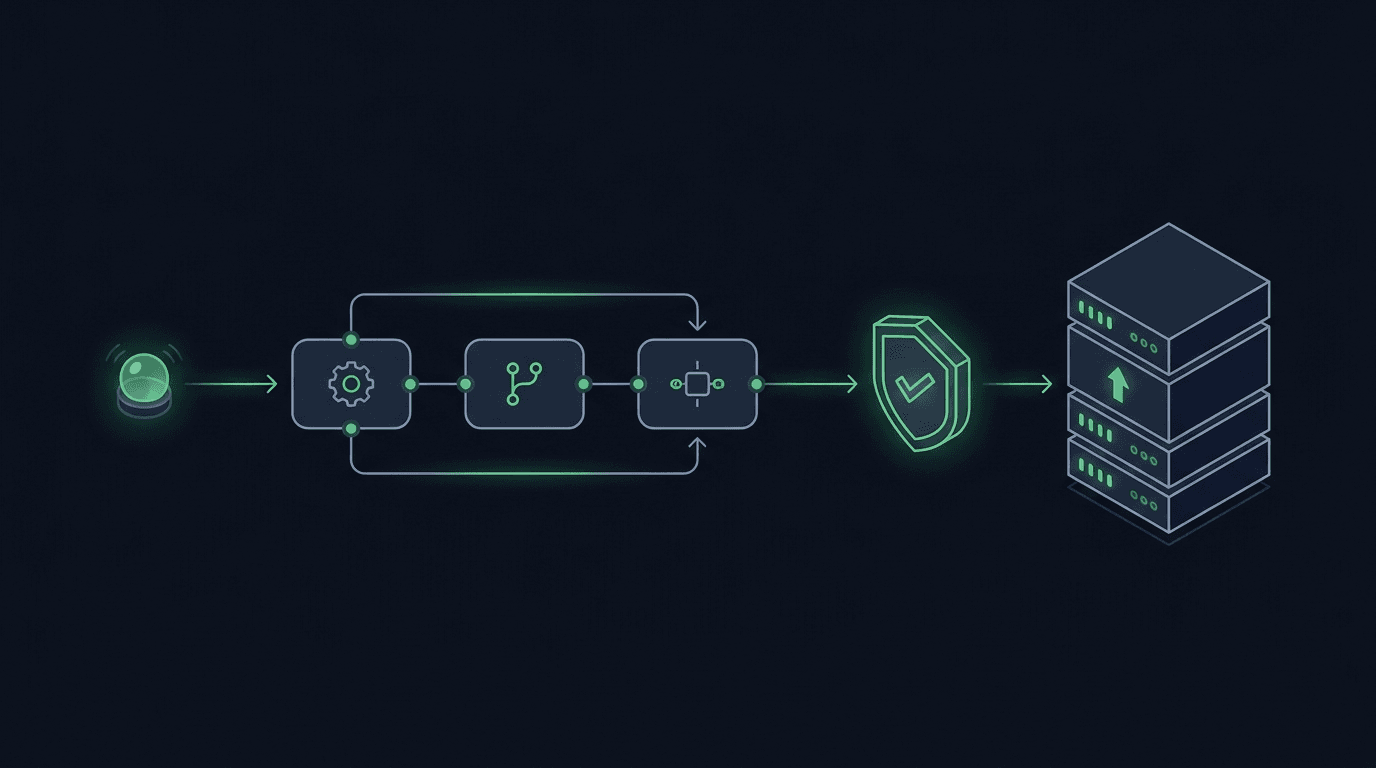
You have a TradingView strategy that fires clean alerts, but every signal still waits on you to see the notification and place the order by hand. By the time y...
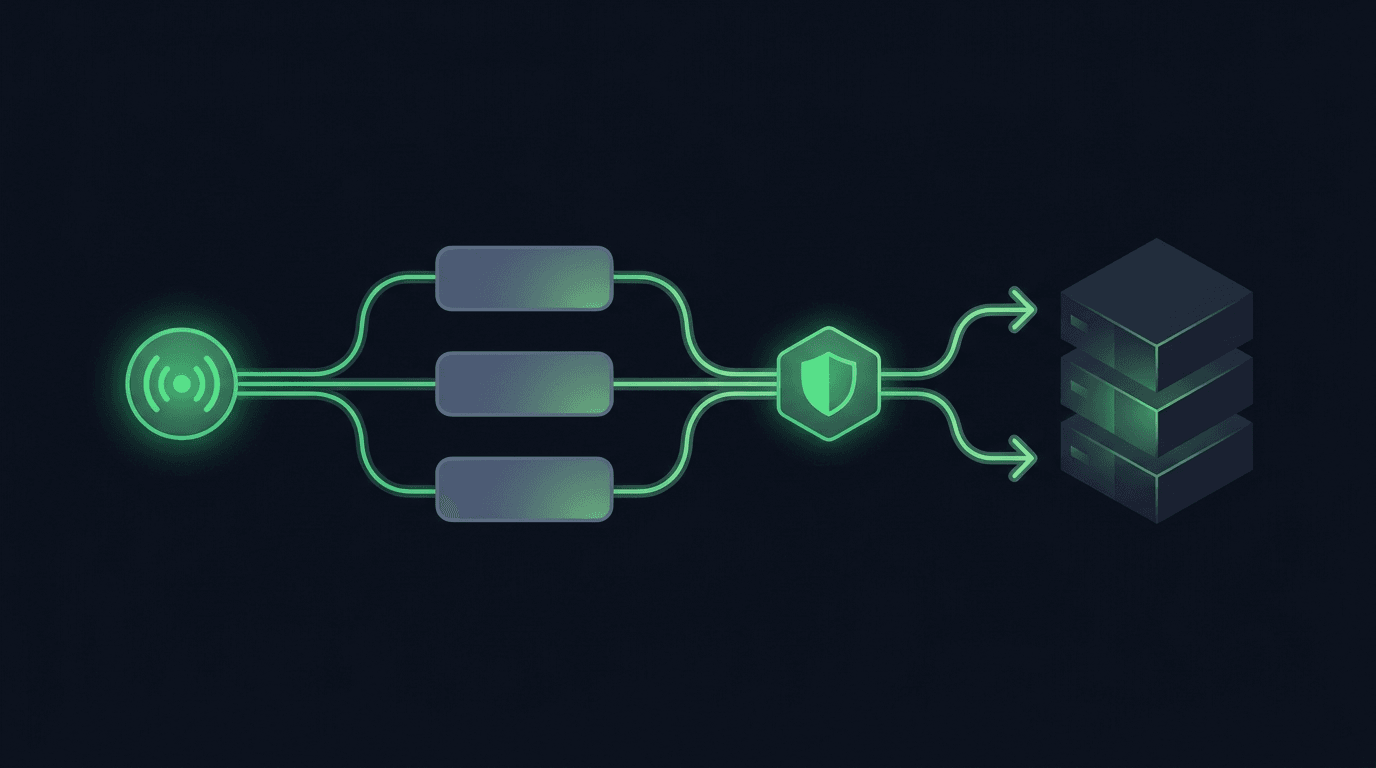
TradingView is where many traders build their edge, but a chart alert that only pops up on your screen still leaves the hardest part — placing the order — up t...
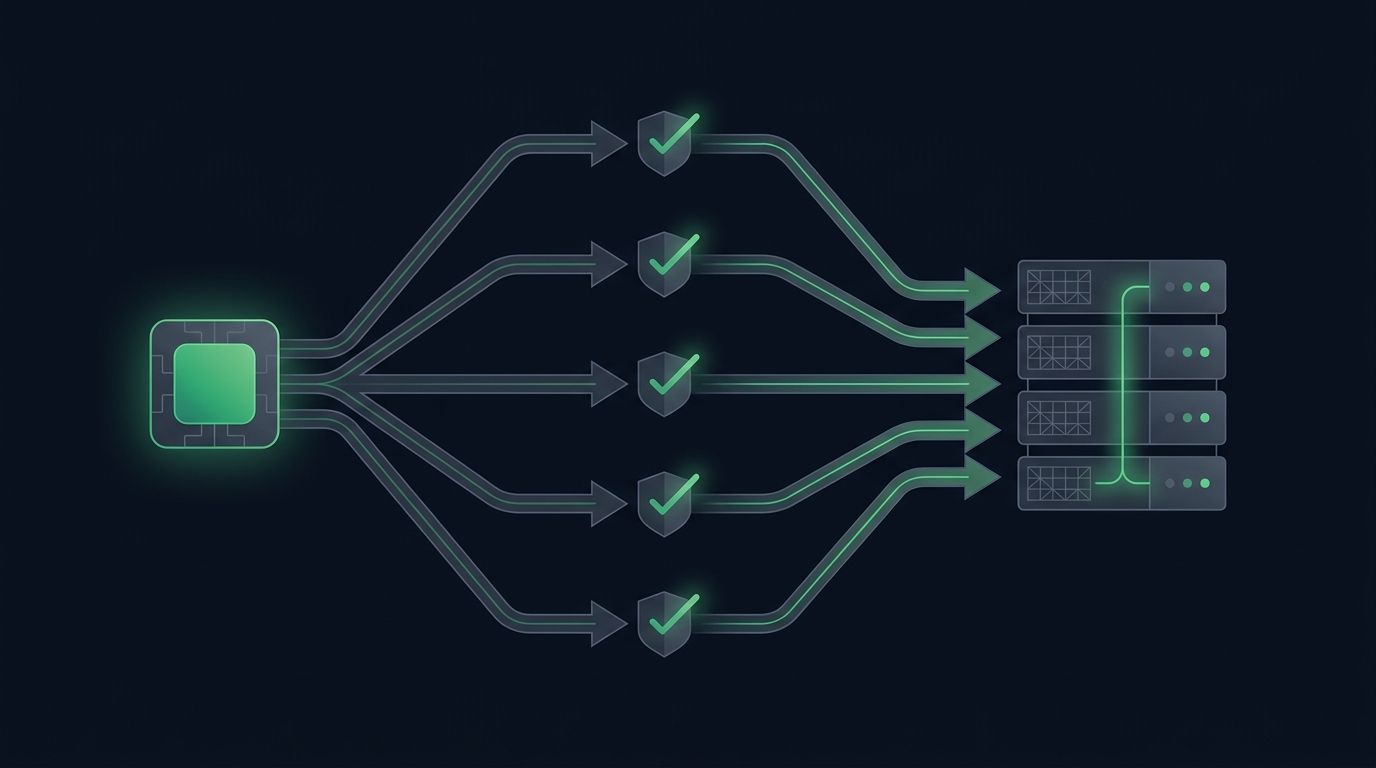
Most traders start automation with a single chart: one strategy, one pair, one alert. It works, so you add another pair. Then a third. Soon you want to automat...
Non-custodial execution. Trade-only API keys. Independent infrastructure built for reliability.
Request Early AccessTrade-only API key enforcement. No withdrawal permissions. No custody.