How to Automate TradingView Alerts With Zapier
Your TradingView strategy fires a clean alert at exactly the right moment — and then nothing happens on your exchange. If that gap between signal and execution...
Read more
A field-by-field guide to the TradingView webhook JSON payload format for placing orders, with a working example, dynamic placeholders, and the reliability and security details that matter.

When a TradingView alert fires, it sends whatever text you typed into the alert's message box to your webhook URL. If that text is not structured, your automation receives a blob it cannot act on. Getting the TradingView webhook JSON payload format right is the difference between an alert that quietly does nothing and one that places the exact order you intended. This guide breaks the payload down field by field, shows a working example, and covers the reliability and security details that matter once real orders are on the line.
A TradingView webhook is simple: when your alert condition triggers, TradingView sends an HTTP POST request to the URL you configured, and the body of that request is the alert's message text. Nothing more happens on TradingView's side. It does not know what an order is. It just delivers your message to whatever endpoint is listening.
That endpoint — a receiver or relay — is what reads the message and turns it into an exchange order. For the receiver to do its job, the message has to be predictable. JSON (JavaScript Object Notation) is the standard way to write that predictable structure: named fields, clear values, easy to parse. If you want a refresher on the mechanics before going deeper, our guide on what a trading webhook is walks through the full request flow. One consequence is worth internalizing early: TradingView is not validating your order. It will happily send a malformed message, a wrong symbol, or a size your account cannot support. All of that validation is the receiver's job, which is exactly why a disciplined payload structure matters.
A well-structured payload answers every question the receiver needs to place an order, and nothing it does not. At minimum, that means:
Keeping field names short, lowercase, and consistent across every alert makes your automation far easier to debug when something looks off.
Here is a compact, valid JSON payload that a receiver can act on: `{"action":"buy","symbol":"BTCUSDT","type":"market","qty":"0.01","id":"a1b2c3d4"}`
Read left to right, it says: buy BTCUSDT, as a market order, for a size of 0.01, and treat `a1b2c3d4` as the unique identifier for this instruction. That is enough for a receiver to submit one clean order. Everything else you add — price, account routing, timestamps, signatures — is there to make the instruction more precise or more secure, not to change its core meaning.
Paste the JSON directly into the alert's message box. Keep it on structure you can read at a glance, because you will be editing it under pressure at some point.
Hard-coding every value works for a single fixed alert, but most strategies need values that change at fire time. TradingView supports placeholders that it substitutes into your message the moment the alert triggers. The common ones for order payloads include:
A dynamic payload might look like `{"action":"{{strategy.order.action}}","symbol":"{{ticker}}","type":"market","qty":"{{strategy.order.contracts}}"}`. When the alert fires, TradingView replaces each placeholder with a real value before sending. One caveat: placeholders are only available in the context that supplies them — strategy placeholders need a strategy alert, not a plain indicator alert. Our breakdown of the TradingView alert message format covers which placeholders are available where.
Structure is about correctness, not just parsing. Two fields do most of the heavy lifting here.
The first is an idempotency key — a unique value per signal, such as a UUID. Networks retry. A single alert can be delivered more than once, and without a way to recognize the repeat, your automation could place the same order twice. When each payload carries a stable, unique `id`, the receiver can safely ignore duplicates. We go deep on this pattern in how idempotency keys prevent duplicate trades.
The second is a stable client order identifier derived from that key, so the order can be traced end to end — from the alert, through the relay, to the exchange acknowledgment. When something goes wrong at three in the morning, being able to follow one identifier through every hop turns a guessing game into a lookup.
A webhook URL is a public endpoint. Anyone who learns it can POST to it, so the payload needs a way to prove it genuinely came from you. The two common approaches are a shared secret token carried in a field, and an HMAC signature computed over the message body. Signing is stronger because the secret itself is never transmitted. If you rotate that secret on a schedule, keep the rotation in lockstep on both the sender and the receiver so a valid signal is never rejected mid-change.
Just as important is what sits behind the receiver. A relay like SignalToExchange is non-custodial: it connects to your exchange using trade-only API keys that can place and cancel orders but cannot withdraw funds, and your balance never leaves your exchange. Structuring your payload well does not help if the keys behind it are over-permissioned, so pair a clean payload with least-privilege access — see our guide on setting up trade-only API keys.
A short checklist catches most problems before they reach the exchange:
No. TradingView will send any text you put in the message box. JSON is a convention that makes the message reliably machine-readable. Your receiver decides what format it accepts, and JSON is the most common and the easiest to validate.
Yes. Placeholders such as `{{ticker}}` and `{{strategy.order.action}}` are substituted into the message before it is sent, including inside JSON strings. Make sure the resulting text is still valid JSON after substitution, and confirm the placeholder is available for your alert type.
Include a unique identifier in every payload and have your receiver dedupe on it. A stable idempotency key means a repeated delivery is recognized and ignored rather than executed twice.
Avoid sending a raw secret in every message. A stronger pattern is an HMAC signature computed from the body, which proves authenticity without transmitting the secret itself. Keep the exchange keys themselves trade-only so they cannot move funds.
That depends on your receiver and the exchange, but market and limit orders are the common cases. Always set the `type` field explicitly and include a `price` only when the order type requires it.
A clean, well-structured payload is the foundation, but it still needs reliable infrastructure to reach the exchange and become an order. SignalToExchange is the relay layer that receives your webhook, validates it, dedupes it, and submits the order to your exchange over trade-only keys — so you control the signal logic and we handle dependable execution. Request access / start your free trial and connect your first TradingView alert today.
Automated trading involves risk. SignalToExchange is execution infrastructure and does not provide financial advice, trading signals, or guarantees of any kind.
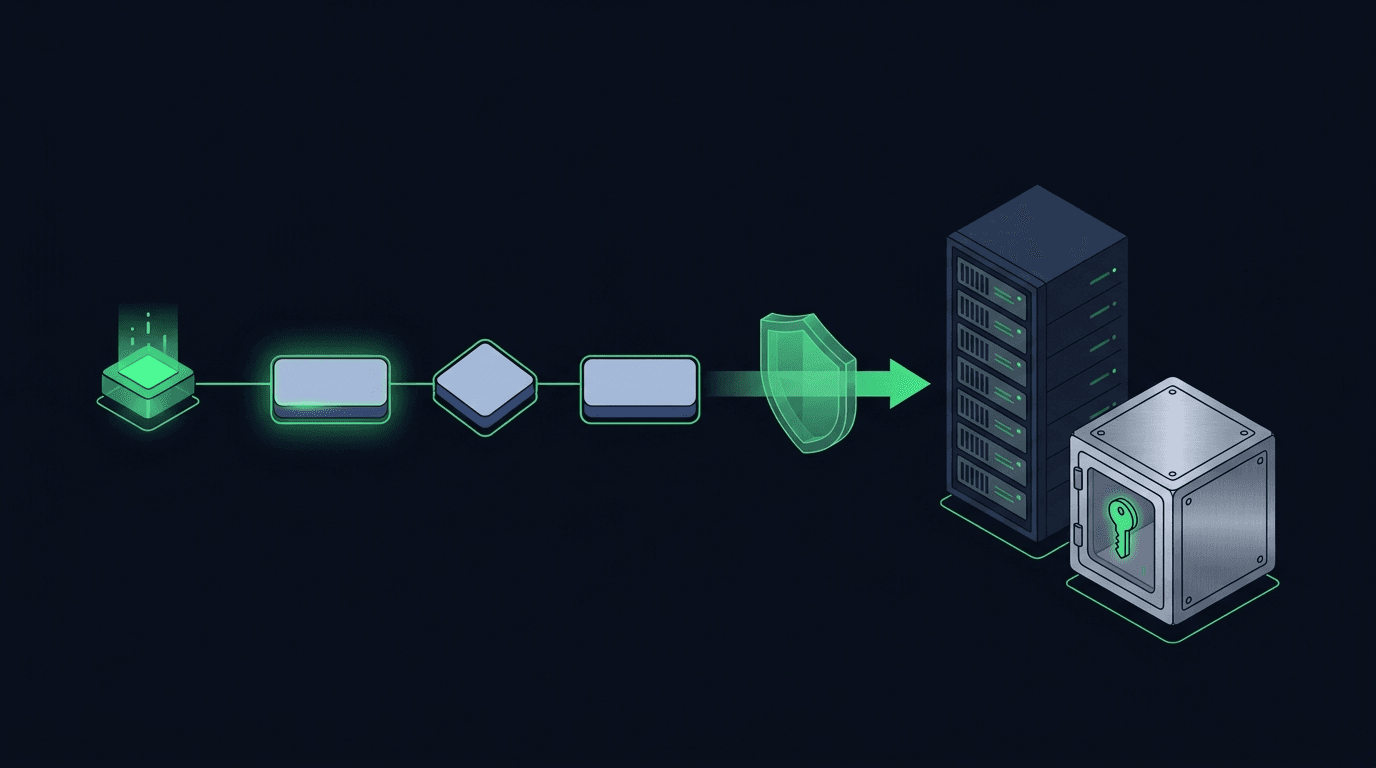
Your TradingView strategy fires a clean alert at exactly the right moment — and then nothing happens on your exchange. If that gap between signal and execution...
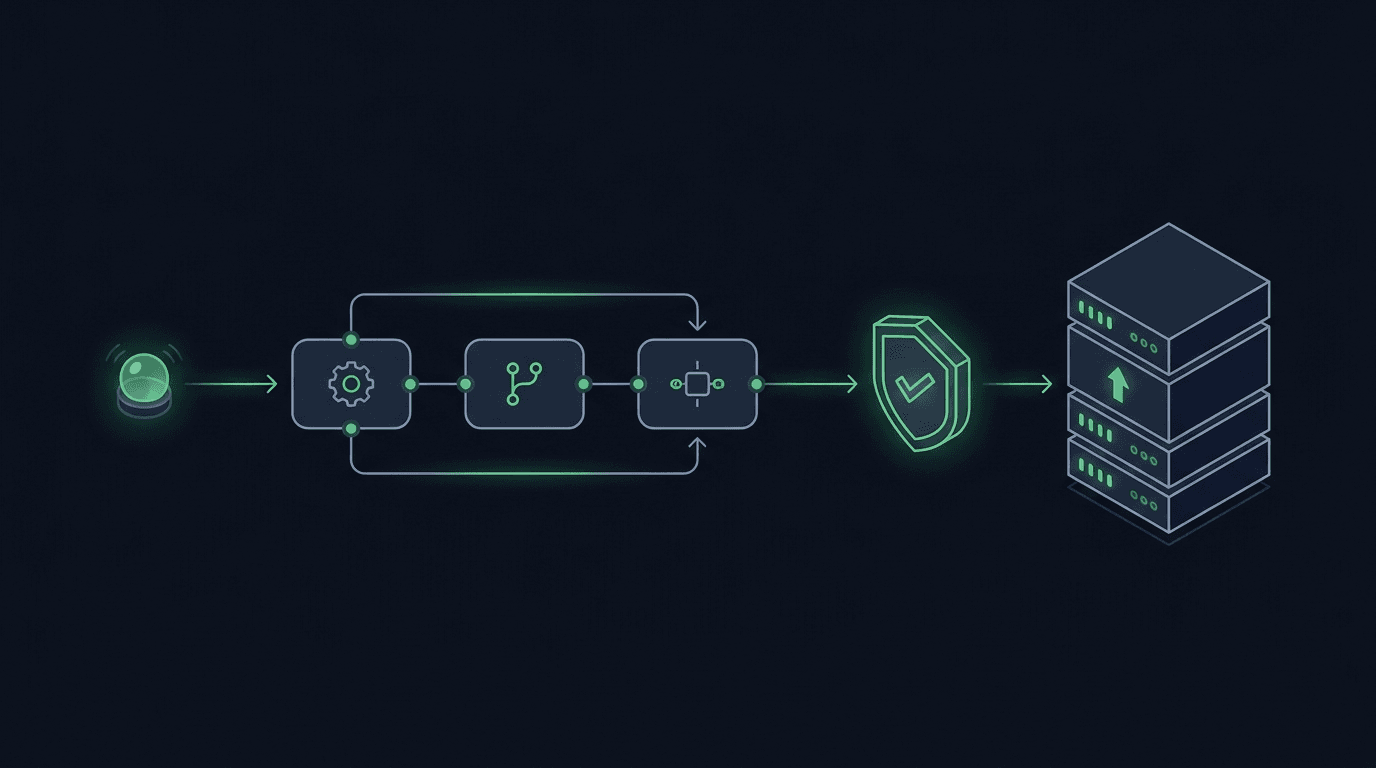
You have a TradingView strategy that fires clean alerts, but every signal still waits on you to see the notification and place the order by hand. By the time y...
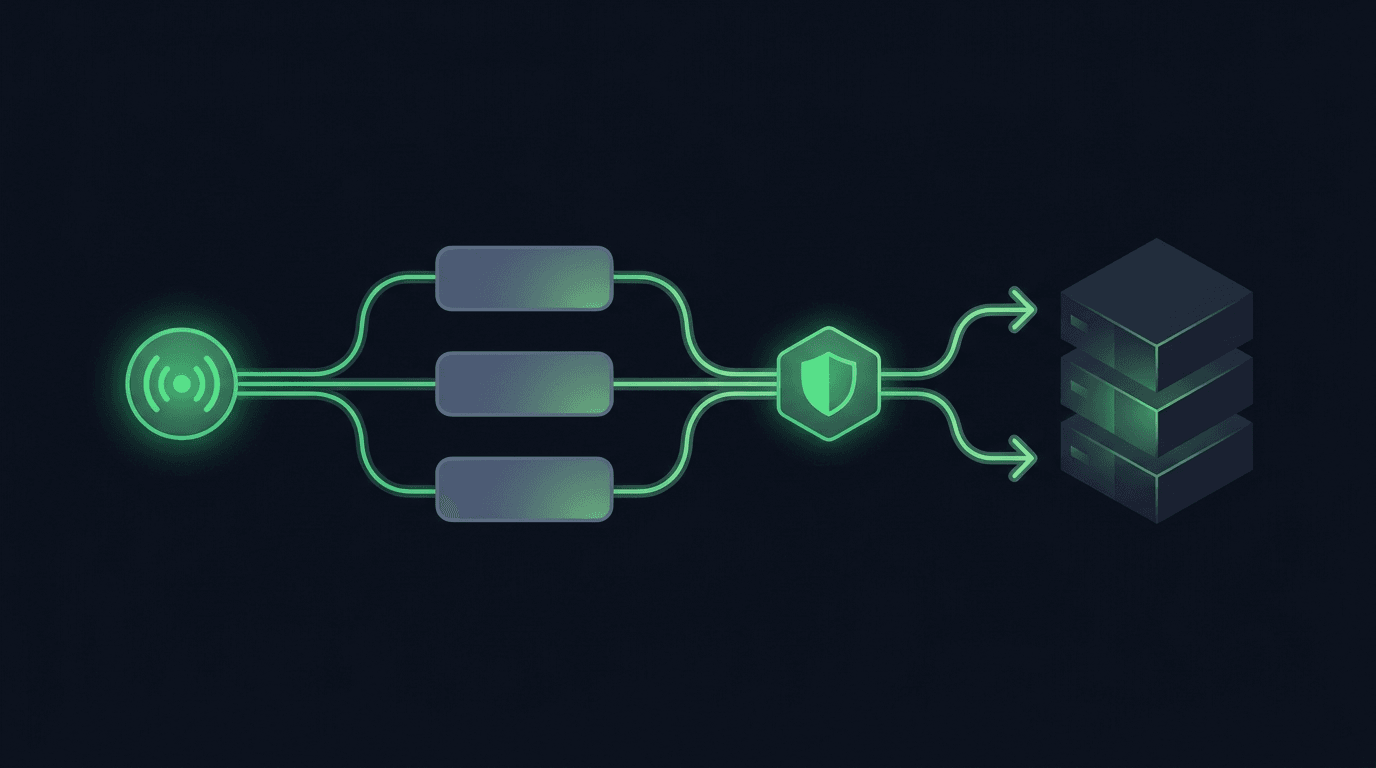
TradingView is where many traders build their edge, but a chart alert that only pops up on your screen still leaves the hardest part — placing the order — up t...
Non-custodial execution. Trade-only API keys. Independent infrastructure built for reliability.
Request Early AccessTrade-only API key enforcement. No withdrawal permissions. No custody.