Why You Should Never Put API Keys in TradingView Alert Messages
It is a tempting shortcut. You are wiring up a TradingView strategy to fire orders automatically, the receiving system asks for your exchange credentials, and...
Read more
A trade-only API key lets an automation tool place orders but never withdraw your funds. Here's why that scope matters and how to set one up on your exchange.
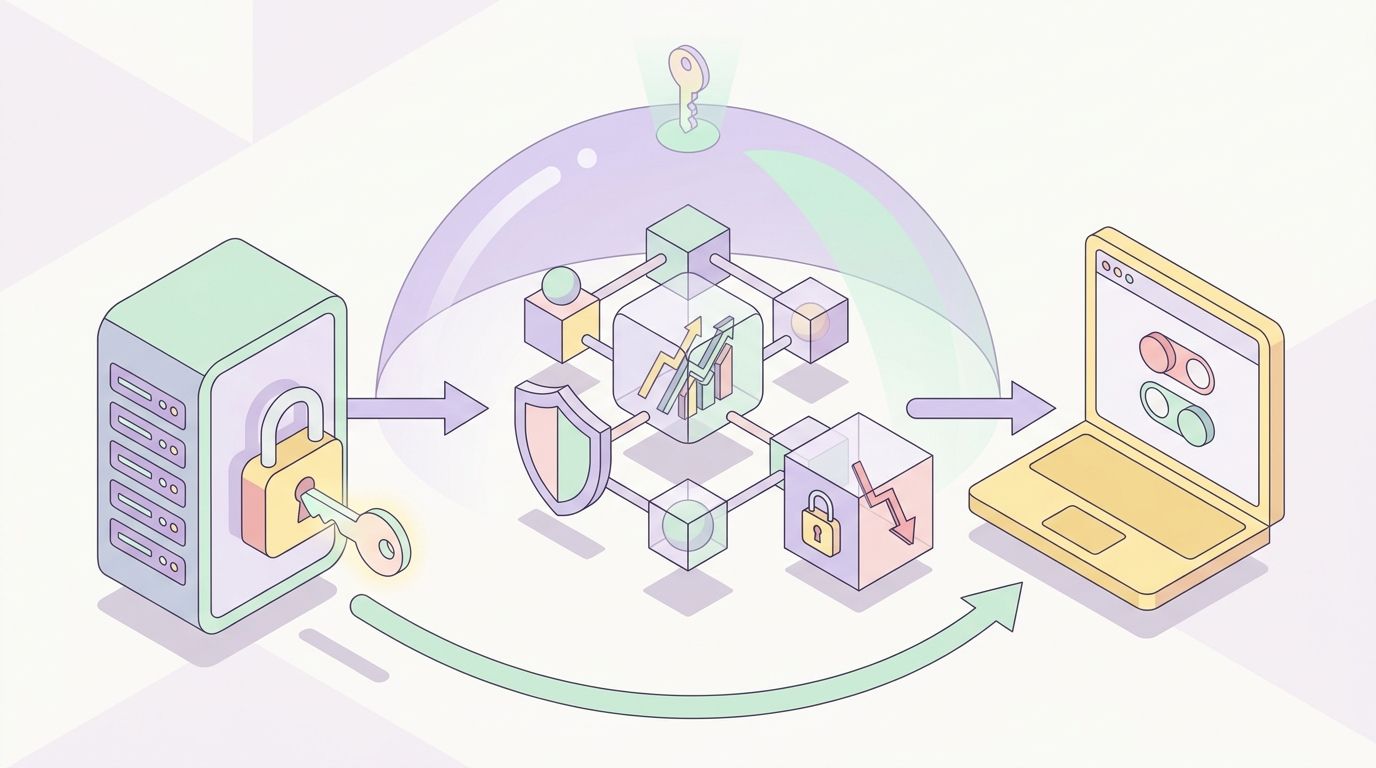
When you connect any automation tool to your exchange, the single most important safety decision is what its API key is allowed to do. A trade-only API key can place and cancel orders but cannot move your money — and that one restriction is the difference between a bounded inconvenience and a drained account if a key is ever exposed. This guide explains why trade-only keys matter and walks through how to set one up correctly.
We will not recommend a strategy or promise any result. The aim is to help you connect automation in the safest way your exchange supports.
An exchange API key is a credential that lets external software act on your account. Crucially, exchanges let you scope each key independently across three kinds of permission:
The exchange itself enforces these limits — not the software holding the key. That is the property a trade-only setup relies on: if you never grant withdrawal permission, no tool, however buggy or compromised, can withdraw your funds.
An execution layer has exactly one job: turn your signals into orders. It needs trade permission, usually read permission, and nothing else. There is no legitimate reason for it to hold withdrawal rights.
Scoping to trade-only keys means the tool places orders, never withdrawals. If a key leaks — through a breach, a logging mistake, or a phishing attack — the worst case is unwanted orders on your own account: visible, bounded by your balance, and reversible by closing positions and revoking the key. Compare that to a key with withdrawal rights, where the worst case is funds gone for good. The asymmetry is the whole argument. This is also why non-custodial execution and trade-only keys go together: your funds stay on your exchange, and the connection can only trade. We unpack that pairing in our guide on custodial vs non-custodial trading bots.
The exact menu names vary by exchange, but the steps are the same everywhere. Always create a dedicated key for each tool rather than reusing one.
Log in to your exchange and find the API section — usually under Account, Profile, or Settings, labeled "API Management" or "API Keys."
Generate a new key and give it a clear label like "signaltoexchange-trade" so you can identify and revoke it later. The exchange will show an API key and a secret; the secret is shown once, so copy it carefully.
In the permissions list, enable reading and spot and/or futures trading as appropriate for what you trade. Leave the withdrawal permission explicitly disabled. On Binance this means enabling "Enable Spot & Margin Trading" and/or "Enable Futures" while leaving "Enable Withdrawals" unchecked. On Bybit, select the "Trade" permission and do not grant "Withdraw." The labels differ; the principle does not.
If the exchange offers IP allow-listing, restrict the key to the addresses your automation tool publishes. This means a leaked key is useless from anywhere else. If the tool provides its outbound IPs, add them here.
Paste the key and secret into the tool. A well-built execution layer will accept a trade-only key without complaint, because it does not need more. If a tool refuses to work unless you grant withdrawal access, treat that as a red flag and stop.
SignalToExchange is non-custodial execution infrastructure: it takes a structured signal from TradingView, a bot, or any webhook source, validates it against your rules, and routes it to your exchange as a correctly formatted order. It connects with trade-only keys, stores them encrypted at rest, and never requests or needs withdrawal permission — your funds never leave your exchange, and one signal fires exactly one order. For a deeper look at API key safety, see our guide on whether it's safe to give a trading bot your API keys.
If you want a secure way to automate your existing signals with trade-only access, Request access / start your free trial →
Automated trading involves risk. SignalToExchange is execution infrastructure and does not provide financial advice, trading signals, or guarantees of any kind.

It is a tempting shortcut. You are wiring up a TradingView strategy to fire orders automatically, the receiving system asks for your exchange credentials, and...

You wire up a strategy, connect an API key, and let the automation run. It works. But the orders are landing on the same exchange account that holds your long-t...

When you automate crypto trading, your exchange account stops being something you log into by hand and becomes something software touches around the clock. That...
Non-custodial execution. Trade-only API keys. Independent infrastructure built for reliability.
Request Early AccessTrade-only API key enforcement. No withdrawal permissions. No custody.