What Is an API Withdrawal Whitelist and Why It Protects Automated Traders
When you automate crypto trading, your exchange account stops being something you log into by hand and becomes something software touches around the clock. That...
Read more
Running a bot on your main exchange account mixes automated orders with your manual trades and long-term holdings. A dedicated sub-account for automated trading isolates the risk. Here is how sub-accounts work and how to set one up safely.
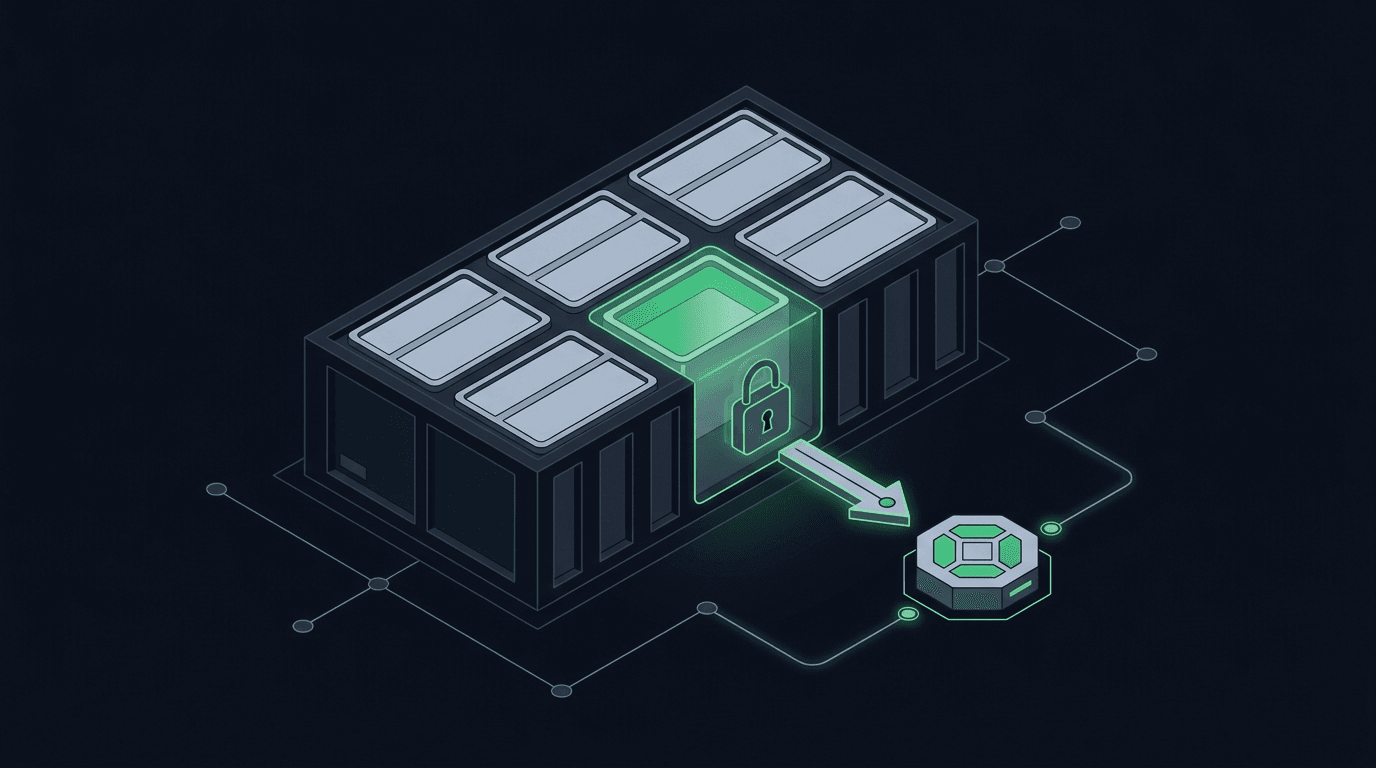
You wire up a strategy, connect an API key, and let the automation run. It works. But the orders are landing on the same exchange account that holds your long-term positions, your manual trades, and most of your funds. One misconfigured alert or a runaway loop, and the blast radius is your entire balance.
A dedicated sub-account for automated trading fixes this. It gives your bot its own walled-off space on the exchange, funded with only what you choose to expose, with its own API keys and its own balance. If something goes wrong, it goes wrong in a container you defined instead of across everything you own. This guide explains what sub-accounts are, why they matter for automation, and how to set one up.
A sub-account is a separate account nested under your main exchange login. Most major exchanges — Binance, Bybit, OKX, Kraken, KuCoin, and Bitget among them — let you create one or more sub-accounts from a single verified identity. You do not re-do KYC. You do not manage a second password in most cases. You simply spin up a child account that has its own balance, its own trade history, and, critically, its own API keys.
Think of it as a compartment on a ship. The main account is the hull; each sub-account is a sealed section. Flooding one section does not sink the vessel. For automated trading, that compartment is where your bot lives, sees, and acts — and nowhere else.
The core reason is blast-radius control. Automation runs without a human watching every order, so the failure modes are different from manual trading. A duplicate alert, a bad quantity calculation, or an unexpected market gap can produce orders you never intended. When those orders hit an account that only holds your automation capital, the damage is bounded by design.
There are three more practical benefits. First, clean accounting: every fill in the sub-account came from your strategy, so performance and tax records are trivial to separate from manual activity. Second, tighter permissions: the API key you issue on the sub-account can be trade-only and scoped to exactly the markets the bot needs. Third, easy shutdown: if you want to stop a strategy cold, you disable one key or move funds out of one account, without touching your main holdings.
This isolation pairs naturally with a non-custodial approach to automation. Your funds never leave the exchange, the sub-account keeps them ring-fenced, and the trade-only key means the relay that submits orders can act but can never withdraw.
The exact menu names vary by exchange, but the flow is consistent. Set aside ten minutes and work through these steps on your exchange's web interface, not a mobile app, since key management is usually desktop-only.
This is the step that turns a sub-account from "somewhat safer" into genuinely defensible. When you generate the API key, generate it from within the sub-account, not the parent, so the key can only ever see that compartment.
Enable trading permission and leave withdrawal permission off. Every major exchange separates these two scopes, and a key without withdrawal access cannot move funds off the exchange no matter who holds it. If your exchange offers IP allowlisting, restrict the key to the IP address of the service that will use it. Record the key and secret in a password manager or secrets vault the moment they are shown; most exchanges display the secret only once.
If you are new to key scoping, our guides on trade-only API keys and exchange API key permissions walk through each toggle in detail.
With keys and permissions set, transfer only the capital your strategy needs into the sub-account. Internal transfers between a main account and its sub-accounts are instant and usually free, so there is no penalty to funding lean and topping up later.
Size the balance to the risk you are comfortable exposing to unattended orders, not to the size of your portfolio. A sub-account funded with a defined slice keeps a strategy's worst day contained. Keep the bulk of your holdings in the main account or a separate cold-storage arrangement, and rebalance on your own schedule rather than leaving everything inside the automated compartment.
The most frequent error is generating the API key from the main account and assuming it is scoped to the sub-account — it is not, and it will expose your whole balance. Always create keys from inside the sub-account itself. The second mistake is enabling withdrawal permission "just in case." Automation never needs it; leave it off. The third is over-funding: moving a large balance into the sub-account because transfers are convenient defeats the isolation you set it up for. Fund to the strategy, not to the portfolio.
Most large exchanges do, including Binance, Bybit, OKX, Kraken, KuCoin, and Bitget, though some reserve the feature for verified or higher-tier accounts. Check your exchange's account settings; if sub-accounts are unavailable, a separate fully verified account is the fallback, at the cost of repeating KYC.
Only if you enable withdrawal permission when you create it. For automation, you should not. A trade-only key can place and cancel orders but cannot move assets off the exchange. This is the foundation of a non-custodial setup, where your funds stay put and the automation only executes trades.
Only the capital you are willing to expose to unattended orders. There is no universal figure; it depends on your strategy and your own risk tolerance. Because internal transfers are instant, funding conservatively and topping up as needed carries no real friction.
No. Sub-accounts use the same exchange API and matching engine as the parent account, so latency is unchanged. The isolation is an account-level boundary, not an extra network hop.
A dedicated sub-account is one of the highest-leverage security decisions you can make before turning on automation, and it costs nothing but a few minutes of setup. Create the compartment, issue a trade-only key, fund it to your strategy, and your bot runs inside a boundary you defined.
SignalToExchange is built to sit on exactly this kind of setup: connect a trade-only key from an isolated sub-account, keep custody of your funds on your own exchange, and let the relay submit your signals as orders. Request access or start your free trial to route your first automated order from a sub-account you control.
Automated trading involves risk. SignalToExchange is execution infrastructure and does not provide financial advice, trading signals, or guarantees of any kind.
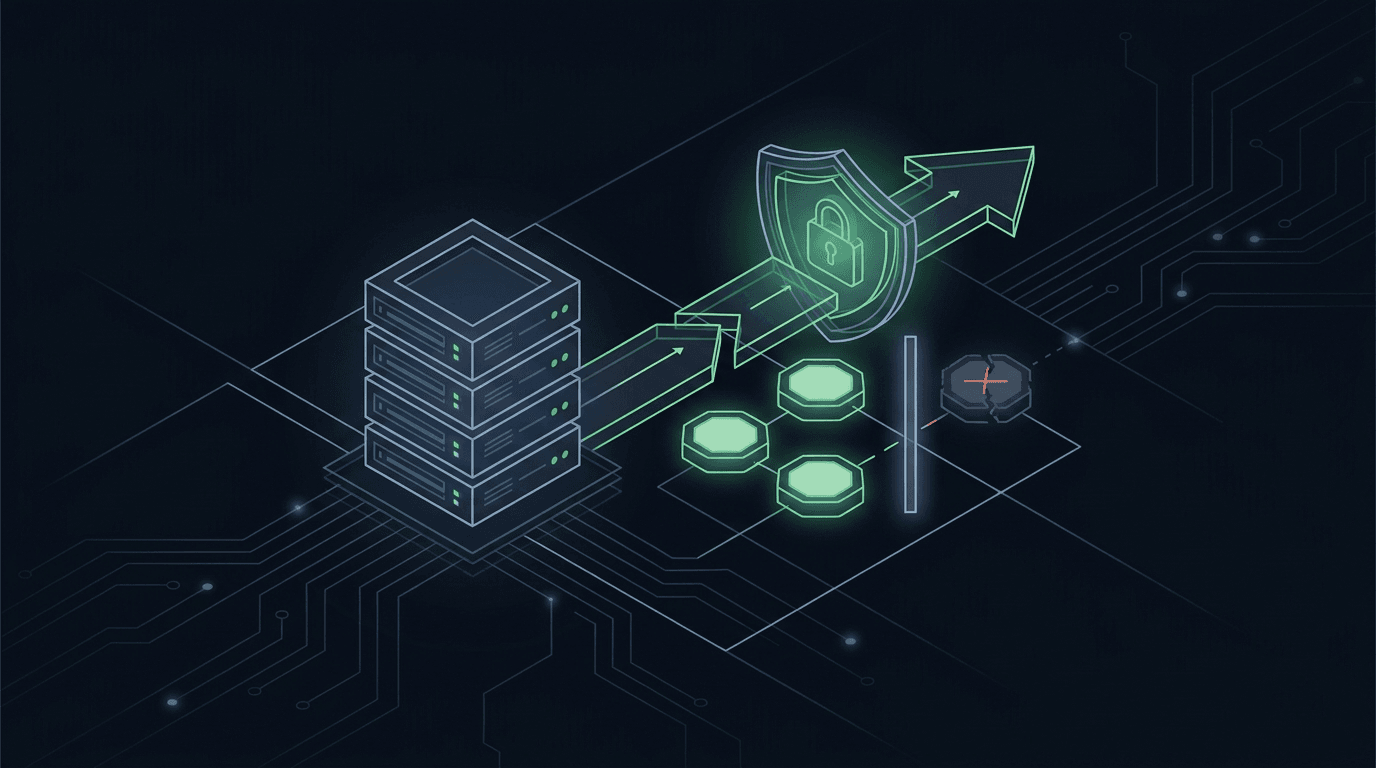
When you automate crypto trading, your exchange account stops being something you log into by hand and becomes something software touches around the clock. That...
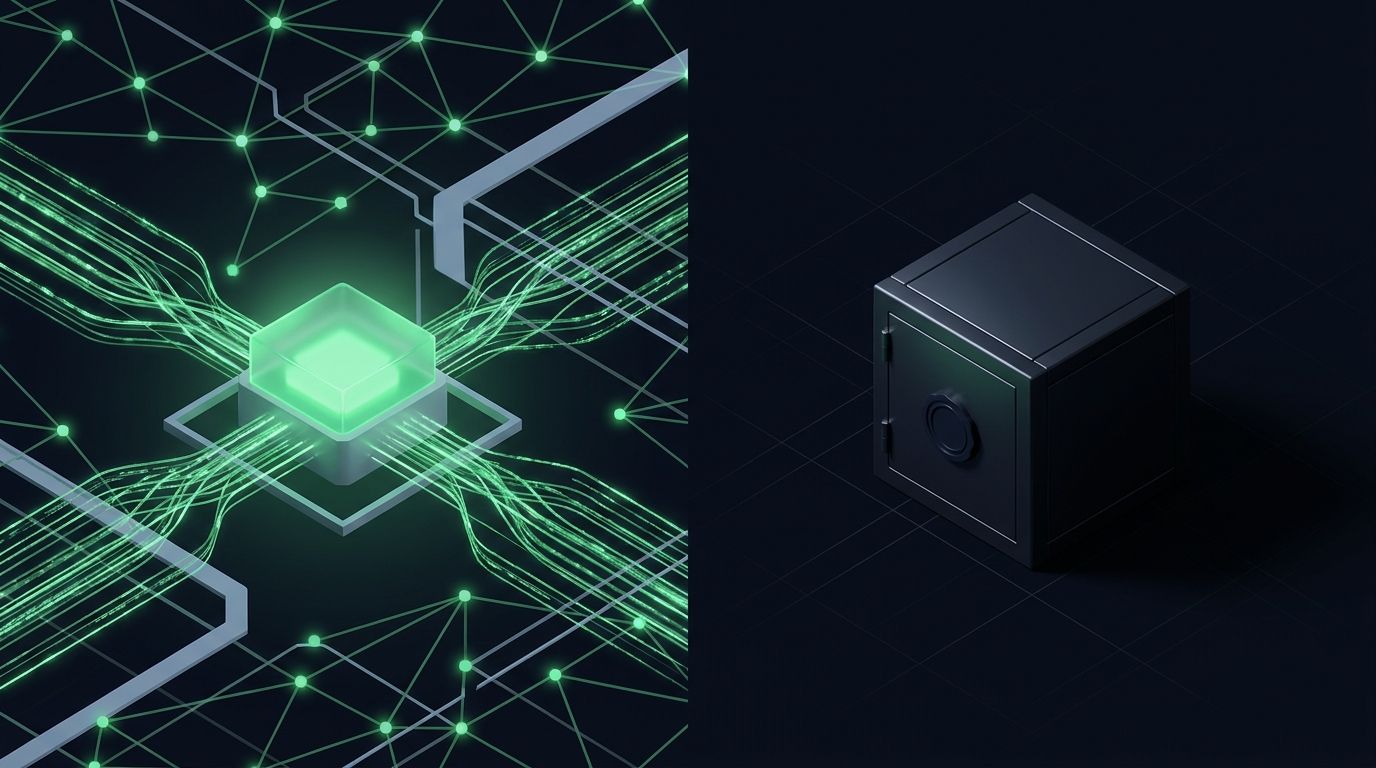
If you automate trades, the hot wallet vs cold wallet question stops being theory and becomes an operational decision you make with real money. Automated tradi...
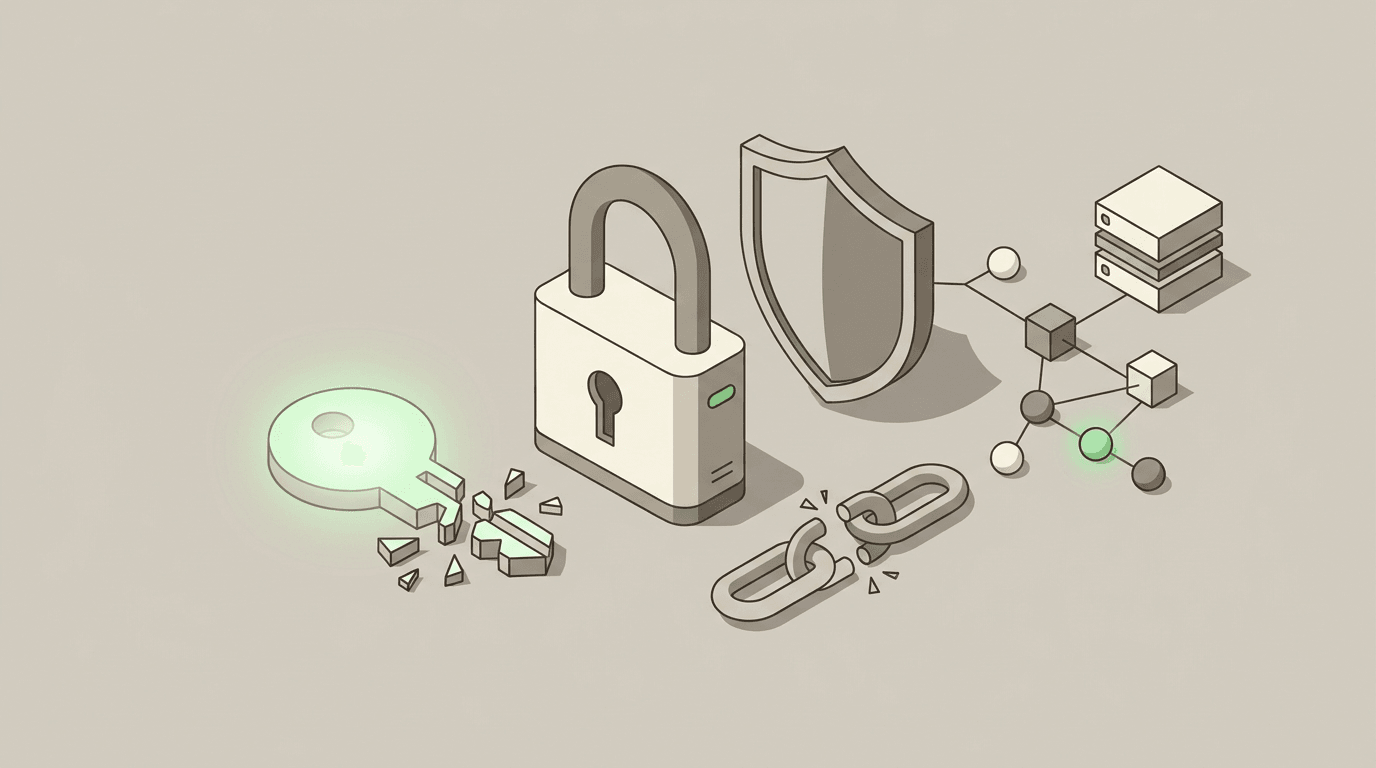
If your exchange API key is leaked, what to do first matters more than anything else: move fast and revoke it. A leaked exchange API key is a serious security...
Non-custodial execution. Trade-only API keys. Independent infrastructure built for reliability.
Request Early AccessTrade-only API key enforcement. No withdrawal permissions. No custody.