Why You Should Never Put API Keys in TradingView Alert Messages
It is a tempting shortcut. You are wiring up a TradingView strategy to fire orders automatically, the receiving system asks for your exchange credentials, and...
Read more
Every exchange API key carries a set of permissions that decide exactly what a connected app can do with your account. Here is what read, trade, and withdraw access mean, and how to scope a key so automation stays safe.
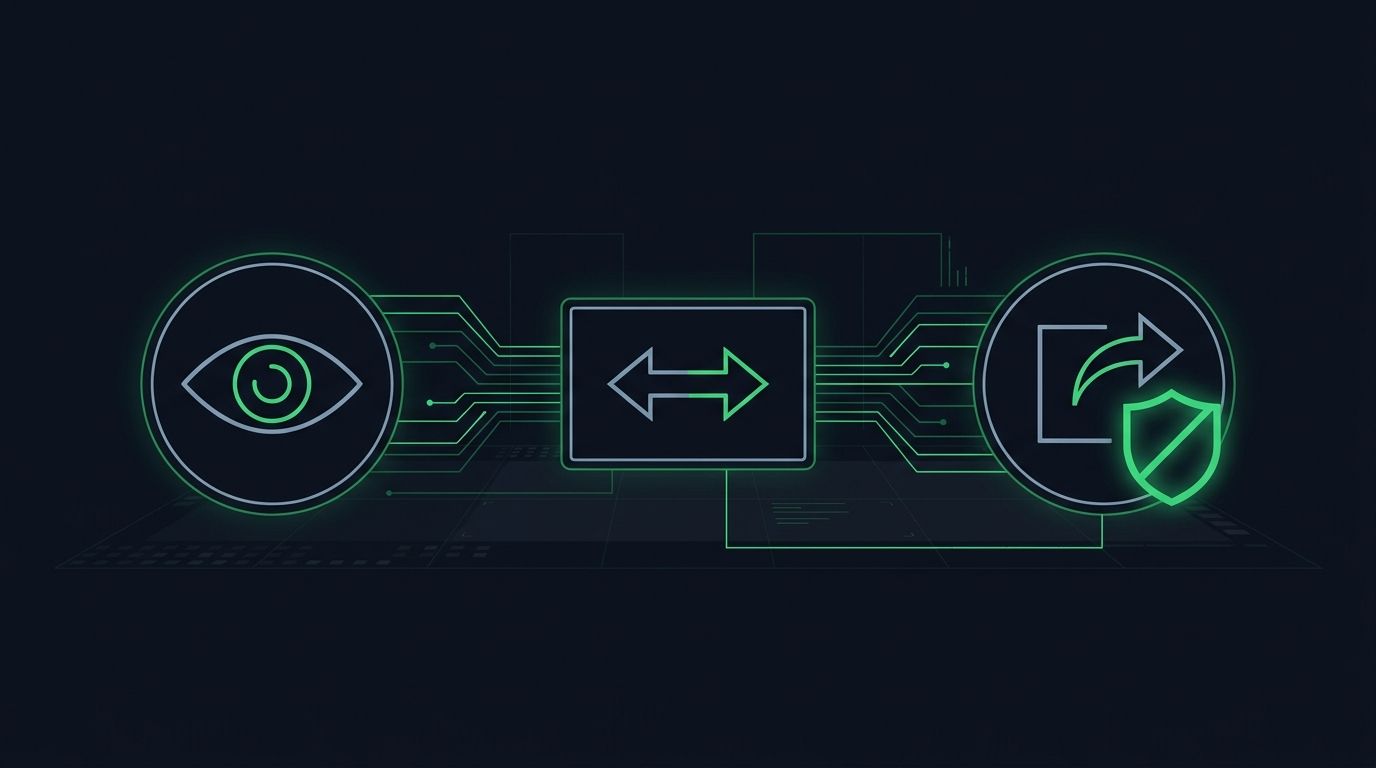
Understanding crypto exchange API key permissions is the difference between connecting a tool safely and handing it far more power than it needs. When you create an API key, you are not just generating a password. You are defining a precise set of things the key is allowed to do: read your data, place and cancel orders, or move funds out of your account. Those permission levels, usually labeled read, trade, and withdraw, decide the worst case if the key is ever exposed.
Most traders click through the key-creation screen without reading it closely, then wonder later what a connected bot or service can reach. This guide breaks down each permission in plain terms, explains why the withdrawal setting deserves the most attention, and shows how to scope a key so an automation tool can execute your strategy without ever touching your balance.
An API key is a credential that lets one application talk to your exchange account on your behalf, without using your password or logging into the web interface. It usually comes as a pair: a public key that identifies the request and a secret key that signs it. Anyone holding both can act as your account, but only within the boundaries the key was given.
Those boundaries are the permissions. Rather than an all-or-nothing login, an exchange lets you switch specific capabilities on or off for each key. This is a core security principle called least privilege: give a tool exactly the access it needs, and nothing more. A charting dashboard needs to read your balances. An execution service needs to place orders. Neither needs to withdraw. Permissions are how you enforce that distinction.
Exchanges use slightly different labels, but almost every one exposes the same three tiers of access. Understanding what each tier can and cannot do is the whole game.
Read permission lets a key see account information: balances, open positions, and order history. It cannot change anything. A read-only key can tell you what your account looks like, but it cannot place a trade or move a coin. This is the safest tier and the right choice for portfolio trackers, tax tools, analytics dashboards, and anything that only needs to observe. If a read-only key leaks, an attacker learns what you hold, which is a privacy concern, but they cannot act on your account.
Trade permission adds the ability to place and cancel orders. A key with trade access can buy and sell within your account, open and close positions, and manage orders, but it still cannot withdraw funds to an external address. This is the tier automation actually needs. When a webhook fires, the connected service uses a trade-enabled key to submit that order. Everything stays inside your account: the tool can rearrange what you hold, but it cannot take anything out. This trade-only scope is the foundation of safe automated execution.
Withdraw permission lets a key send funds out of your exchange account to another wallet or address. This is the tier that turns a compromised key into a stolen balance. Almost no legitimate trading automation needs it. Unless you are running a specific transfer workflow that genuinely requires programmatic withdrawals, this switch should stay off. If any third-party trading service asks you to enable withdrawal access just to place orders, treat that as a serious red flag.
The three permissions are not equally dangerous. A leaked read-only key is embarrassing. A leaked trade key could let an attacker place disruptive orders, but the coins stay on your exchange, where you can revoke the key and regain control. A leaked withdraw key is a different category: it can move your funds somewhere you cannot get them back.
That is why the single most important habit in API security is simple: never grant withdrawal permission to a key you hand to a third-party tool. If the withdraw switch is off, the worst an exposed key can do is trade within your account. Your balance cannot leave. This one setting collapses the scariest failure mode into something recoverable, and it costs you nothing, because order execution never needs withdrawal rights.
A trade-only key is exactly what it sounds like: read and trade enabled, withdraw disabled. For anyone automating a strategy, this is the configuration you want. It gives an execution service everything it needs to turn a signal into an order, while structurally preventing it from ever moving your money. Your funds stay in your own account the entire time.
This is the model non-custodial tools are built around. Custody stays with you and your exchange; the tool only ever holds a key that can place orders. We break down the setup in our guide to why trade-only API keys matter and how to set them up. The core idea is worth repeating: if a service can execute your trades but cannot withdraw, a leaked key is a problem you can fix, not a loss you have to absorb.
Permissions are the first layer, but most exchanges let you tighten a key further. These controls are optional, quick to set, and reduce your exposure.
Our guide to IP whitelisting for exchange API keys pairs naturally with trade-only scoping: one limits what a key can do, the other limits where it can be used from.
Matching the permission scope to the job is straightforward once you know the tiers:
Most exchanges offer three tiers: read (view balances, positions, and history), trade (place and cancel orders), and withdraw (move funds to an external address). Read observes, trade acts within the account, and withdraw can take funds out. Many exchanges also let you add restrictions like IP allowlists on top of these tiers.
No. Automated order execution only needs read and trade access. A service that places orders never needs to move funds out of your account. If a trading tool insists on withdrawal permission just to execute orders, that is a strong signal to avoid it.
Because a trade-only key cannot withdraw, the worst an attacker can do is place or cancel orders inside your account; the funds cannot leave. That is recoverable: you delete the key on the exchange, which immediately cuts off access, and create a new one. It is a real incident to take seriously, but not a permanent loss.
A read-only key cannot trade or withdraw, so it cannot move or lose your funds. It can still expose private information like your balances and trade history. Treat it as low risk rather than zero risk, and still avoid posting it publicly.
API key permissions are the clearest lever you have for controlling risk when you connect any tool to your exchange. Read lets a tool look, trade lets it act within your account, and withdraw lets it move money out. Keep that last switch off for anything you do not fully control, add IP and address restrictions where you can, and use a separate key per tool. A related read on what non-custodial actually means for your trades ties these permissions back to who holds custody of your funds.
SignalToExchange is built around exactly this model. It connects with trade-only API keys that have no withdrawal access, receives your signals by webhook, and submits the orders you specified to your exchange, while your funds never leave your own account. You keep custody and the strategy; the relay just makes sure the order arrives. Request access / start your free trial to connect a TradingView alert to your exchange with a trade-only key.
Automated trading involves risk. SignalToExchange is execution infrastructure and does not provide financial advice, trading signals, or guarantees of any kind.
It is a tempting shortcut. You are wiring up a TradingView strategy to fire orders automatically, the receiving system asks for your exchange credentials, and...
You wire up a strategy, connect an API key, and let the automation run. It works. But the orders are landing on the same exchange account that holds your long-t...

When you automate crypto trading, your exchange account stops being something you log into by hand and becomes something software touches around the clock. That...
Non-custodial execution. Trade-only API keys. Independent infrastructure built for reliability.
Request Early AccessTrade-only API key enforcement. No withdrawal permissions. No custody.