Why You Should Never Put API Keys in TradingView Alert Messages
It is a tempting shortcut. You are wiring up a TradingView strategy to fire orders automatically, the receiving system asks for your exchange credentials, and...
Read more
An IP whitelist on your exchange API key means the key only works from addresses you approve. Here's how IP whitelisting protects a leaked key and how to set it up.
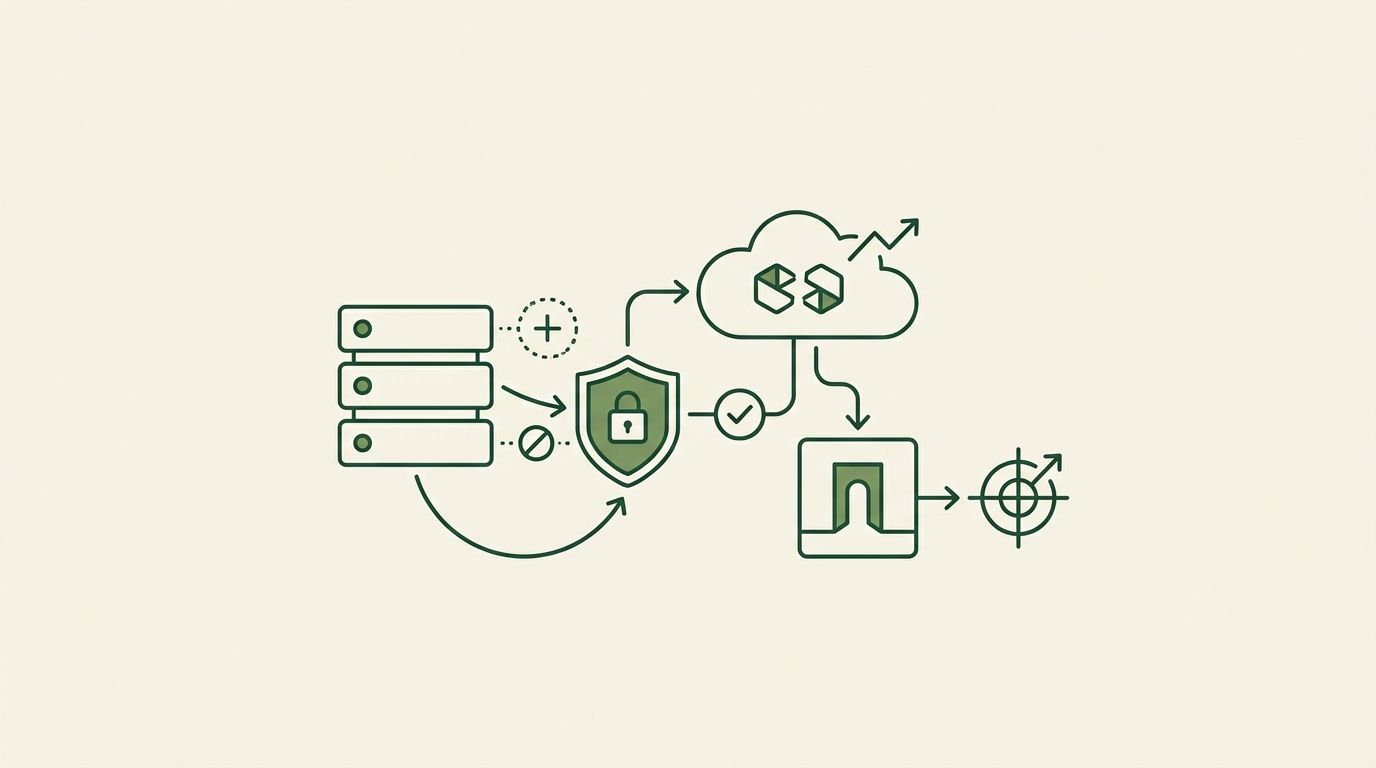
If you automate crypto trading, your exchange API key is one of the most sensitive credentials you hold. Scoping it to trade-only is the first line of defense. The second is an IP whitelist on your exchange API key — a rule that tells the exchange to accept requests using that key only from a short list of network addresses you approve. Add IP whitelisting and a stolen key becomes far less useful to whoever holds it, because it simply won't work from their machine.
This guide explains what IP whitelisting does, why it matters for automated trading, and how to set it up correctly. It does not recommend a strategy or promise any outcome — the goal is to help you connect automation as safely as your exchange allows.
Every request to an exchange API arrives from an IP address — the public address of the server or machine making the call. When you attach an IP whitelist (sometimes called IP allow-listing or IP restriction) to a key, the exchange checks the source address of each request against your approved list. Requests from any other address are rejected before they can place, cancel, or read anything.
The check is enforced by the exchange, not by the software holding the key. That's the important part. Just as a trade-only scope means a key can't withdraw no matter what software uses it, an IP whitelist means a key can't be used from anywhere you didn't approve — even if the key and secret are fully exposed.
API keys leak in ordinary, non-dramatic ways: a secret pasted into the wrong chat, committed to a public repository, captured in a log file, or lifted through a phishing page. Once a key is out, the attacker has your credential. The question that decides the damage is: what can they actually do with it, and from where?
Layering your defenses narrows that answer to almost nothing:
Together they turn a leaked key from a serious incident into a bounded one you can clean up by revoking and reissuing. This is the same layered thinking behind non-custodial execution: keep funds on your own exchange and constrain what any connected tool can do. We cover the scope side in detail in our guide on why trade-only API keys matter and how to set them up.
Menu names differ across exchanges, but the flow is the same everywhere. Set the whitelist when you create the key, and use a dedicated key for each tool.
You need the public IP addresses that your automation or execution tool sends requests from. A well-run service publishes these — check its documentation or security page, or ask support. If a tool can't tell you its outbound IPs, that's worth noting before you grant it access.
Log in and find the API section, usually under Account, Profile, or Settings and labeled "API Management" or "API Keys." Create a new key with a clear label like "signaltoexchange-trade" so you can identify and revoke it later.
In the key's settings, look for an option like "Restrict access to trusted IPs only" and enter the addresses from step one. On Binance this is the "Restrict access to trusted IPs only" field; on Bybit it's the "IP-restricted" option shown when you create the key. Enter each address exactly, and enable the trade permissions you need while leaving withdrawal off.
Save the key and connect it to your tool. Place a small test action, or use the tool's connection check, to confirm requests are accepted from the whitelisted address. If requests are rejected, the most common cause is a missing or mistyped IP — recheck the list against what the tool publishes.
IP whitelisting is a strong control, but it has edges worth understanding. Some tools use a range of outbound addresses, so you may need to whitelist several. Not every exchange supports it on every key type, and a few offer it only for spot or only for certain accounts. If your provider's IPs change, your key will start rejecting requests until you update the list — a good provider gives you stable addresses and advance notice. And whitelisting protects the network path; it does not replace trade-only scoping or encryption at rest. Use all three together rather than relying on any one.
SignalToExchange is non-custodial execution infrastructure: it takes a structured signal from TradingView, a bot, or any webhook source, validates it against your rules, and routes it to your exchange as a correctly formatted order. It connects with trade-only keys, stores them encrypted at rest, and works cleanly with IP-whitelisted keys so you can lock a key to our servers — your funds never leave your exchange, and one signal fires exactly one order. If you're weighing how much trust to place in any automation tool, our guide on whether it's safe to give a trading bot your API keys is a good next read, and you can see the full connection flow in our walkthrough on automating a TradingView strategy on Binance.
If you want a secure way to automate your existing signals with trade-only, IP-restricted access, Request access / start your free trial →
Automated trading involves risk. SignalToExchange is execution infrastructure and does not provide financial advice, trading signals, or guarantees of any kind.
It is a tempting shortcut. You are wiring up a TradingView strategy to fire orders automatically, the receiving system asks for your exchange credentials, and...
You wire up a strategy, connect an API key, and let the automation run. It works. But the orders are landing on the same exchange account that holds your long-t...

When you automate crypto trading, your exchange account stops being something you log into by hand and becomes something software touches around the clock. That...
Non-custodial execution. Trade-only API keys. Independent infrastructure built for reliability.
Request Early AccessTrade-only API key enforcement. No withdrawal permissions. No custody.