How to Automate TradingView Alerts With Zapier
Your TradingView strategy fires a clean alert at exactly the right moment — and then nothing happens on your exchange. If that gap between signal and execution...
Read more
A practical guide to test TradingView automation end to end before it touches real funds: verify the webhook, the payload, the execution layer, and the exchange order flow first.

The moment you connect a TradingView alert to real order execution, a mistake stops being theoretical. A malformed message, a wrong symbol, or a webhook that fires twice can turn into an order you didn't intend. The good news: you can test TradingView automation thoroughly before a single dollar is at risk. This guide walks through how to validate the whole path — alert, webhook, execution layer, and exchange — so that going live is a formality, not a leap of faith.
No strategy advice here, and no promises about outcomes. This is about verifying that the plumbing does exactly what you told it to, and nothing else.
Backtesting checks whether a strategy would have behaved a certain way on historical data. Testing automation checks whether your wiring works: does the alert fire, does the webhook arrive, is the payload parsed correctly, and does the resulting order match what you meant? These are separate questions. A strategy can be sound and still misfire in production because a placeholder was mistyped or a quantity field was left blank. If you haven't validated the strategy logic itself yet, start with how to backtest a strategy before automating it, then come back here to test the execution path.
Work from the signal outward, confirming each stage before adding the next. That way, when something breaks, you know exactly which link failed.
Before worrying about orders, confirm TradingView is even triggering. Set your alert condition, then either wait for a live trigger or use a deliberately loose condition (for example, a price level the market will cross soon) so you don't wait days. Check the alert log to confirm it fired when you expected. If the alert never triggers, nothing downstream matters.
Point your alert's webhook at a request inspector — a temporary endpoint that simply catches and displays incoming requests — instead of your live execution URL. Fire the alert and read exactly what TradingView sent. You want to confirm the JSON is well-formed and that placeholders resolved to real values: the symbol is correct, the side is right, and the quantity is a sensible number rather than an empty string. This step catches the single most common automation bug: a payload that looks fine in the alert dialog but renders wrong when it actually fires. Our guide to the TradingView alert message format for automated orders shows working examples to compare against.
Next, send that payload to your execution layer, but keep it away from live funds. There are two clean ways to do this. The first is an exchange testnet or sandbox — many exchanges (Bybit, Binance, and others) offer separate test environments with fake balances and a distinct set of API keys. Point your execution layer at the testnet key and you can watch real order placement behavior with zero financial risk. The second option, where a testnet isn't available, is a tiny live order: the smallest quantity the market allows, on a low-priced pair, so any error costs cents rather than real money.
When the test order lands, compare it against what you intended, field by field. Right market? Right direction? Right size and order type? Then check that the execution layer reported the result back to you — an acknowledgement on success and a clear error on failure. Silent failures are the enemy; you want to see every outcome. If your setup can't tell you what happened, that's a gap to fix before going live.
Happy-path testing isn't enough. Deliberately send a bad payload (wrong symbol, missing field) and confirm it's rejected cleanly rather than producing a garbage order. Then fire the same alert twice in quick succession and confirm you get one order, not two — reliable webhooks retry, and without deduplication a retry becomes a duplicate trade. This is where idempotency matters; see how idempotency keys prevent duplicate trades for the mechanism.
Testing still means handing an API key to software, so scope that key tightly from the very first test. Use a trade-only key: the execution layer places orders, never withdrawals. Disable withdrawal permission at the exchange, and where your exchange supports it, restrict the key to your execution layer's IP address. That way even your test environment can't move funds off the exchange. For the full setup, read why trade-only API keys matter and how to set them up.
SignalToExchange is the execution layer on the receiving end of your webhook, and it's built to make this kind of testing straightforward. It's non-custodial: it validates each incoming signal against your rules, formats the order for your exchange, and submits it using a trade-only key that's encrypted at rest — it never holds balances or takes deposits. It deduplicates so that one signal fires exactly one order, and it surfaces acknowledgements and errors so you can verify behavior instead of guessing. Your funds never leave your exchange, and you keep the kill switch by removing the key whenever you choose. To wire the whole path up from scratch, start with the TradingView webhook to exchange setup guide.
If you already generate signals and want a secure, reliable way to test and then run them against your exchange, Request access / start your free trial →
Automated trading involves risk. SignalToExchange is execution infrastructure and does not provide financial advice, trading signals, or guarantees of any kind.
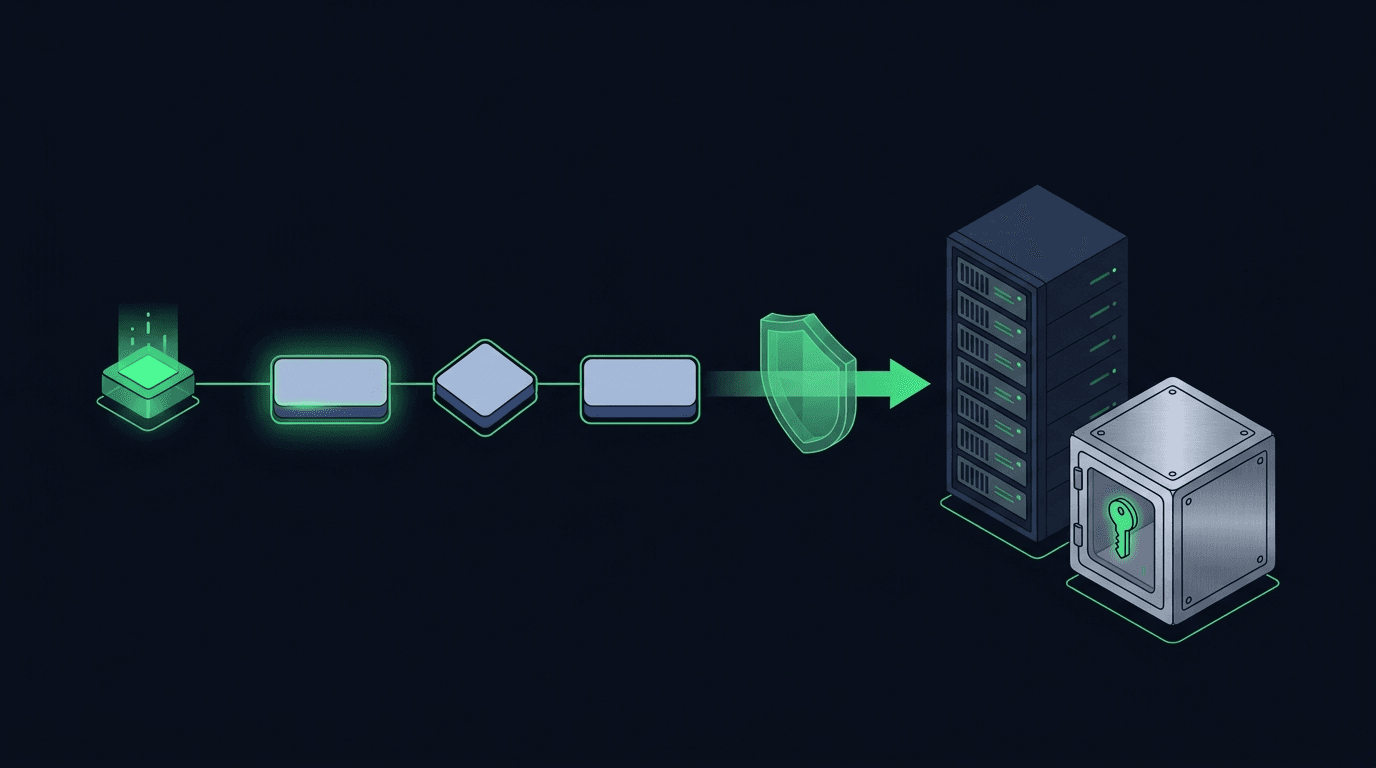
Your TradingView strategy fires a clean alert at exactly the right moment — and then nothing happens on your exchange. If that gap between signal and execution...
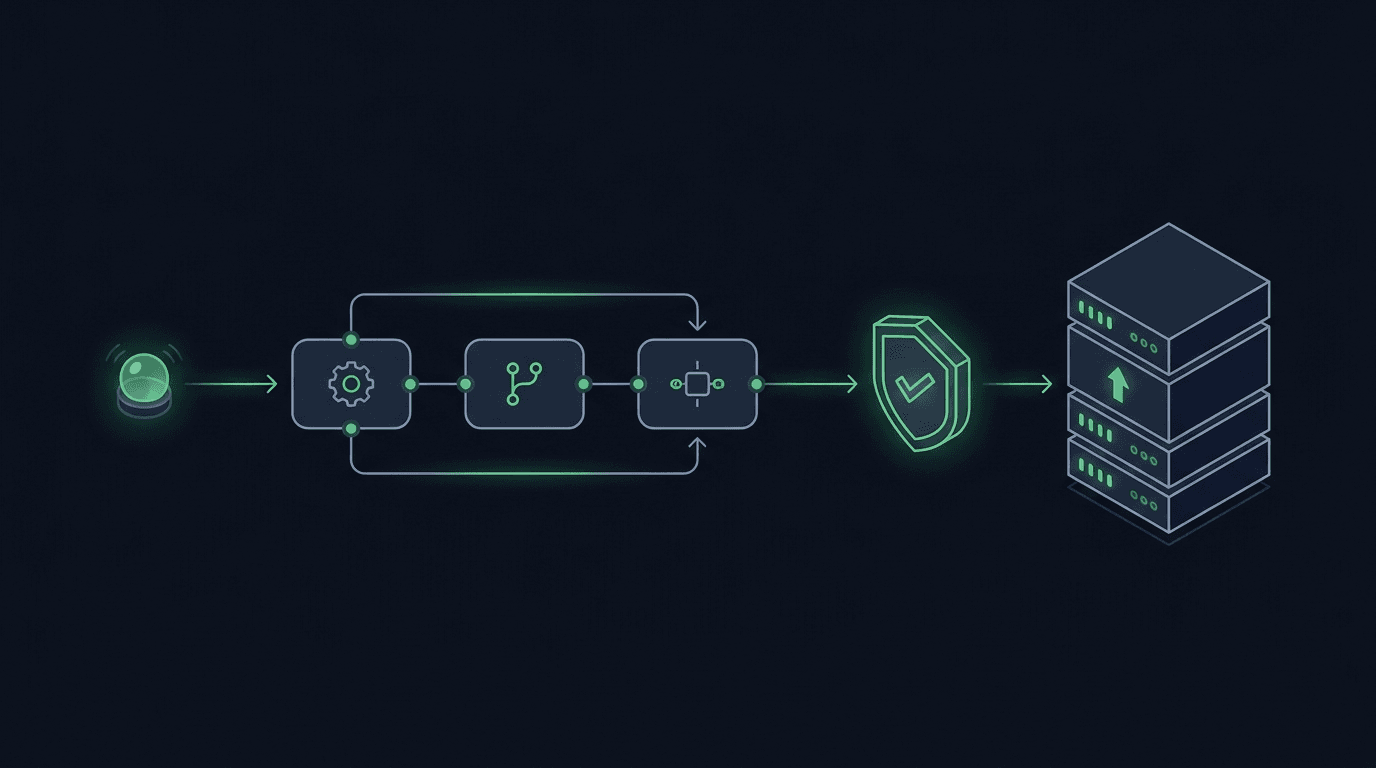
You have a TradingView strategy that fires clean alerts, but every signal still waits on you to see the notification and place the order by hand. By the time y...
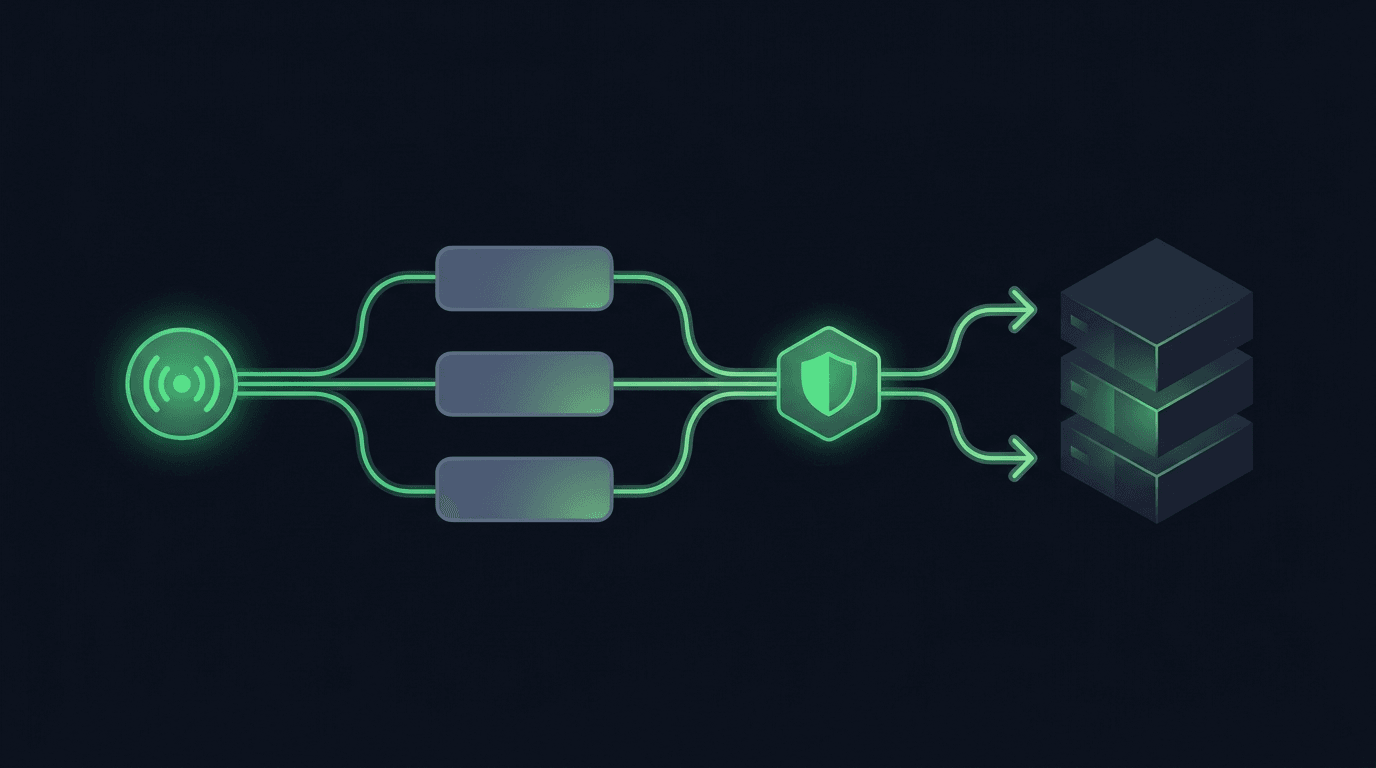
TradingView is where many traders build their edge, but a chart alert that only pops up on your screen still leaves the hardest part — placing the order — up t...
Non-custodial execution. Trade-only API keys. Independent infrastructure built for reliability.
Request Early AccessTrade-only API key enforcement. No withdrawal permissions. No custody.