How to Automate Trading on HTX (Huobi) With TradingView Signals
If you run strategies on TradingView and trade on HTX (Huobi), HTX Huobi TradingView automation closes the gap between the alert firing on your chart and the o...
Read more
A step-by-step guide to automate trading on Bitfinex with TradingView signals: create trade-only API keys, format your alert payload, and route orders without giving up custody.

You have a TradingView strategy that fires clean alerts, and you want to automate trading on Bitfinex with TradingView signals instead of clicking every entry and exit by hand. The gap between a signal and a live order is where most setups break: the alert fires, but nothing reaches the exchange. This guide walks the full path, end to end, and stays specific to how Bitfinex actually works.
We will cover what you can and cannot automate on Bitfinex, how to create trade-only API keys that never expose your funds, how to structure your TradingView alert so the order details survive the trip, and how the relay layer submits the order for you. You keep your funds on Bitfinex the entire time.
Bitfinex exposes an authenticated REST API that lets external systems place and cancel orders and read balances programmatically. That API covers spot pairs, margin trading, and Bitfinex derivatives (perpetual contracts). If your TradingView strategy trades a pair Bitfinex lists, you can almost certainly route it through the API.
What you cannot do is turn a raw TradingView alert into a Bitfinex order without something in between. TradingView sends a webhook — an HTTP POST with a JSON body — when your alert fires. Bitfinex expects a signed, authenticated request with a specific payload and an increasing nonce. Those two formats do not match, and TradingView cannot sign a Bitfinex request on its own. Something has to receive the webhook, authenticate to Bitfinex, and submit the order. That translation step is the relay layer.
If the signal-to-order idea is new to you, the TradingView webhook to exchange guide lays out the whole flow before you wire up a specific exchange.
Bitfinex uses granular, per-scope API permissions rather than one all-or-nothing key. When you create a key in your account's API settings, you toggle read and write access separately for each area: orders, wallets, withdrawals, and more. This is exactly what you want for automation.
Enable write access on the orders scope so the key can submit and cancel trades. Leave the withdrawal scope switched off entirely. A key with no withdrawal permission physically cannot move funds off Bitfinex, even if the key is exposed. This is the foundation of a non-custodial setup: your capital stays in your Bitfinex account, and the automation only ever places trades.
For a deeper look at why this matters and how permission scopes work across exchanges, see why trade-only API keys matter and how to set them up. Copy the API key and secret once when they are shown — Bitfinex only reveals the secret at creation time — and store them somewhere encrypted, never in a TradingView alert or a public repository.
TradingView fires the alert; the JSON body carries the instructions. A clean payload names the symbol, the side, the order type, and the size, and it includes a shared secret so the receiver can confirm the request really came from your TradingView account.
Keep the payload small and explicit. Bitfinex spot and derivatives symbols follow their own convention (for example, a symbol like `tBTCUSD` for spot), so decide whether you map a friendly symbol in your alert to the exchange symbol in the relay, or send the exchange symbol directly. Send the side (buy or sell), the order type (market or limit), and the quantity. Do not embed your API secret in the alert — the alert message is not a safe place for credentials.
For payload examples and field-by-field guidance, how to structure a TradingView webhook JSON payload for orders breaks down each field.
This is where the relay layer does its work. It receives the TradingView webhook, validates the shared secret, maps your payload to a Bitfinex order request, signs that request with your stored key, and submits it to Bitfinex's order endpoint. Bitfinex authenticates the call, matches or books the order, and returns a result the relay can log.
SignalToExchange is built for exactly this step. It sits between your signal and your exchange: it receives the TradingView alert and submits the Bitfinex order using your encrypted, trade-only key. You control the strategy and the logic in TradingView. The relay handles authentication, signing, the nonce, retries on transient errors, and idempotency so a duplicated webhook does not fire the same order twice.
If you run more than one venue, the same alert can fan out — the approach in how to route one TradingView alert to multiple exchanges applies directly.
A few Bitfinex realities are worth planning for before you go live.
Symbols and precision: Bitfinex has minimum order sizes and price/amount precision rules per pair. An order that violates step size or minimum notional is rejected, so round quantities to the pair's allowed precision.
Nonce ordering: Bitfinex authenticated requests require a strictly increasing nonce. If two requests race with the same nonce, one is rejected. A well-built relay manages this for you; if you build your own, serialize requests per key.
Spot vs derivatives: margin and perpetual contracts behave differently from spot. Confirm you are pointing at the right wallet and product, and understand that leveraged positions carry liquidation risk that spot positions do not.
Sub-accounts: if you run several strategies, a dedicated Bitfinex sub-account per strategy keeps balances and keys isolated, which makes it far easier to reason about what fired what.
Yes. Bitfinex provides an authenticated REST API that lets external systems submit and cancel orders and read balances across spot, margin, and derivatives. A relay layer signs and submits those requests when your TradingView alert fires.
No. When you create a trade-only API key with the withdrawal scope disabled, the key can place trades but cannot move funds off Bitfinex. Your capital stays in your own Bitfinex account throughout.
TradingView can only send a webhook — a plain HTTP POST. Bitfinex requires a signed, authenticated request with an increasing nonce, which TradingView cannot produce. A relay receives the webhook and performs the signed submission on your behalf.
A resilient relay uses idempotency so a duplicated webhook does not place two orders. Without that protection, a repeated alert could submit the same trade more than once.
Yes. The API covers Bitfinex derivatives as well as spot and margin. Confirm you are trading the correct product and wallet, and account for the added liquidation risk that comes with leveraged positions.
Automating Bitfinex comes down to a few honest steps: create a trade-only key with withdrawals disabled, format your TradingView alert so the order details survive the trip, and let a reliable relay handle signing, the nonce, and idempotency. Signals are easy; execution is the hard part, and that is the part worth getting right.
SignalToExchange handles the relay layer of that pipeline so you do not have to run and maintain your own server. Request access or start your free trial, connect a trade-only Bitfinex key, and turn your TradingView signals into live orders while your funds stay on your exchange.
Automated trading involves risk. SignalToExchange is execution infrastructure and does not provide financial advice, trading signals, or guarantees of any kind.
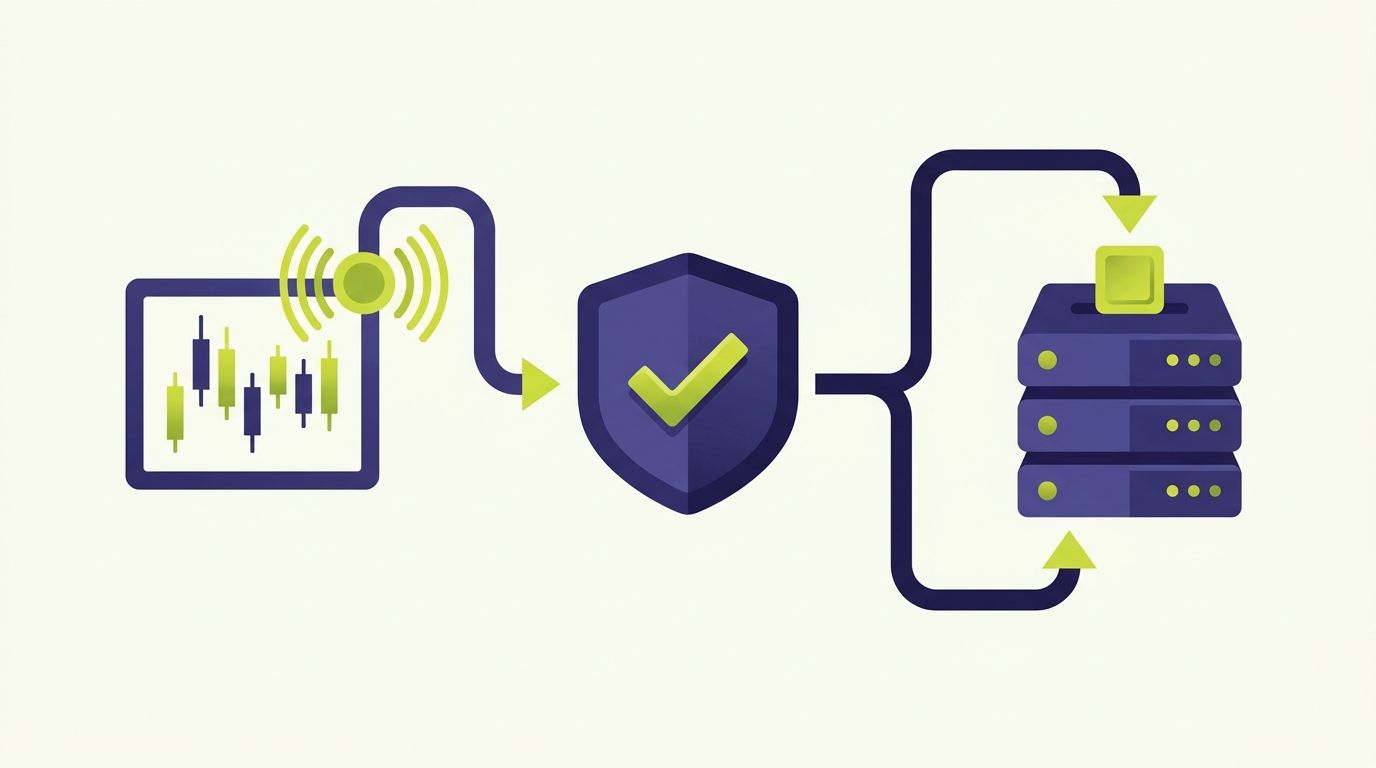
If you run strategies on TradingView and trade on HTX (Huobi), HTX Huobi TradingView automation closes the gap between the alert firing on your chart and the o...
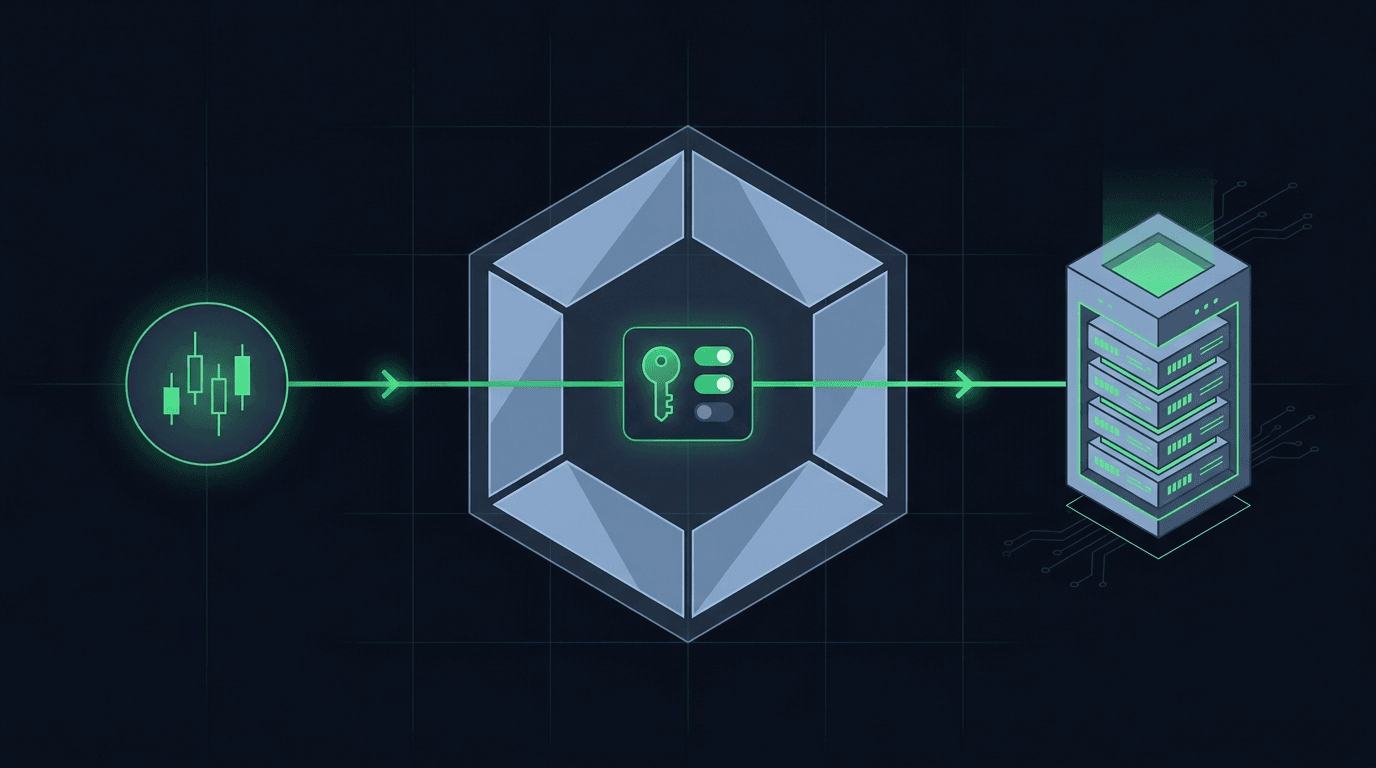
You have a TradingView strategy that fires clean alerts, and you want those alerts to place orders on Crypto.com without sitting at the screen all day. Crypto....
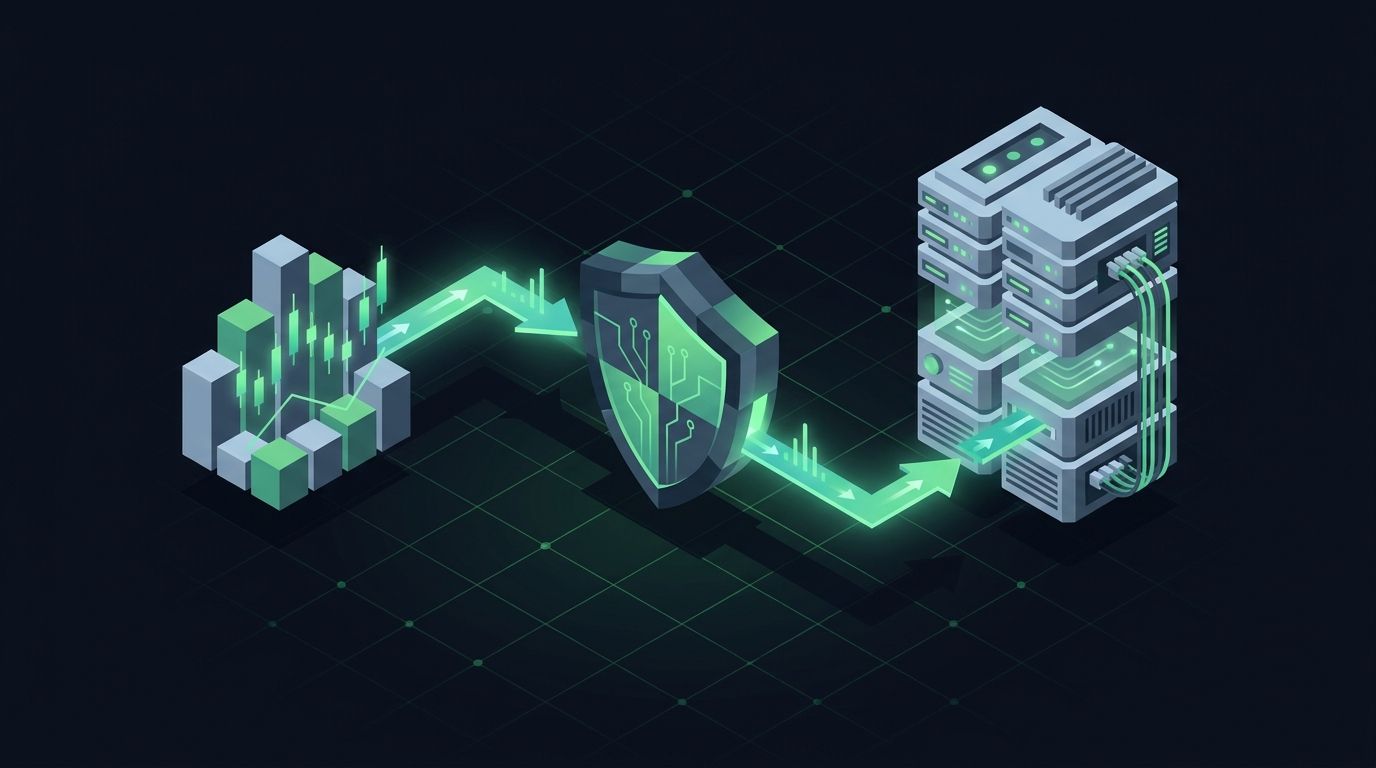
You built a strategy on TradingView. The alerts fire on schedule, your Pine Script logic is solid, and the chart lights up exactly when it should. Then nothing...
Non-custodial execution. Trade-only API keys. Independent infrastructure built for reliability.
Request Early AccessTrade-only API key enforcement. No withdrawal permissions. No custody.