How to Automate Trading on Crypto.com With TradingView Signals
You have a TradingView strategy that fires clean alerts, and you want those alerts to place orders on Crypto.com without sitting at the screen all day. Crypto....
Read more
A step-by-step guide to connecting TradingView alerts to HTX (Huobi): create a trade-only API key, build the webhook payload, wire up a non-custodial relay, and test on small size before going live — so a fired alert becomes a placed HTX order without giving up custody of your funds.
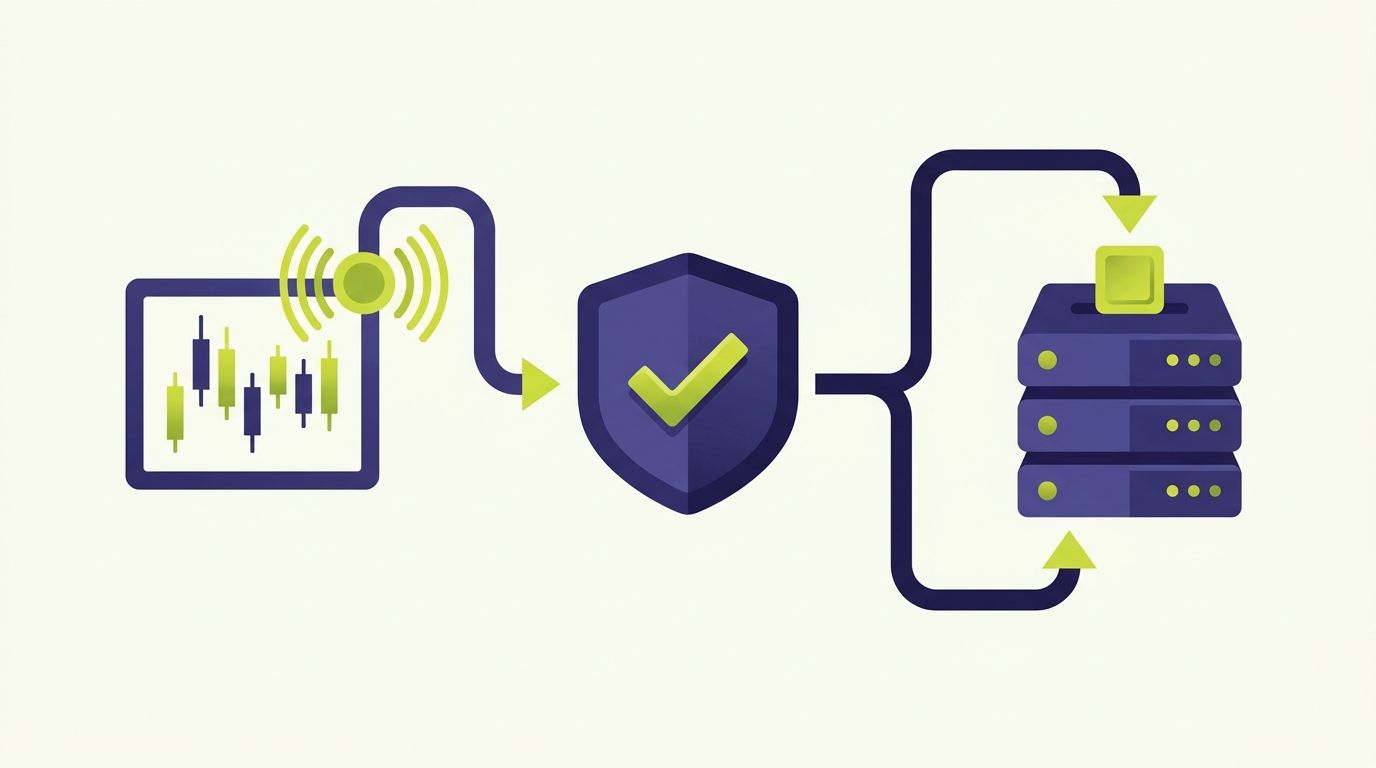
If you run strategies on TradingView and trade on HTX (Huobi), HTX Huobi TradingView automation closes the gap between the alert firing on your chart and the order landing on the exchange. This guide walks through how to automate trading on HTX with TradingView signals end to end: the pieces involved, how to configure trade-only API keys, how to shape the webhook payload, and how to test the path before a real order goes out. It assumes only that you already have a TradingView alert you trust and an HTX account.
The framing up front: automation does not change your strategy or your risk. It changes how the order gets placed. You keep the logic; a relay handles the mechanical, latency-sensitive job of turning "my alert just fired" into "an order is now on HTX."
Every TradingView-to-exchange pipeline has the same three parts, and it helps to name them before wiring anything together.
The signal. This is your TradingView alert — a Pine Script strategy, a study `alertcondition`, or a manual drawing-based alert. TradingView fires it and can send an HTTP request to a URL you specify.
The relay. This is the middle layer that receives TradingView's webhook, validates it, and translates it into an order the exchange understands. HTX speaks its own API dialect, with its own authentication scheme, symbol format, and order parameters. Something has to convert a generic alert into exactly that. SignalToExchange is that relay layer — you point TradingView at it, and it talks to HTX for you.
The exchange. This is HTX itself, where your funds live and where the order actually executes against the order book. Your money never moves off the exchange to make automation work; only order instructions travel.
This split tells you where each responsibility sits. Strategy quality lives in the signal. Reliability, retries, and authentication live in the relay. Custody and execution live on HTX.
Before any automation, you need an API key from HTX so the relay can place orders on your behalf. This is the step where security discipline matters most.
Inside HTX, open the API management section and create a new key. HTX lets you scope what a key can do. Enable trade permission so orders can be placed. Do not enable withdraw permission — a signal-execution relay never needs to move funds off your account, only to submit and manage orders. A trade-only key means that even in the worst case, a leaked key cannot drain your balance.
If HTX offers IP allowlisting on the key, restrict it to the address your relay submits from, so the key only works from one place. Record the key and secret safely when HTX shows them; the secret is displayed once. For the broader reasoning behind scoping keys this way, see our guide on trade-only API keys and how to set them up.
This non-custodial arrangement is the whole point. Your funds stay on HTX under your control; the relay holds only a trade-scoped key, encrypted at rest, and can never withdraw.
With the key created, set up the TradingView side. Open the alert dialog on your strategy or indicator and configure two things that matter for automation.
First, the webhook URL. TradingView's alert dialog has a "Webhook URL" field under notifications. This is where the relay endpoint goes. When the alert fires, TradingView sends an HTTP POST to that URL.
Second, the alert message. This is the JSON body TradingView posts. It should carry everything the relay needs to build an HTX order: which symbol, which side, and how much. A minimal message looks like this:
```json { "secret": "your-webhook-secret", "exchange": "htx", "symbol": "BTC/USDT", "side": "buy", "type": "market", "amount": "0.001" } ```
You can use TradingView placeholders like `{{strategy.order.action}}` so a single alert adapts to long and short signals automatically. For a deeper walkthrough of payload fields, our guide on structuring a TradingView webhook JSON payload for orders covers each key and how strategy alerts differ from study alerts.
Now connect the two ends. In the relay, register your HTX API key and secret so it can authenticate to HTX on your behalf, and generate the webhook URL and secret that you pasted into TradingView.
The `secret` field in the alert message is what proves the request genuinely came from your TradingView account and not from someone who guessed your endpoint. Because a webhook URL is effectively public once it exists, the shared secret — or, better, an HMAC signature — is what stops a stranger from firing fake orders at your relay. We cover the stronger option in securing a TradingView webhook with HMAC signing.
One detail specific to HTX: symbol formatting. HTX has its own internal notation, and the relay maps a readable pair such as `BTC/USDT` to whatever HTX expects — exactly the kind of tedium the relay exists to absorb.
Never wire an alert straight to real size. Prove the path first, with the smallest amount HTX allows.
Fire a single test alert manually — most relays let you send a test payload — and confirm three things: the relay received the webhook, it authenticated to HTX, and an order appeared in your HTX order history. If it shows up, the chain works. If not, the error tells you which link broke: a rejected signature points at the secret, an authentication error at the API key, and a symbol or minimum-size error at the payload.
Watch especially for HTX's minimum order size and step-size rules. Exchanges reject orders whose quantity does not conform to their increments, and this is one of the most common first-run failures. Once a tiny live order fills cleanly, scale the amount up to your intended size. Our piece on testing TradingView automation before going live lays out a fuller pre-flight sequence.
Be clear about the boundary. Automation removes the manual, emotional, latency-prone step of seeing an alert and clicking buy. It executes your rule consistently, day or night, faster than you can react. That is the entire benefit.
What it does not do is improve a losing strategy, remove market risk, or guarantee a fill at the price you saw when the alert fired. Slippage still exists and exchanges still have outages. A signal that lost money manually will lose money automatically, just more punctually. Automation is infrastructure, not a strategy upgrade.
No. Your funds stay on HTX. The relay uses a trade-only API key that can place and manage orders but cannot withdraw. This non-custodial model means automation never requires moving your balance off the exchange.
Trade permission only. Enable order placement and, if you use them, order cancellation. Leave withdrawal permission disabled — a signal-execution relay never needs it, and disabling it means a leaked key cannot drain your account.
The most common causes are an order below HTX's minimum size, a quantity that does not match the exchange's step-size increment, a mismatched symbol format, or a wrong webhook secret. The rejection message from HTX usually names the specific problem so you can correct the alert payload.
Yes. Use TradingView placeholders such as `{{strategy.order.action}}` in the alert message so the `side` field is filled in dynamically. One alert then handles buys and sells as your strategy dictates, rather than needing a separate alert per direction.
No. Automation changes how reliably and quickly your existing rule is executed — it does not change the rule's edge. A strategy that loses money when traded manually will also lose money when automated. The benefit is consistency and speed of execution, not improved outcomes.
Automating HTX with TradingView comes down to four disciplined steps: create a trade-only key, build an alert that carries a clear order payload, connect a relay that translates and secures the request, and test on tiny size first. Get those right and your chart alerts become HTX orders without you watching the screen.
SignalToExchange is the relay layer for exactly this. It is non-custodial — your funds stay on HTX, your key is trade-only with no withdrawal access, and the relay handles authentication, symbol mapping, secure webhooks, and reliable submission so a fired alert becomes a placed order. Request access or start your free trial to connect your first HTX strategy.
Automated trading involves risk. SignalToExchange is execution infrastructure and does not provide financial advice, trading signals, or guarantees of any kind.
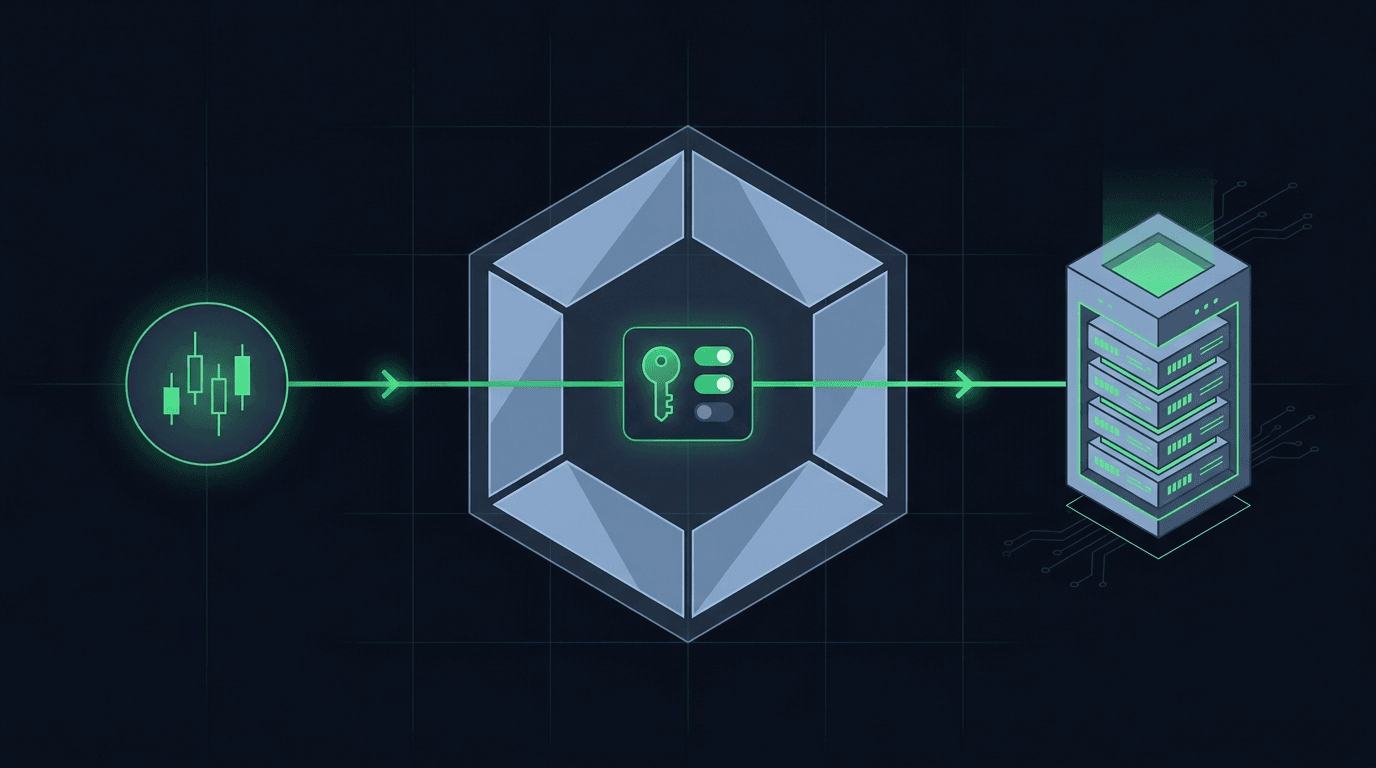
You have a TradingView strategy that fires clean alerts, and you want those alerts to place orders on Crypto.com without sitting at the screen all day. Crypto....

You built a strategy on TradingView. The alerts fire on schedule, your Pine Script logic is solid, and the chart lights up exactly when it should. Then nothing...
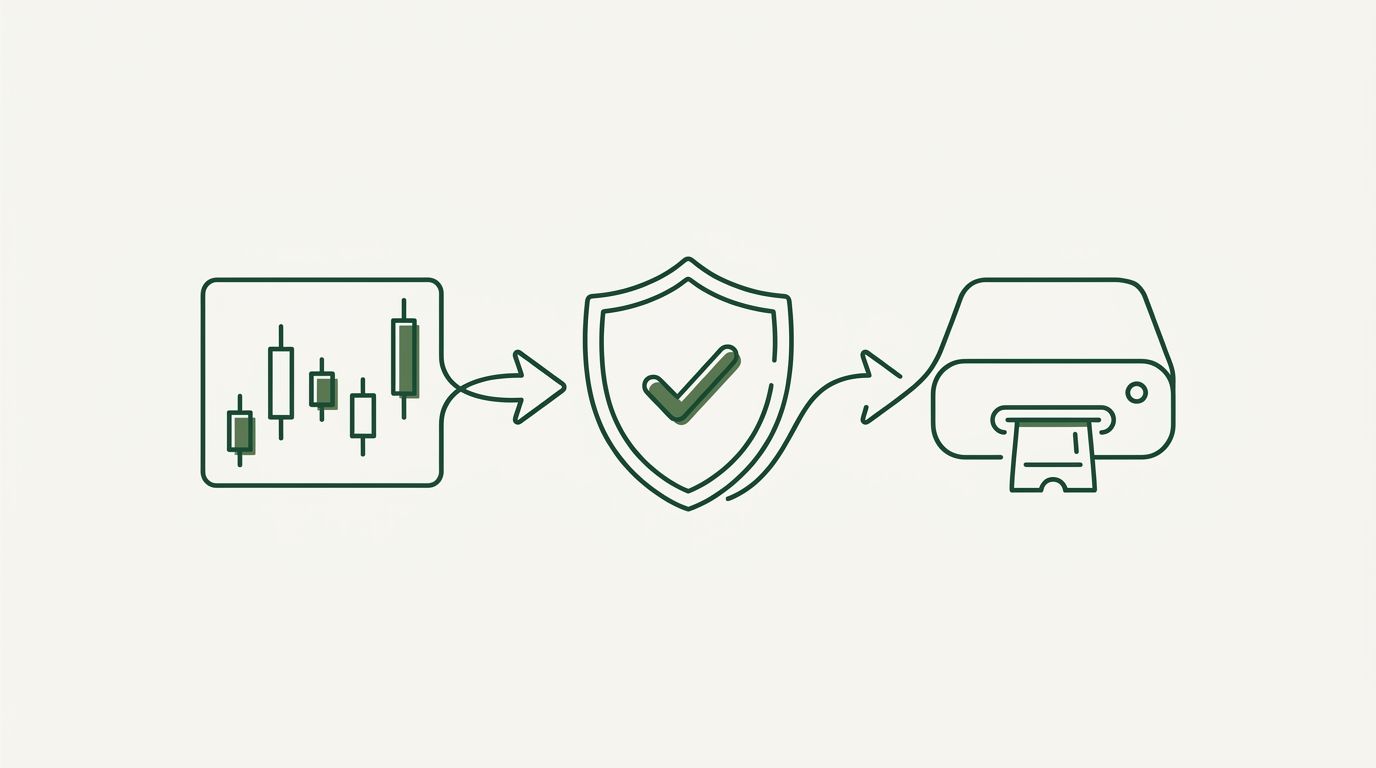
MEXC TradingView automation is the process of taking a trading signal you already generate on TradingView and turning it into a live order on the MEXC exchange,...
Non-custodial execution. Trade-only API keys. Independent infrastructure built for reliability.
Request Early AccessTrade-only API key enforcement. No withdrawal permissions. No custody.