How to Automate Trading on Bitfinex With TradingView Signals
You have a TradingView strategy that fires clean alerts, and you want to automate trading on Bitfinex with TradingView signals instead of clicking every entry...
Read more
Turn your TradingView alerts into live MEXC orders without clicking anything. This step-by-step guide covers trade-only API keys, connecting a non-custodial relay, structuring your webhook payload, and testing safely before you scale up.

MEXC TradingView automation is the process of taking a trading signal you already generate on TradingView and turning it into a live order on the MEXC exchange, without you clicking anything. If you run a Pine Script strategy or a custom indicator and you are still placing MEXC orders by hand, you are adding delay and emotion to a process that should be mechanical. This guide walks through how to wire TradingView alerts to MEXC using a non-custodial relay like SignalToExchange, from creating trade-only API keys to sending your first test order.
Automating execution does not remove market risk, and it will not fix a losing strategy. What it does is make execution consistent: one signal fires, one order goes out, every time, at machine speed. Here is how to set that up on MEXC step by step.
It helps to separate two things that often get blurred together. TradingView is where your signal is created: your indicator crosses, your strategy prints an entry, and an alert fires. MEXC is where the order is executed against the live market. The difference between signals and execution matters because each half has different failure modes. A perfect signal is worthless if the order never reaches the exchange, and flawless execution cannot rescue a bad signal.
The missing piece between them is a relay: a service that listens for the TradingView alert, validates it, and submits the corresponding order to MEXC through the exchange API. TradingView cannot talk to MEXC directly, so the relay is what closes the loop. A non-custodial relay does this without ever holding your funds, using API keys that can trade but cannot withdraw.
Automation on MEXC has a short list of prerequisites. Get these ready before you touch any alert settings:
If your strategy is not yet reliable when you trade it manually, automate it on a testnet or with the smallest possible size first. Automation makes a process faster, not smarter.
MEXC offers both spot and futures markets, and the choice affects every step that follows. Spot trading buys and sells the actual asset using the balance in your spot wallet, with no leverage and no liquidation. Futures trading uses contracts, supports leverage, and carries liquidation risk if the market moves against a position. Your API key permissions, wallet balances, and the symbols in your webhook payload all differ between the two.
Decide which market your strategy targets before you generate keys, because a spot key will not place futures orders and vice versa. If you are new to automation, spot markets are the simpler place to start: fewer moving parts, no leverage to manage, and a smaller blast radius if something in the pipeline is misconfigured. You can always add a futures connection later once the spot flow is proven.
Everything about automation security starts with the API key. On MEXC, open the API management section of your account settings and create a new key. The single most important choice here is which permissions you enable. Grant the key permission to read account data and to place and cancel orders, and leave withdrawal permission switched off entirely.
This is the whole point of trade-only API keys: even if the key were ever exposed, no one could move your coins off MEXC, because the key simply lacks the ability to withdraw. Funds stay on your exchange, under your account, at all times.
While you are in the API settings, add an IP allowlist if the relay you use publishes a static outbound address. Restricting the key to a known address is a strong second layer; see our guide on IP allowlisting exchange API keys for how this works and its trade-offs. Copy the API key and secret once and store them somewhere secure, because MEXC will only show the secret a single time.
With trade-only keys in hand, the next step is registering MEXC as a destination in your relay. In your relay dashboard, add a new exchange connection, select MEXC, and paste the API key and secret you just created. The relay stores these encrypted and uses them only to submit the orders your signals trigger.
Because the connection is non-custodial, the relay never takes possession of your balance. It authenticates to MEXC on your behalf using the trade-only key, places or cancels orders, and reads fills, but it cannot withdraw. After adding the connection, run the built-in connection test if one is available. A successful test confirms the key is valid, has the right permissions, and can reach MEXC.
Now connect the signal side. In TradingView, open the alert dialog on your strategy or indicator. In the alert's notification settings, enable the webhook URL option and paste the endpoint your relay gives you for this exchange connection. When the alert fires, TradingView will POST the alert message to that URL.
The alert message itself is a small JSON payload that tells the relay what to do. At a minimum it identifies the trading pair, the side, and the size. A typical structure includes these fields:
Getting this structure right is where most first-time setups break, so it is worth reading how to structure a TradingView webhook JSON payload before you go live. Use TradingView placeholders where you can so the payload reflects the actual price and position size at the moment the alert fires, rather than a hard-coded value.
Do not point a fresh automation at full position size on day one. Treat the first live run as a plumbing test, not a trading decision. The goal is to confirm that a TradingView alert reliably becomes a MEXC order, end to end.
Only after you have seen a full entry-and-exit cycle execute correctly should you scale size up. For a fuller checklist, see how to test TradingView automation before going live.
Once the basic pipeline works, a few habits keep it dependable over the long run:
None of these change your strategy. They protect the execution layer so that when your signal is right, the order actually lands, and when something goes wrong, you can see why.
No. TradingView can send a webhook alert, but it cannot authenticate to an exchange or place an order by itself. You need a relay that receives the alert and submits the order to MEXC using your API key. TradingView generates the signal; the relay handles execution.
It is far safer when the keys are trade-only. A key with trading permission but no withdrawal permission can open and close positions but cannot move funds off MEXC. Your balance never leaves your exchange, so the worst case is limited to trading activity, not loss of custody. Storing keys encrypted and using an IP allowlist reduces exposure further.
No. Automation makes execution faster and more consistent, but it does not improve the quality of your signals or predict the market. A weak strategy automated is still a weak strategy, executed more quickly. Automation is about removing manual delay and emotion from execution, nothing more.
It depends on what you are optimizing for. Market orders fill immediately but pay the spread and any slippage. Limit orders give you price control but may not fill if the market moves away. Many automated setups use market orders for entries that must not be missed and limit orders where price precision matters.
A good relay logs the failure and can retry or dead-letter the order rather than silently dropping it. This is why observability matters: you want to know when an alert did not turn into a fill, so monitor the relay's logs and set up alerting on failed submissions.
MEXC automation comes down to three moving parts: a signal from TradingView, a trade-only key on MEXC, and a relay that connects them without touching your funds. SignalToExchange turns each of your TradingView signals into exactly one MEXC order over a non-custodial, trade-only connection, so your execution is consistent while your coins stay on your exchange. Request access or start your free trial to connect MEXC and route your first signal.
Automated trading involves risk. SignalToExchange is execution infrastructure and does not provide financial advice, trading signals, or guarantees of any kind.

You have a TradingView strategy that fires clean alerts, and you want to automate trading on Bitfinex with TradingView signals instead of clicking every entry...
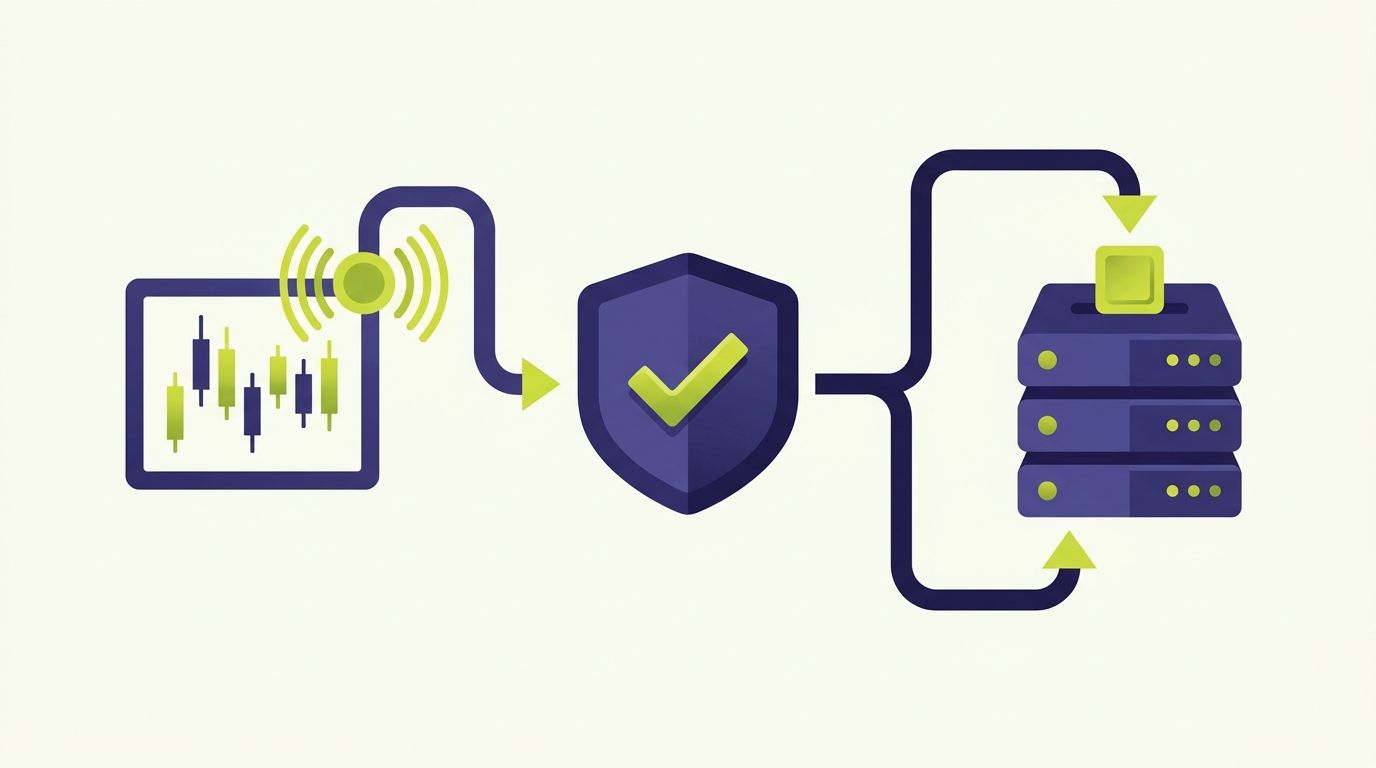
If you run strategies on TradingView and trade on HTX (Huobi), HTX Huobi TradingView automation closes the gap between the alert firing on your chart and the o...
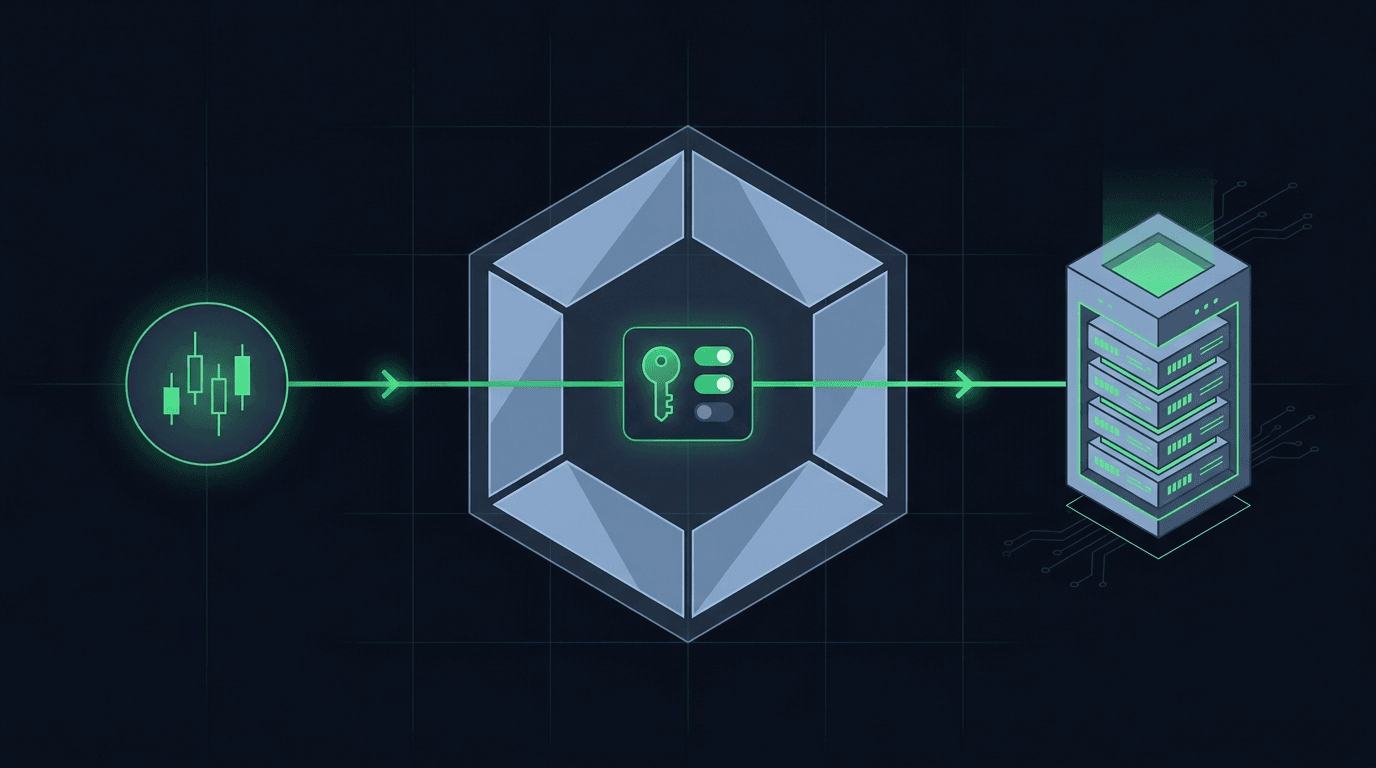
You have a TradingView strategy that fires clean alerts, and you want those alerts to place orders on Crypto.com without sitting at the screen all day. Crypto....
Non-custodial execution. Trade-only API keys. Independent infrastructure built for reliability.
Request Early AccessTrade-only API key enforcement. No withdrawal permissions. No custody.