How to Automate TradingView Alerts With Zapier
Your TradingView strategy fires a clean alert at exactly the right moment — and then nothing happens on your exchange. If that gap between signal and execution...
Read more
TradingView can only post an alert to one webhook URL. Here's how a relay fans that single signal out into one order per exchange—safely, with symbol mapping, sizing, and idempotency.
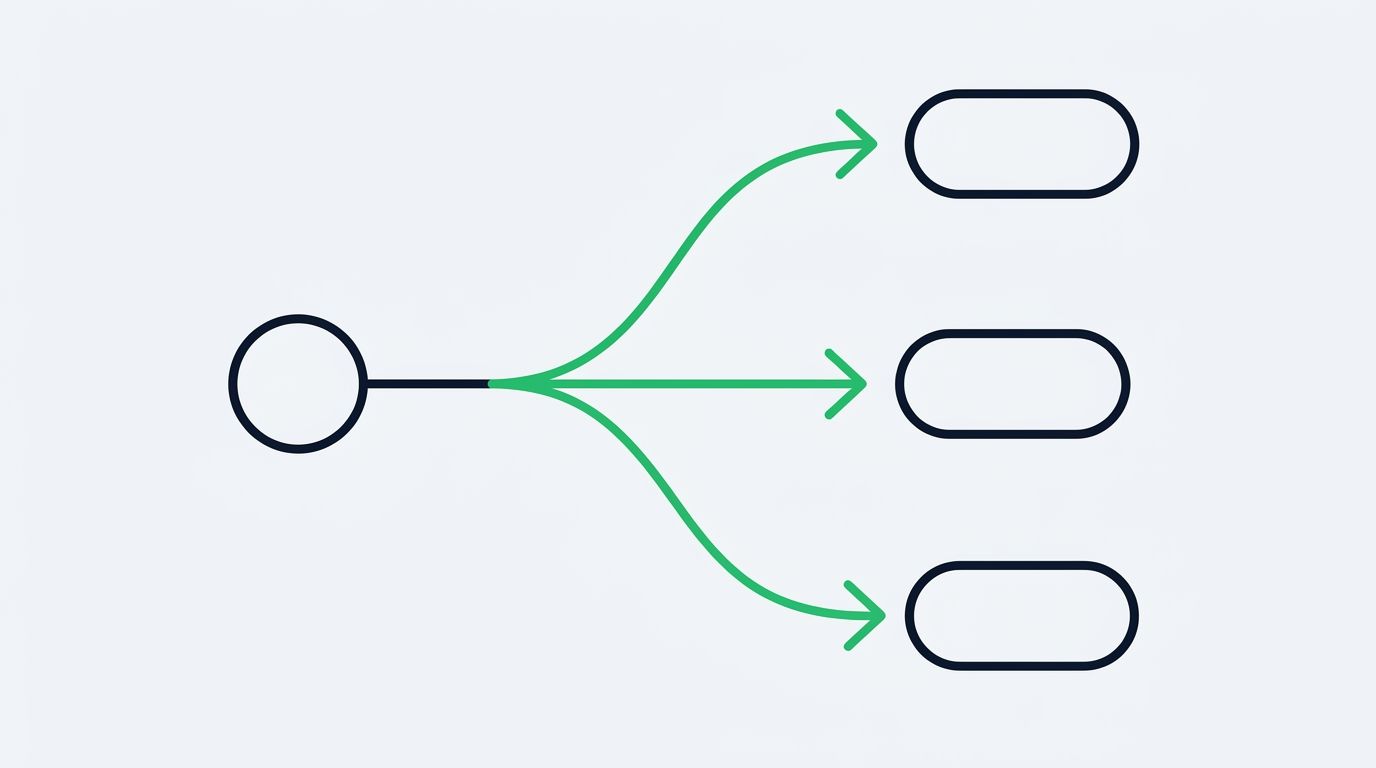
You built a strategy in TradingView, wired up a webhook, and orders now land on your exchange automatically. The next question almost always follows: can you route one TradingView alert to multiple exchanges at once? Maybe you run the same setup on Bybit and Binance, or you want to split size across venues to reduce concentration on a single API. This guide explains how a one-to-many fan-out works, what changes when a single signal fans out to several destinations, and how to keep it reliable.
The short version: TradingView can only send an alert to one webhook URL. So the fan-out does not happen inside TradingView. It happens at the relay layer that receives the alert and decides where the resulting orders go. You control the logic. The relay handles the delivery.
Traders duplicate a signal across venues for a few practical reasons. Liquidity and fees differ by exchange, so the same market order can fill at slightly different prices depending on where it lands. Splitting an order across two venues can reduce how much you lean on any single order book. Some traders also keep balances on more than one exchange for operational resilience, so a single strategy needs to act on all of them.
Whatever the reason, the goal is the same: one decision in TradingView should turn into several orders, each on a different exchange, without you copying alerts by hand. Doing that by hand defeats the point of automation. It needs to be a routing rule, not a manual step.
TradingView fires a single HTTP request to a single webhook URL when your alert condition triggers. That is the hard constraint. You cannot list several URLs in one alert. So the pattern is:
This is a fan-out. A single inbound message becomes multiple outbound orders. The important shift is that your alert payload no longer names a single exchange. Instead it names a strategy or a route, and the routing rule decides which exchanges are in that route.
Here is the flow from alert to filled orders when you route to more than one venue.
The critical design point is step 4. The routing rule is the single source of truth for which exchanges receive an order. Change the rule and every future alert follows the new route. TradingView never has to know.
The moment you fan out to several venues, small differences stop being cosmetic. The same intent has to be expressed correctly on each exchange, and they do not agree on the details.
Symbols differ. A pair might be `BTCUSDT` on one venue and `BTC-USDT` or `XBTUSD` on another. Your route needs a mapping from your internal symbol to each exchange's symbol.
Order sizing and precision differ. Minimum order size, quantity step, and price precision are not the same everywhere. An order that is valid on one exchange can be rejected on another for being below the minimum or having too many decimals. If you split a position across venues, decide how much goes to each and round each leg to that venue's rules. Our guide on how to control order size in TradingView webhook alerts is a useful companion here.
Market structure differs. Spot and futures behave differently, and not every symbol exists on every venue. A route should only include exchanges that actually list the instrument you are trading.
Because any single leg can fail on its own, treat each exchange submission as independent. One venue rejecting an order should not silently cancel the others. Log every leg, surface the failures, and decide per strategy whether a partial fan-out is acceptable or should be rolled back. Our notes on how to handle failed and rejected orders in a trading bot go deeper on this.
Duplicate delivery is the quiet risk of any webhook system. TradingView can retry, networks can hiccup, and a single alert can arrive more than once. When one alert becomes several orders, a duplicate can multiply into several unwanted orders across every venue in the route.
The defense is idempotency. Give each alert a stable identifier and derive a deterministic order id per exchange from it. If the same alert arrives twice, the relay recognizes the repeat and does not submit a second set of orders. This is worth understanding before you turn on a multi-exchange route; our explainer on how idempotency keys prevent duplicate trades walks through the pattern.
Security compounds with each key you add. Every exchange in a route means one more API key the relay holds. Use trade-only keys with no withdrawal permission on every venue, so a key can place and cancel orders but can never move funds off the exchange. Your funds stay on your own exchange accounts the entire time. A relay that fans out to five venues should still never be able to withdraw from any of them.
No. A TradingView alert posts to a single webhook URL. To reach several exchanges from one alert, the receiving service has to fan the message out to each venue. The multiplication happens after TradingView, not inside it.
Yes. Each exchange issues its own API keys, so a route that touches three venues uses three keys. Create a trade-only key with withdrawal disabled on each one, and connect all of them so the relay can submit orders to every venue in the route.
By default each leg is independent, so the accepted orders still go through while the rejected one is logged as a failure. Whether you want to keep the partial fill or reverse it is a per-strategy decision. Design the route so failures are visible rather than silent.
Not necessarily. Prices, fees, and liquidity vary by venue, so results differ each time and cannot be predicted in advance. Routing across exchanges is about operational control and spreading exposure across order books, not about a predictable outcome.
Use idempotency. Attach a stable id to each alert and derive a deterministic order id per exchange. If the same alert is delivered twice, the relay recognizes it and skips the repeat instead of placing a second set of orders.
Fanning a single TradingView alert out to several exchanges is a routing problem, not a TradingView problem. Keep your strategy logic in TradingView, define the destination list as a rule, and let the relay translate one signal into one order per venue safely and idempotently. SignalToExchange is built for exactly this: connect trade-only keys on each exchange, point one webhook at the relay, and route a signal to multiple venues without giving up custody of your funds. Request access or start your free trial to set up your first multi-exchange route.
Automated trading involves risk. SignalToExchange is execution infrastructure and does not provide financial advice, trading signals, or guarantees of any kind.
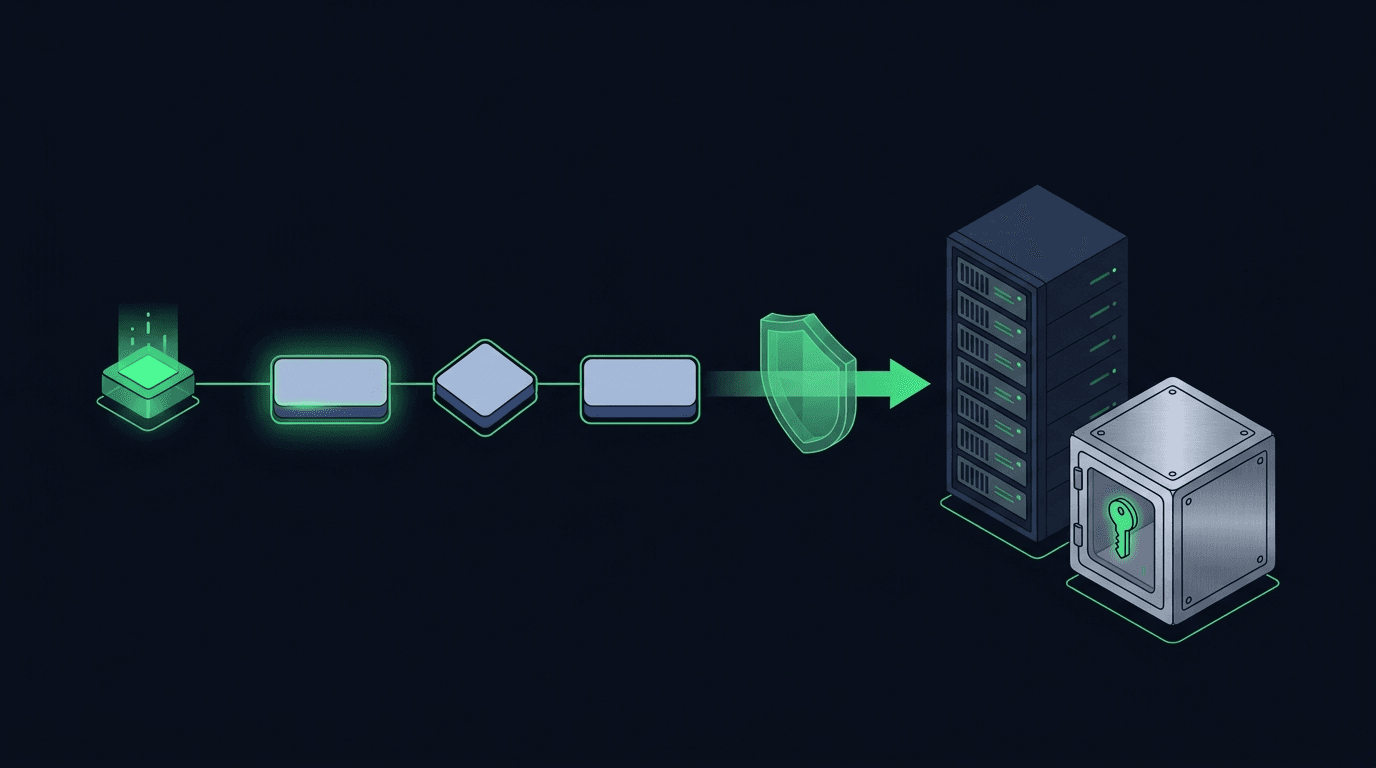
Your TradingView strategy fires a clean alert at exactly the right moment — and then nothing happens on your exchange. If that gap between signal and execution...
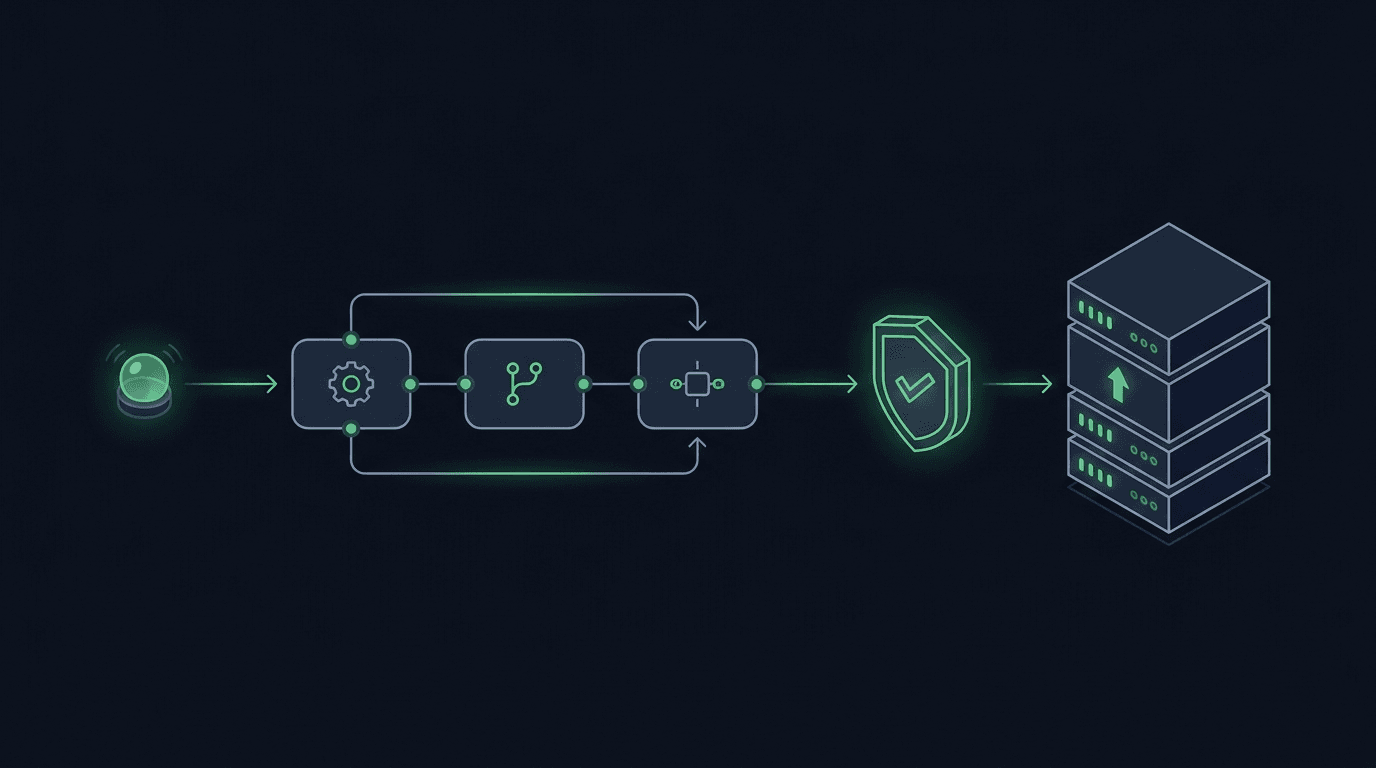
You have a TradingView strategy that fires clean alerts, but every signal still waits on you to see the notification and place the order by hand. By the time y...
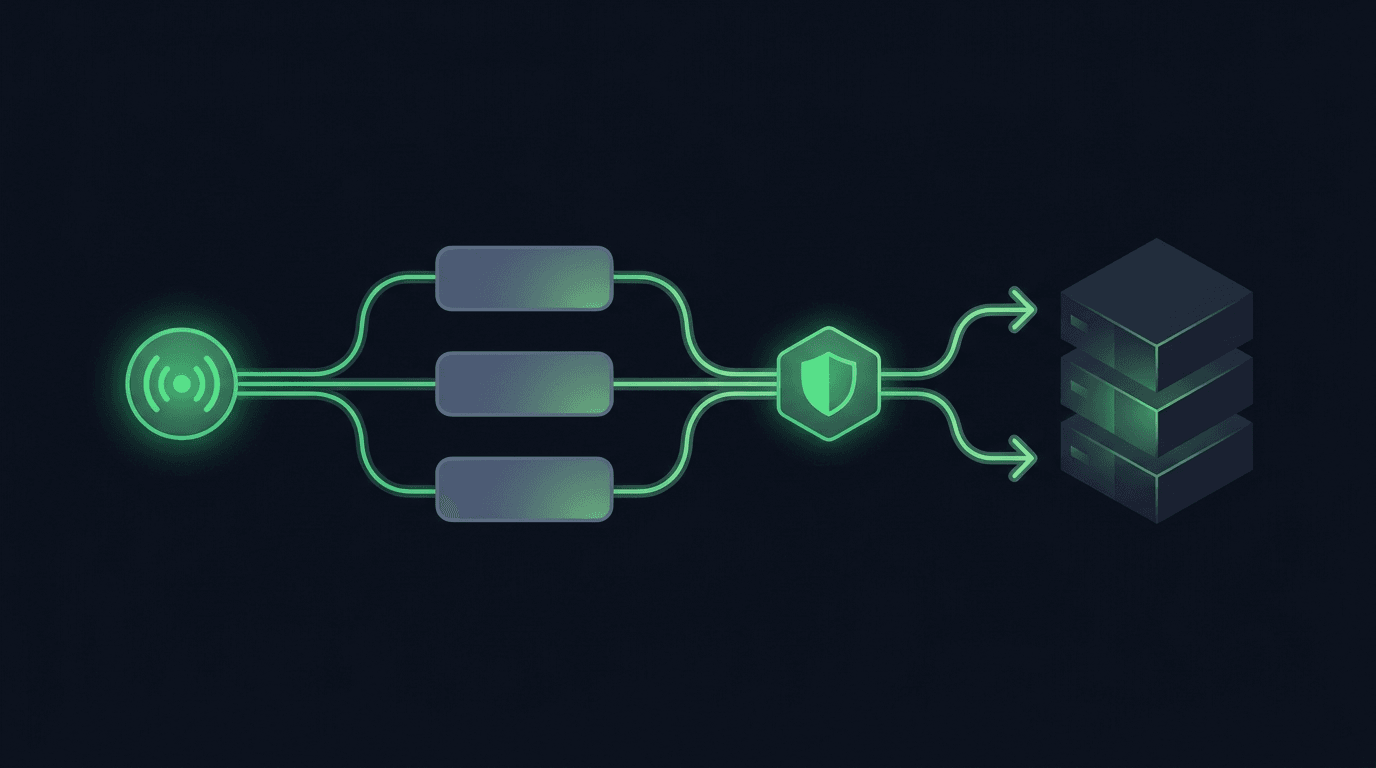
TradingView is where many traders build their edge, but a chart alert that only pops up on your screen still leaves the hardest part — placing the order — up t...
Non-custodial execution. Trade-only API keys. Independent infrastructure built for reliability.
Request Early AccessTrade-only API key enforcement. No withdrawal permissions. No custody.