How to Automate TradingView Alerts With Zapier
Your TradingView strategy fires a clean alert at exactly the right moment — and then nothing happens on your exchange. If that gap between signal and execution...
Read more
Order size decides how much capital each automated trade commits. Learn where TradingView webhook order size lives in the payload, the common ways to express it, and how to set it so one alert always sends exactly the position you meant.
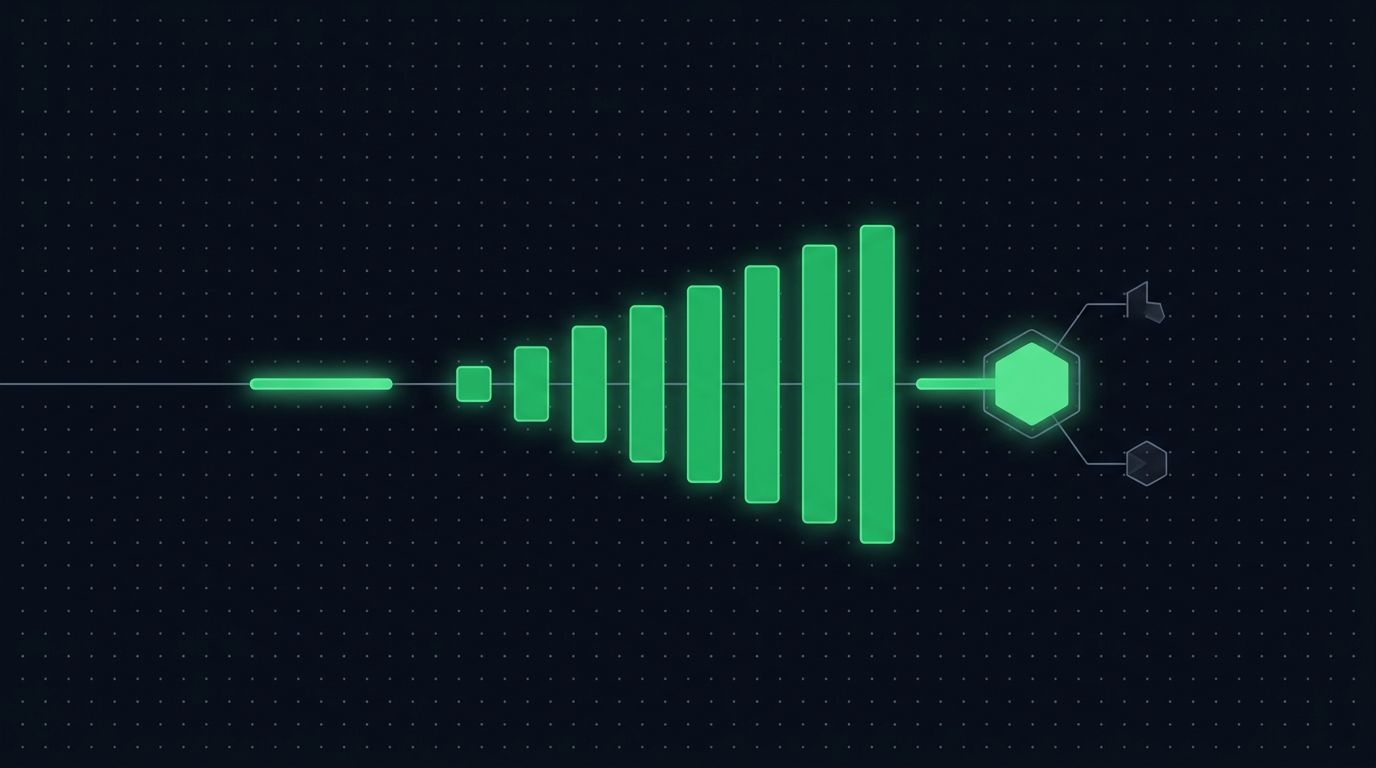
When you automate a strategy, one detail decides how much capital each trade actually commits: the TradingView webhook order size. Your alert can fire perfectly and reach the exchange in milliseconds, but if the size field is wrong — or missing — the order that lands can be far larger or smaller than you intended. Getting order size right is the difference between automation you can leave running and automation you have to babysit.
This guide explains where order size lives in an automated pipeline, the common ways to express it, and how to set it so a single alert always sends exactly the position you meant. It assumes you already fire alerts from TradingView and want them to place correctly sized orders on your exchange without manual cleanup.
Order size is simply the quantity an order commits — but "quantity" can be measured in more than one way, and the exchange needs to know which you mean.
There are three common units. Base quantity is an amount of the asset itself, such as 0.05 BTC. Quote amount is a value in the pricing currency, such as 200 USDT worth of BTC. Percentage sizing expresses the order relative to something else, such as a share of your available balance. Each unit answers the same question — how much? — but produces a different order, so the size field in your payload has to be unambiguous about which one it carries.
The reason this matters for automation is that there is no human to sanity-check the number. A manual trader who typos an amount usually notices before clicking. An automated pipeline submits whatever the payload says, immediately. Order size is therefore a field you design once and verify carefully, not something you tweak per trade.
The simplest approach is to bake one fixed quantity into every alert: always trade 0.01 BTC, for example. It works until it doesn't.
A fixed base quantity ignores price. The same 0.01 BTC represents a very different capital commitment when the asset doubles in price, so a size that felt right months ago can quietly become far larger in value. A fixed size also ignores your account: as your balance changes, a static quantity drifts out of proportion with what you actually hold. And a single hardcoded number cannot adapt across symbols — the appropriate size for a large-cap pair is rarely the right size for a thinly traded one.
None of this means fixed sizing is wrong. For a single symbol at a stable scale, it is clear and predictable. The point is to choose the sizing model deliberately rather than defaulting to a constant because it was the easiest thing to type into the alert.
In a TradingView-to-exchange setup, order size travels inside the alert message — the JSON payload TradingView sends when your alert fires. That payload carries the instruction: which symbol, which side, what type of order, and how much.
A minimal order payload usually includes a symbol, a side (buy or sell), an order type, and a size field. The size field is where your quantity or amount goes. If you are new to constructing these messages, the mechanics are covered in detail in our guide to structuring a TradingView webhook JSON payload for orders, and the broader formatting rules live in the TradingView alert message format reference.
TradingView also lets you inject live values into that payload using placeholders. Strategy alerts can pass the strategy's own calculated quantity through a variable, so the size that reaches your receiver reflects what the strategy actually decided on that bar rather than a number frozen in the alert text. That is what lets one alert template serve many trades: the structure stays fixed, the size updates itself.
There are a few practical patterns, and the right one depends on how your strategy thinks about risk.
Fixed base quantity sends a set amount of the asset every time — straightforward, best when you trade one symbol at a consistent scale. Fixed quote amount sends a set value in the pricing currency, which keeps the capital committed per trade steady even as price moves, since the exchange converts the value into a quantity at execution. Percentage-of-balance sizing scales each order to a share of your available funds, so orders grow and shrink with the account instead of staying static. Strategy-driven sizing passes the quantity your Pine strategy computed, letting position logic you already backtested carry straight through to execution.
Whichever you choose, keep two things consistent: the unit the size field represents, and the exchange's own minimums. Every market has a minimum order size and a step increment, and an order below the minimum is rejected outright. Sizing that ignores those limits produces silent failures rather than trades.
A few habits keep automated sizing honest:
Order size is exactly the kind of field that is cheap to test and expensive to get wrong in production. Before you connect real funds, confirm that the number you send is the number that fills.
Fire a test alert and inspect the payload your receiver actually receives — not the alert text you wrote, but the resolved JSON after TradingView substitutes any placeholders. Then place a single small order and compare the requested size to the filled size on the exchange. If they match across a few symbols and both order sides, your sizing is wired correctly. A full walkthrough of validating this safely lives in our guide to testing TradingView automation before going live. Testing on small size first turns sizing bugs into cheap lessons instead of costly ones.
Running the receiver that parses your payload, validates the size field, enforces per-symbol minimums, and submits the correctly sized order is the part most traders would rather not build and maintain. That is the gap SignalToExchange fills: it is a non-custodial relay layer that accepts your TradingView webhook, reads the order size from the payload exactly as you defined it, checks it against the exchange's constraints, and submits one order per signal.
Because the model is non-custodial, your funds never leave your exchange. You connect trade-only API keys with no withdrawal access, so the relay can place and manage orders at the size you specify but can never move your money. You keep full control of the sizing logic; the relay simply executes it reliably. If you are still wiring up alerts, the basics of sending a webhook from TradingView are a good starting point.
If you want your alerts to place correctly sized orders without maintaining your own receiver, you can request access and start a free trial to route signals through infrastructure built for exactly that.
Order size goes in the JSON payload of the alert message — the body TradingView sends to your webhook URL when the alert fires. It lives in a dedicated size or quantity field alongside the symbol, side, and order type, so your receiver knows exactly how much to trade.
Yes. TradingView strategy alerts can pass the strategy's calculated quantity through a placeholder variable, so the size in the payload updates itself every time the alert fires. The alert template stays fixed while the size reflects what the strategy decided on that bar.
Both are valid, and the choice depends on how your strategy manages exposure. Fixed quantity is simple and predictable for a single symbol; percentage-of-balance sizing scales orders with your account. Pick one model per strategy, keep the size field's unit consistent, and document which you are using.
The exchange rejects it. Every market enforces a minimum order size and a step increment, and an order beneath that threshold fails rather than fills. Check each symbol's minimum before going live and keep your smallest possible order comfortably above it.
No. A non-custodial relay executes the size you define in your payload — it reads and submits, it does not choose. Your sizing logic stays in your own strategy and process; the relay's job is to carry that instruction to the exchange accurately and place one order per signal.
Automated trading involves risk. SignalToExchange is execution infrastructure and does not provide financial advice, trading signals, or guarantees of any kind.
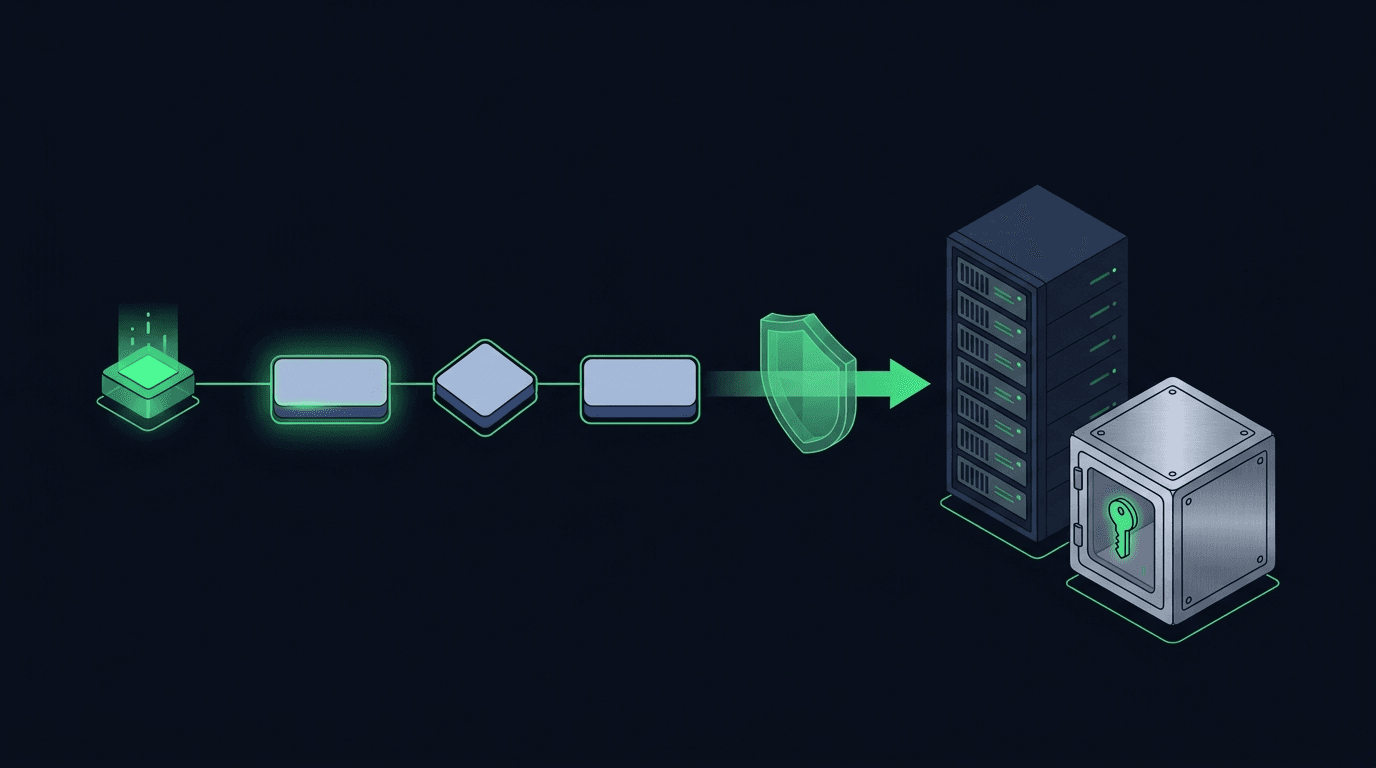
Your TradingView strategy fires a clean alert at exactly the right moment — and then nothing happens on your exchange. If that gap between signal and execution...
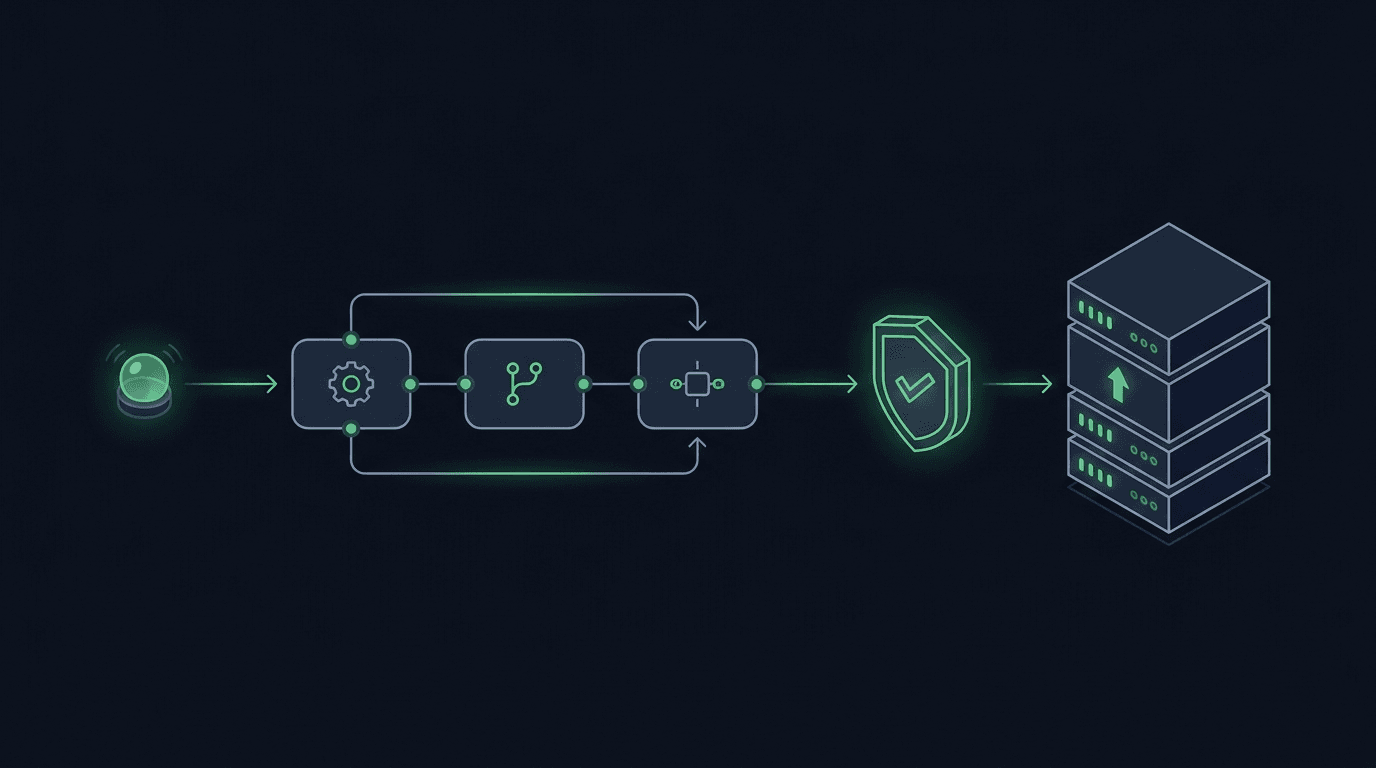
You have a TradingView strategy that fires clean alerts, but every signal still waits on you to see the notification and place the order by hand. By the time y...
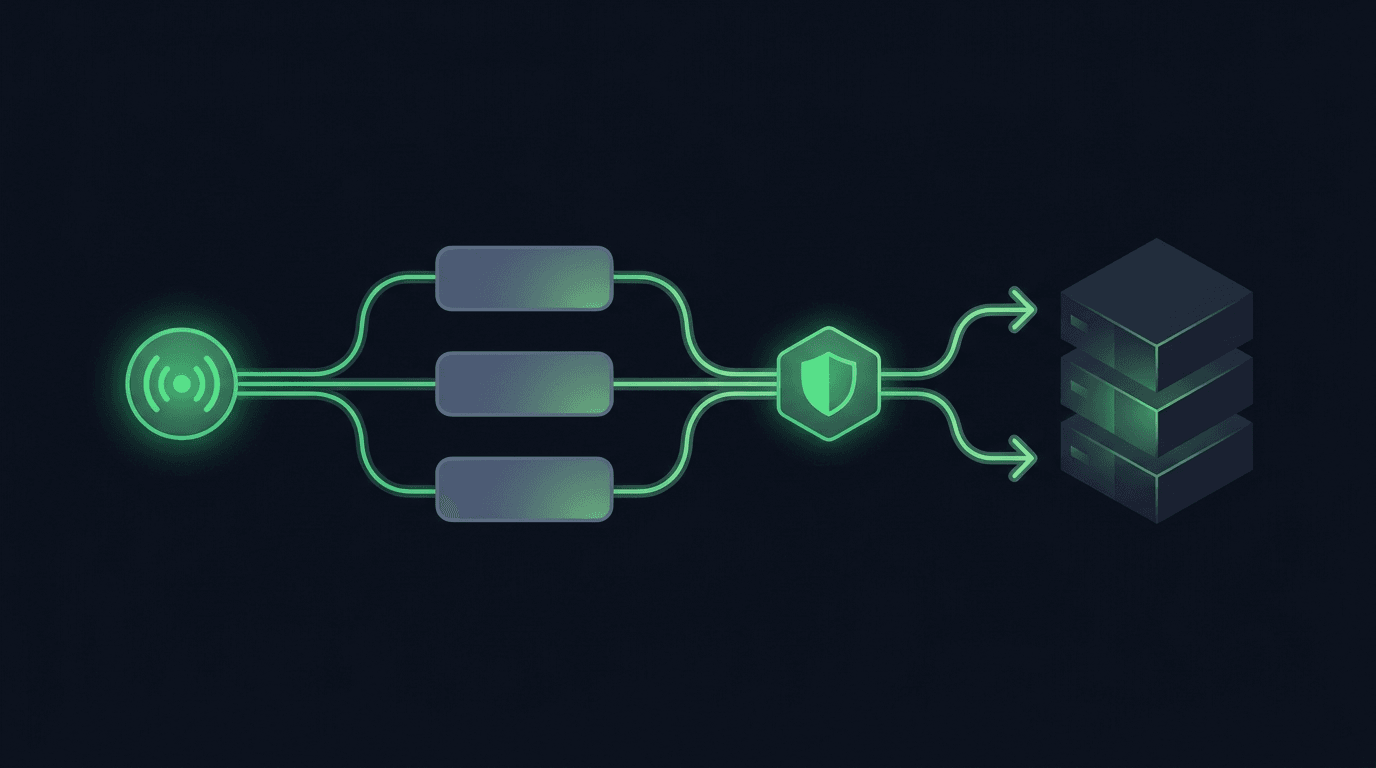
TradingView is where many traders build their edge, but a chart alert that only pops up on your screen still leaves the hardest part — placing the order — up t...
Non-custodial execution. Trade-only API keys. Independent infrastructure built for reliability.
Request Early AccessTrade-only API key enforcement. No withdrawal permissions. No custody.