How to Automate TradingView Alerts With Zapier
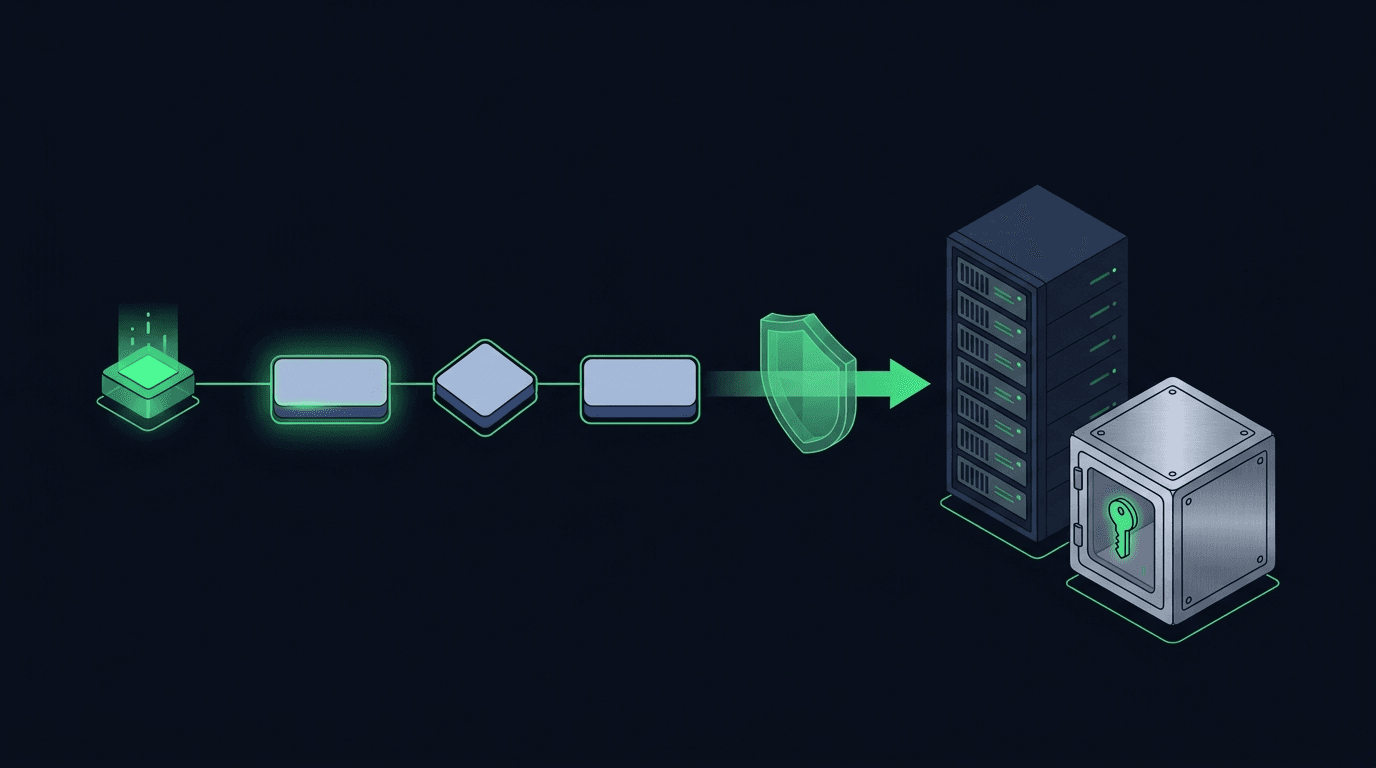
Your TradingView strategy fires a clean alert at exactly the right moment — and then nothing happens on your exchange. If that gap between signal and execution...
Read more
How to cancel an open order using a TradingView webhook: what a cancel really does at the exchange, how to structure the alert and payload, and how a relay handles late fills, duplicates, and cancel-then-replace.
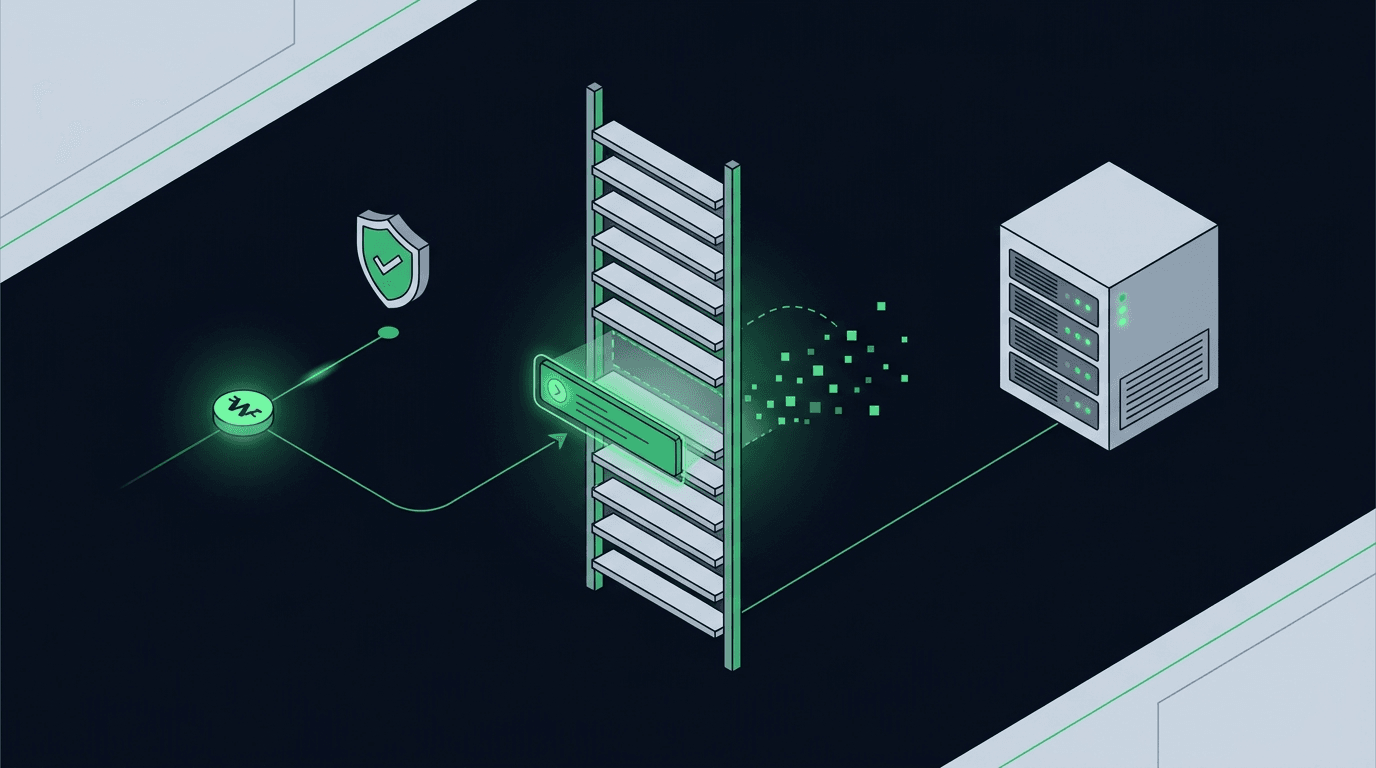
Most automation guides focus on how to open a trade. Far fewer explain how to cancel an open order using a TradingView webhook, and that gap causes real problems. A limit order that sits unfilled after your setup has invalidated is not harmless. It can fill hours later at a price your strategy no longer wants, tie up margin you need elsewhere, or stack on top of a fresh entry and double your exposure. If your alerts can place orders but cannot pull them back, your automation is only doing half the job.
This guide covers the mechanics: what "cancelling" means at the exchange, how to structure a TradingView alert that cancels cleanly, the payload a relay needs, and the edge cases that trip up unattended systems. What triggers a cancel is your strategy's decision; how it executes reliably is our focus here.
A cancel is a distinct instruction, not the reverse of an entry. When you place a limit or stop order, the exchange stores it in the order book (or in its conditional-order queue) with a unique order ID. A cancel request tells the exchange to remove that resting order before it fills. It does not touch any position you already hold, and it does nothing to orders that have already been filled.
That distinction matters. Cancelling an unfilled buy limit removes the intent to buy. It is not the same as selling, and it is not a reduce-only order that trims a live position. To scrap a resting order and flatten a position, you need two separate actions. Treating a cancel as if it closes a trade is a common mistake, and it leads to systems that think they are flat when they are not.
Timing matters too. Between the moment your strategy decides to cancel and the moment the exchange processes the request, the order may already have filled. A cancel that arrives too late does nothing, because there is no resting order left to remove. Reliable automation expects that outcome rather than assuming every cancel succeeds.
Manual traders cancel orders constantly: a level breaks, the setup is gone, they clear the ticket. Automated systems have to make that decision explicit. A few situations where a cancel webhook earns its place:
In each case the alternative is a human watching the screen, which defeats the purpose of automating.
TradingView fires webhooks through its alert system. To cancel an order, you create an alert whose message body carries a cancel instruction and point its webhook URL at your relay endpoint. The alert condition is whatever your strategy uses to decide the resting order is no longer wanted, for example a Pine Script `alertcondition` that triggers when price closes back through your entry level.
The message itself is JSON. It needs to say three things clearly: that this is a cancel, which market it applies to, and which order to remove. Identifying the order is the part people underestimate. You have two options: cancel a specific order by its exchange order ID or the `clientOrderId` you assigned when placing it, or cancel broadly, for example "all open orders on this symbol." Targeting a specific ID is precise but requires you to have stored that ID. Cancelling all open orders on a symbol is simpler and often safer for a single-strategy account, but blunt if you run several strategies on the same pair.
Because TradingView alert messages are static text with a few dynamic placeholders, the cleanest approach is to assign a stable `clientOrderId` when you place the order and reference the same value when you cancel it. That gives you a reliable handle without needing the exchange's server-generated ID, which you would not have inside a TradingView alert.
A relay needs an unambiguous payload to act on. The exact schema depends on your setup, but a cancel message typically carries the action, the symbol, and an order reference, plus an authentication secret. The structure mirrors an entry payload closely, which is why it helps to design both together. If you are new to shaping these messages, our guide on how to structure a TradingView webhook JSON payload for orders walks through the anatomy of a well-formed body.
At minimum, a cancel payload should express: the action (`cancel`), the exchange and market it applies to, and the order identifier, whether that is a specific `clientOrderId` or a "cancel all for symbol" flag. Including an idempotency key is strongly recommended so that a retried or duplicated alert does not cause confused behavior downstream. Keep the secret out of the alert text where you can and rely on request signing instead, so the message that identifies the order is separate from the credential that authorizes it.
When the relay receives this, it validates the secret, maps the fields to the target exchange's cancel endpoint, and issues the request. Because SignalToExchange is non-custodial and uses trade-only API keys, a cancel request can remove a resting order but can never move or withdraw funds. The keys simply do not carry that permission.
Cancels fail in quieter ways than entries, so unattended systems need to plan for them.
The most important case is the already-filled order. If your cancel arrives after the fill, the exchange returns an error saying the order is unknown or already closed. That is not a system fault; it is the market moving faster than your signal. Your logic should treat "order not found" on a cancel as an expected, non-fatal outcome, then check your actual position rather than assuming the cancel worked. Related failure handling is covered in our guide on how to handle failed and rejected orders in a trading bot.
Duplicate alerts are the next trap. TradingView can occasionally fire the same alert more than once, and a naive system might send two cancels or, worse, cancel-then-place in the wrong order. This is where an idempotency key matters, so repeated messages collapse into one effect. Our write-up on preventing duplicate trades with idempotency keys explains the pattern in depth.
Order-of-operations is the last one. If a single alert is meant to cancel a stale order and then place a new one, the cancel must complete before the new order goes in, or you risk both resting at once. Sequencing that reliably is a job for the relay, not for the alert text.
No. A cancel only removes a resting, unfilled order from the exchange. Any position you already hold is untouched. To reduce or close a position you need a separate order, such as a reduce-only close, not a cancel.
The exchange rejects the cancel with an "order not found" or "already filled" style error. This is expected. Your automation should treat it as non-fatal and check your current position rather than assuming the order is still resting.
Yes, most exchanges support a "cancel all open orders" request scoped to a market. It is convenient for a single-strategy account but blunt if several strategies share the same pair, since it removes everything, not just the order you meant.
Often, yes, though some exchanges hold stops in a separate conditional-order queue with their own IDs. If you automate stops, confirm how your exchange represents them and whether they are cancelled through the same endpoint as limit orders.
No. Cancelling is a trading action. With trade-only API keys, a relay can place, modify, and cancel orders while having no ability to withdraw or move your funds.
Cancelling an open order from a TradingView webhook is not glamorous, but it separates automation you can leave running from automation you have to babysit. Give every order a stable identifier, treat late cancels as normal, and make retries idempotent, and your system will clear its own stale orders as reliably as it places new ones. If you want a relay that reads a cancel alert and executes it with trade-only keys while your funds stay on your own exchange, request access or start your free trial and route your first cancel webhook.
Automated trading involves risk. SignalToExchange is execution infrastructure and does not provide financial advice, trading signals, or guarantees of any kind.
Your TradingView strategy fires a clean alert at exactly the right moment — and then nothing happens on your exchange. If that gap between signal and execution...
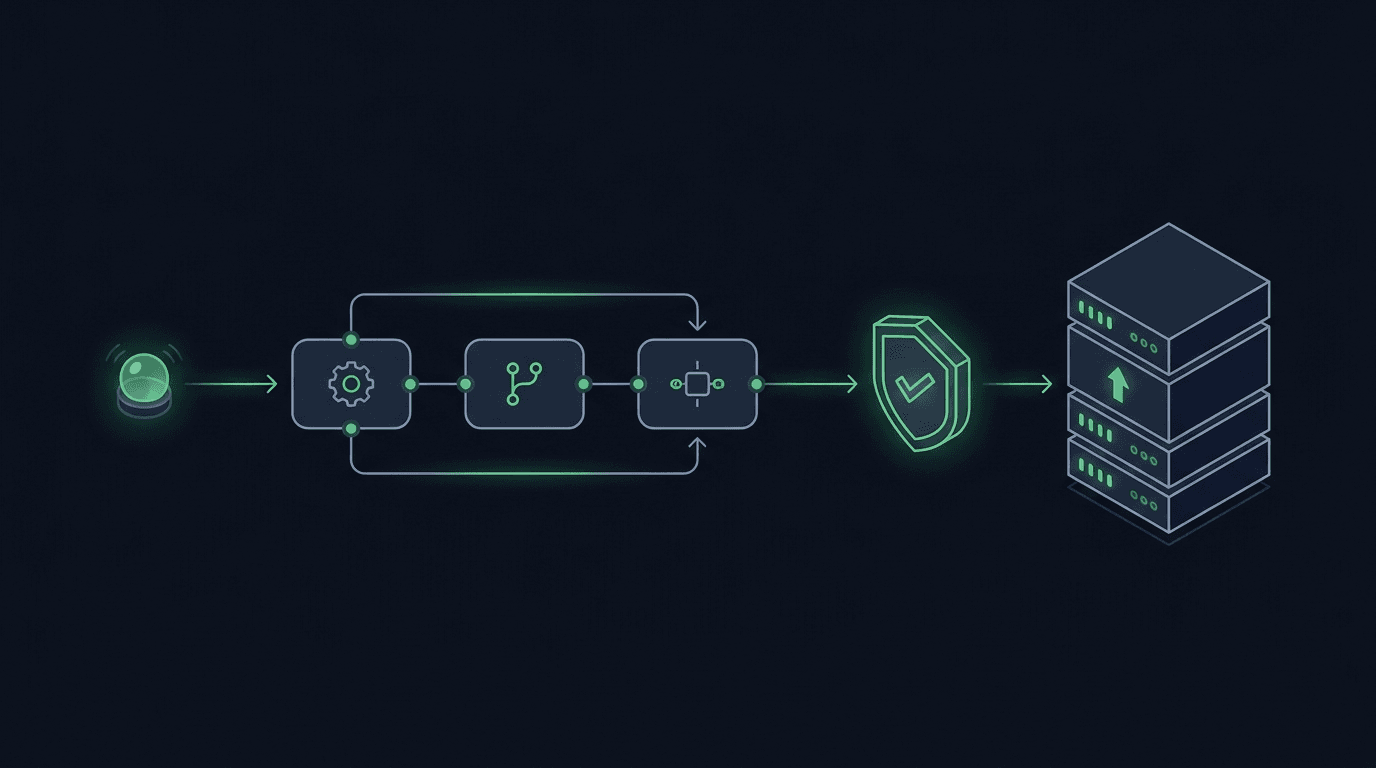
You have a TradingView strategy that fires clean alerts, but every signal still waits on you to see the notification and place the order by hand. By the time y...
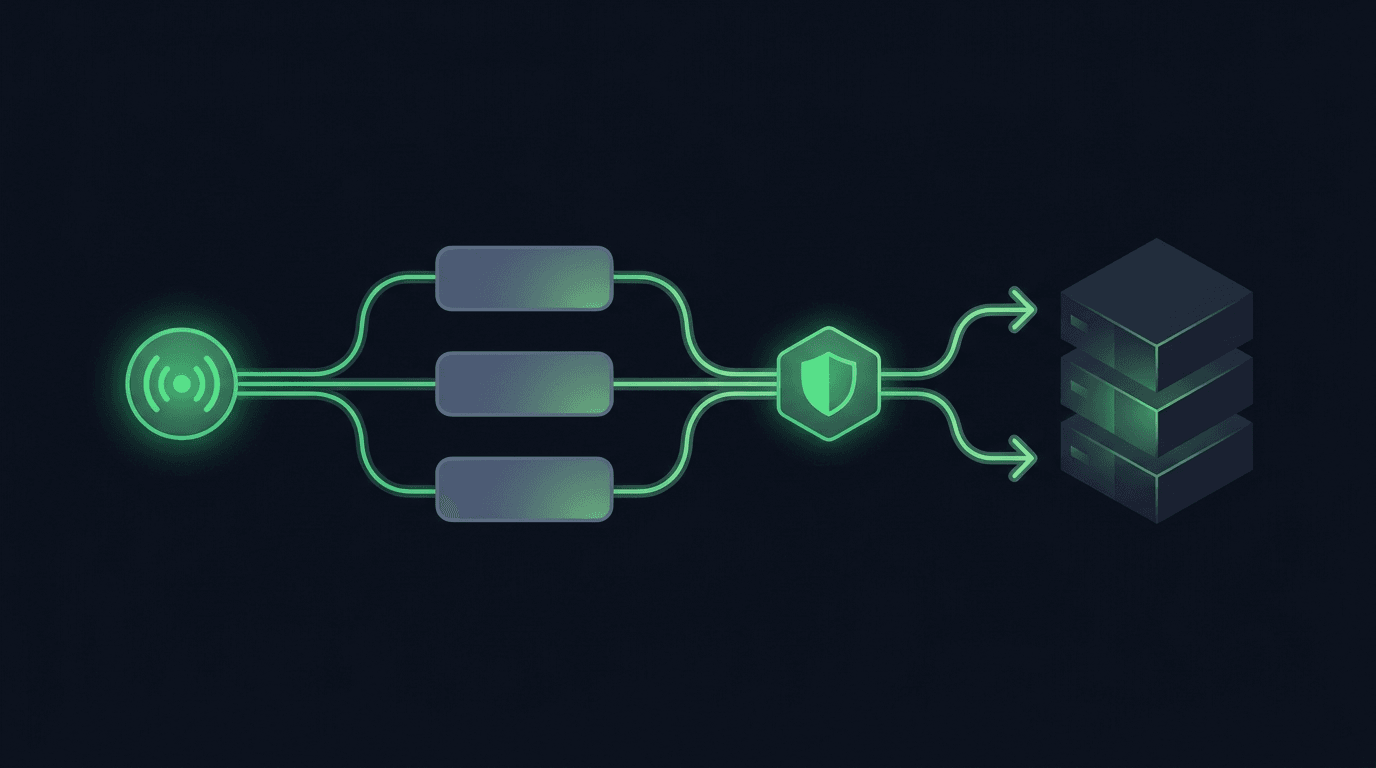
TradingView is where many traders build their edge, but a chart alert that only pops up on your screen still leaves the hardest part — placing the order — up t...
Non-custodial execution. Trade-only API keys. Independent infrastructure built for reliability.
Request Early AccessTrade-only API key enforcement. No withdrawal permissions. No custody.