What Is a Conditional (Trigger) Order and How Automation Uses It
You set up a strategy that should only act when the market reaches a specific level — buy if price breaks above resistance, or exit if it falls through support....
Read more
Cross margin vs isolated margin in crypto futures: how each mode backs a position, when it liquidates, and what the difference means once a bot places your orders.

If you automate futures trades, the choice of cross margin vs isolated margin in crypto futures is one setting that quietly shapes how much of your account is exposed when a position moves against you. It sounds like a small toggle on the exchange. In practice, it decides which pool of collateral backs each position, when a liquidation is triggered, and how an automated order behaves when your webhook fires into a fast-moving market.
This guide explains what each margin mode does, where they differ, and how the difference matters once a bot — not a human — is placing the orders. It is an explainer on process and mechanics, not trading advice.
Futures positions are backed by collateral called margin. The exchange holds that margin against the risk of the position and closes the position (a liquidation) if losses eat through the buffer. Margin mode decides which collateral is on the hook.
Cross margin and isolated margin are the two standard answers. Every major venue — Binance, Bybit, OKX, Kraken, Bitget — exposes both, usually per-symbol or per-position. The names are consistent across exchanges even when the exact liquidation math differs slightly.
In cross margin mode, the position draws on your entire available futures balance as backing. Unrealized gains on one position can offset unrealized losses on another, and the whole wallet acts as a single buffer.
The upside is resilience against a single position getting liquidated: a temporary drawdown can be absorbed by the rest of your balance, so the position has more room before it is force-closed. The tradeoff is that the exposure is account-wide. A bad move on one symbol pulls collateral from everything else, and in a severe case the liquidation reaches beyond the position that caused it. You get a larger buffer, but you put more of the account behind it.
In isolated margin mode, you assign a fixed amount of margin to a specific position. That amount — and only that amount — is at risk. If the position is liquidated, the loss is capped at the isolated margin you allocated. The rest of your balance is untouched.
The benefit is a hard, predictable ceiling on what any single position can cost you. The tradeoff is a thinner buffer: because only the allocated margin defends the position, it liquidates sooner than the same position would under cross margin. You trade a smaller blast radius for a closer liquidation point.
The two modes solve the same problem from opposite directions:
Neither is universally "safer." Cross reduces the chance of a single liquidation but raises the amount at stake; isolated raises the chance of a single liquidation but caps the amount. Which behavior you want is a design decision, and for an automated system it is a decision you have to make before the first order fires.
When a person trades manually, they can react to margin conditions in the moment. An automated system cannot improvise — it does exactly what its rules and the exchange settings say. That makes margin mode part of your automation design, not an afterthought.
Three things change once a bot is placing the orders:
First, the mode is usually set on the exchange, not in the alert. Most webhook payloads specify symbol, side, size, and order type. Margin mode is typically configured on the exchange side per symbol and persists across orders. If you flip a symbol to isolated in the exchange UI, every automated order on that symbol inherits it until you change it back. Knowing where the setting actually lives keeps your live behavior matching your intent.
Second, isolated margin interacts with position sizing. Because isolated caps the collateral, an automated entry that is too large for its allocated margin can be rejected or liquidated quickly. Your sizing logic and your margin allocation have to agree. It helps to treat order size and margin mode as one combined setting rather than two independent ones — see our guide on how to set leverage for automated futures orders from TradingView for how sizing and leverage tie together.
Third, cross margin makes correlated positions a portfolio problem. If several automated strategies run on the same futures wallet under cross margin, they share one buffer. A coordinated drawdown across correlated symbols draws on the same collateral at once. Isolated keeps each position's risk local; cross links them. If you run more than one strategy, mapping which ones share a wallet is worth doing before you scale up.
A relay does not choose your margin mode for you — that is your call on the exchange. What a relay does is submit the order reliably against whatever settings your account holds, using trade-only API keys that cannot withdraw funds. SignalToExchange is non-custodial: your collateral stays on your own exchange, and the keys you connect can place and cancel orders but never move money out.
That separation matters here. Your margin mode, leverage, and available balance live on the exchange, under your control. The relay's job is to make sure the order that your strategy intends actually reaches the exchange with low latency, so the fill happens near the price your logic expected rather than after slippage. If you are still deciding whether to automate futures at all, our overview of spot vs futures automation covers the groundwork, and how perpetual funding rates affect automated futures orders covers a related cost most beginners miss.
Neither is better in the abstract. Cross margin gives a position more room before liquidation but puts the whole balance at stake; isolated caps the loss at the allocated margin but liquidates sooner. For automation, the deciding factor is which behavior your rules and sizing are built around — the mode should be a deliberate design choice, not a default you inherited.
Usually not. Margin mode is generally configured on the exchange per symbol and persists across orders. Most webhook payloads carry symbol, side, size, and order type, not margin mode. Set the mode on the exchange and confirm your automated orders inherit the setting you expect.
Yes. Changing margin mode on a symbol can affect how existing and future positions are collateralized on that symbol. Avoid flipping modes while automated positions are open, and re-verify your settings afterward so live behavior stays predictable.
No. A relay submits the order to the exchange using your trade-only keys; the exchange applies whatever margin mode, leverage, and balance your account holds. Margin mode governs collateral and liquidation on the exchange side, not how the order is transmitted.
Cross margin and isolated margin are two ways of answering the same question: which collateral defends this position, and how much of your account is exposed if it fails. Cross shares the buffer and the risk; isolated caps both. For automated trading, the mode is part of the system design — it shapes sizing, liquidation distance, and how multiple strategies interact on one wallet — so choosing it deliberately, and keeping your keys trade-only, is the reliable path.
If you want your TradingView or custom signals routed to your exchange with low latency and non-custodial, trade-only access, request access / start your free trial with SignalToExchange.
Automated trading involves risk. SignalToExchange is execution infrastructure and does not provide financial advice, trading signals, or guarantees of any kind.

You set up a strategy that should only act when the market reaches a specific level — buy if price breaks above resistance, or exit if it falls through support....
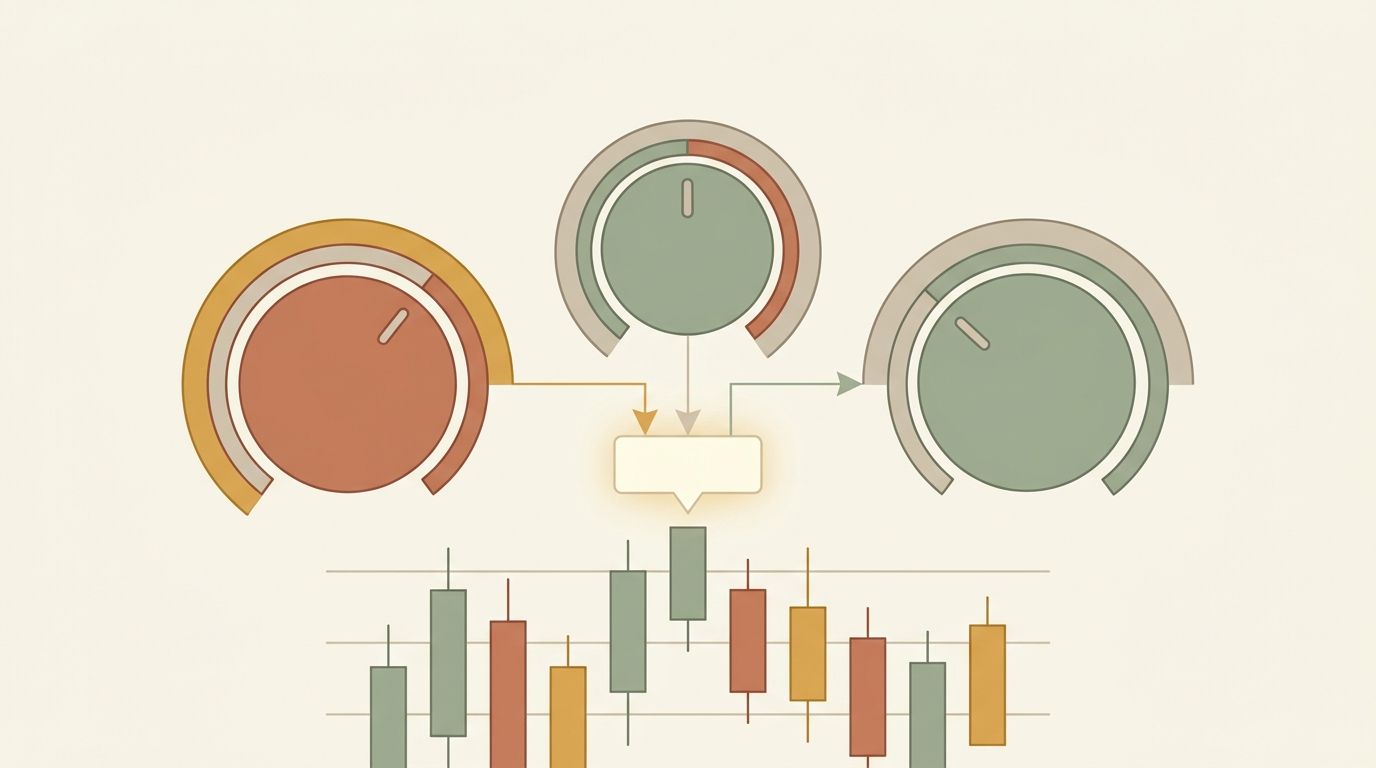
If you automate futures trading, you have probably noticed something confusing: your chart shows one price, but your position's liquidation level and profit-and...
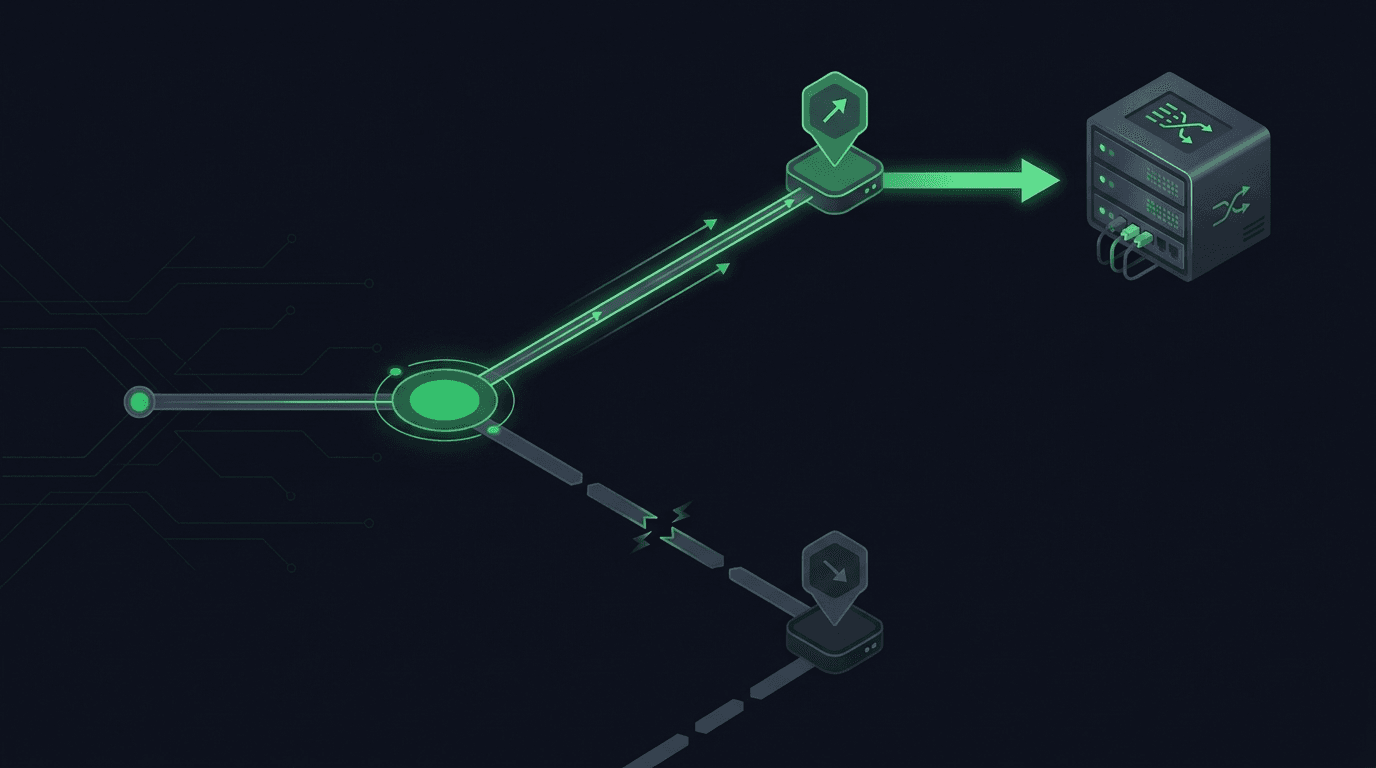
You set a take-profit and a stop-loss on the same position, walk away, and expect the exchange to close the trade at whichever level hits first. On most exchan...
Non-custodial execution. Trade-only API keys. Independent infrastructure built for reliability.
Request Early AccessTrade-only API key enforcement. No withdrawal permissions. No custody.