How to Automate TradingView Alerts With Zapier
Your TradingView strategy fires a clean alert at exactly the right moment — and then nothing happens on your exchange. If that gap between signal and execution...
Read more
How to automate trailing stops from TradingView alerts two ways: native exchange trailing orders, or recalculating the stop in Pine Script and updating it via webhook.
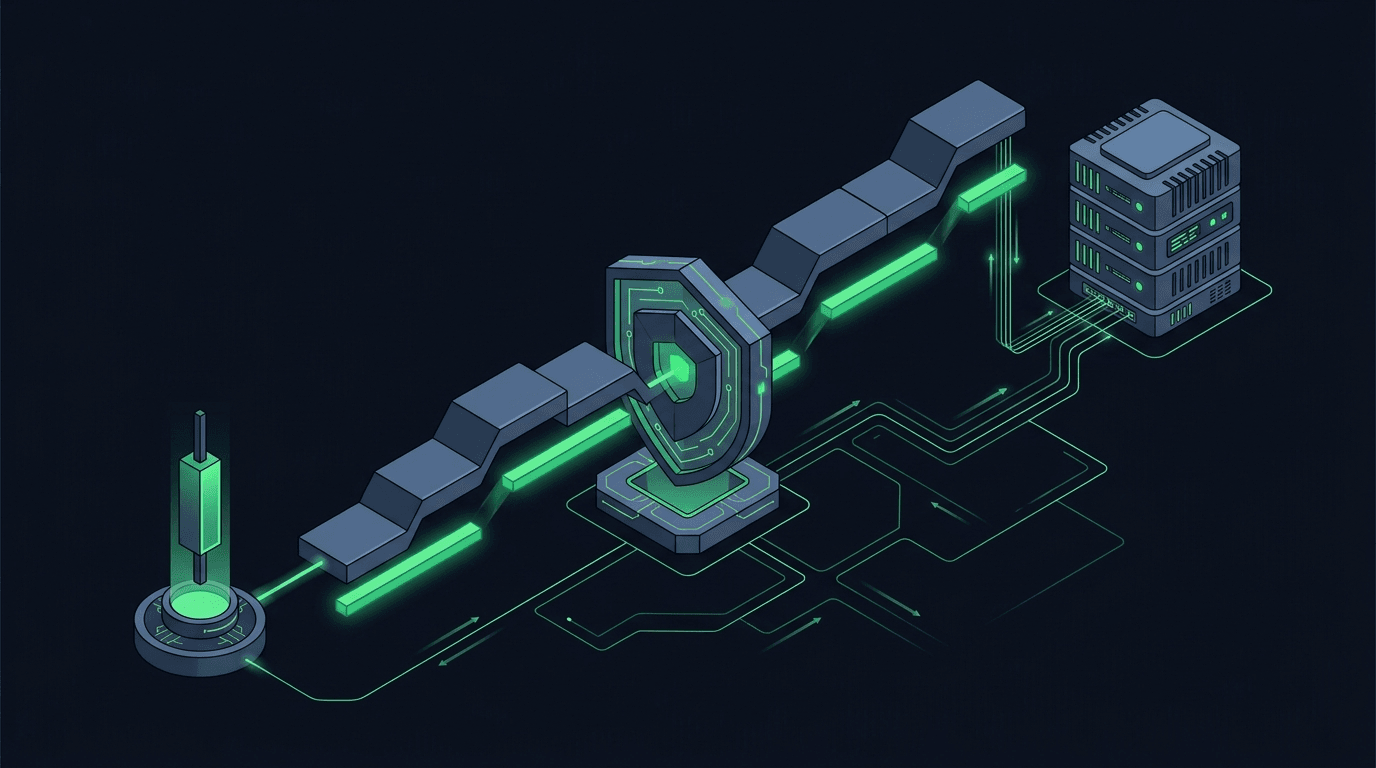
A trailing stop is one of the most requested features in TradingView webhook automation, and also one of the easiest to get wrong. The idea is simple: as price moves in your favor, the stop follows it at a fixed distance, locking in more of the move while still giving the trade room to breathe. Turning that idea into reliable, hands-off execution is harder, because a trailing stop is not a single order you fire once. It is a level that has to keep moving. This guide walks through how to automate trailing stops from TradingView alerts, the two main approaches, and the failure modes to design around.
A fixed stop-loss is a one-shot instruction. You send one order, the exchange holds it, and it either triggers or it does not. A trailing stop is different. It has state. The stop level depends on the highest price the position has reached since you opened it, so something, somewhere, has to remember that high-water mark and update the resting order every time a new extreme prints.
That "something" can live in three places: on the exchange, inside TradingView, or in the relay layer between them. Where you put the logic decides how much latency, complexity, and reliability risk you take on. Get it wrong and you end up with a stop that lags the market or drifts out of sync with your actual position size.
Mechanically, a trailing stop tracks a reference price. For a long position, the reference is the highest price seen since entry. The stop sits a set distance below that high, expressed either as an absolute price gap or a percentage. When price makes a new high, the stop ratchets up. When price falls, the stop stays put. It never moves against you. If price falls far enough to touch the stop, the position closes.
The trailing distance is the key input. A tight distance protects captured gains but gets shaken out by normal noise; a wide distance survives volatility but gives back more of the move before exiting. That trade-off is a strategy decision you make in your indicator. The plumbing's job is simply to move the stop accurately and quickly once your logic decides where it belongs.
There are two clean patterns, and they suit different traders.
The first is the exchange-native trailing stop. Most major exchanges support a trailing-stop order type directly. You send one order with a trailing distance, and the exchange's matching engine tracks the high-water mark for you and moves the stop internally. TradingView's role shrinks to a single alert that opens the position and places the trailing order.
The second is the alert-driven trailing stop. Here TradingView owns the logic. Your Pine Script recalculates the stop on every bar, and each time the level changes, an alert fires with the new stop price. The relay cancels the old protective order and places a fresh one at the updated level. TradingView is the brain; the exchange just holds whatever the latest alert told it to hold.
If your exchange supports native trailing stops, this is the simplest and lowest-latency route. You fire one TradingView alert on entry that does two things: opens the position, then submits a trailing-stop order with your chosen distance. After that, you are done. The exchange updates the stop in real time on its own infrastructure, with no round trips back to TradingView.
The upside is speed and simplicity: the stop moves as fast as the exchange's engine, with no dependency on alerts continuing to fire. The limitation is that you inherit the exchange's implementation. Trailing-distance units, minimum increments, and behavior in fast markets vary between venues, and not every exchange offers trailing stops on every market. When you build the alert, map your intent to that exchange's exact parameters carefully. Our guide on how to map TradingView alert fields to exchange order parameters covers the translation step so the value you send is the value the exchange actually uses.
When you want full control of the trailing logic, or your exchange lacks a native trailing order on the market you trade, you keep the calculation in Pine Script. On each bar close, your script computes the new stop level. If the level moved, it triggers an alert carrying the updated price. The relay receives that alert, cancels the previous stop, and places a new one.
This pattern gives you exact control: you decide whether to trail on highs, on a moving average, on an ATR band, or on any custom rule. The cost is more moving parts. Every stop update is a cancel-and-replace, so you depend on alerts firing on schedule and on the relay handling each update in order. Use a reduce-only order for the stop so an update can never accidentally flip or enlarge your position. If two updates arrive close together, they must be processed in sequence, not in parallel, or you can end up with two live stops or none.
Whichever method you choose, the alert message is where intent becomes an order. For a native trailing stop, the payload names the symbol, side, size, order type, and the trailing distance. For the recalculate approach, each update payload carries the symbol, the new stop price, and a flag marking it reduce-only, plus a stable identifier so the relay knows which order to replace.
Keep the JSON strict and predictable. Use TradingView placeholders for live values like price and position size rather than hard-coding them, and include a client-side identifier so repeated or retried alerts do not create duplicate stops. A well-formed payload is the difference between a stop that tracks cleanly and one that silently fails. Our walkthrough on how to structure a TradingView webhook JSON payload for orders shows the exact field layout, and if you are also managing entries and exits, adding stop-loss and take-profit to automated orders pairs naturally with trailing logic.
A few habits prevent most trailing-stop failures:
Use the native order when your exchange supports it on your market and its behavior matches your intent. It is faster and has fewer failure points. Recalculate from TradingView when you need custom trailing logic or the exchange has no native trailing order for that market.
That is a strategy choice, not an infrastructure one, and it depends on the market's volatility and your holding period. A tighter distance protects more of a move but exits on smaller pullbacks; a wider one rides out noise but gives back more before closing. Backtest and forward-test your own rule rather than copying a default.
With a native exchange trailing stop, yes; the exchange tracks it independently once placed. With the recalculate approach, no; the stop only moves when a new alert arrives, so it stays at its last level if alerts stop. That is a strong reason to prefer native orders when available.
Send every stop order as reduce-only, attach an idempotency key to each alert, and confirm the previous stop is cancelled before placing a new one. Processing updates strictly in order prevents two live stops from coexisting.
No. A trailing stop triggers at a level, but in fast or thin markets the fill can happen at a worse price than the trigger. It is a risk-management tool that reduces exposure to reversals; it does not lock in an exact exit.
Automating a trailing stop comes down to one decision: where the trailing logic lives. Push it onto the exchange when you can, for speed and durability. Keep it in TradingView when you need custom rules, paired with reduce-only orders, idempotency keys, and disciplined cancel-and-replace handling. SignalToExchange sits in the middle as the non-custodial relay that turns each TradingView alert into the right order on your exchange, using trade-only keys so your funds never leave your account. Ready to wire your strategy up? Request access / start your free trial.
Automated trading involves risk. SignalToExchange is execution infrastructure and does not provide financial advice, trading signals, or guarantees of any kind.
Your TradingView strategy fires a clean alert at exactly the right moment — and then nothing happens on your exchange. If that gap between signal and execution...
You have a TradingView strategy that fires clean alerts, but every signal still waits on you to see the notification and place the order by hand. By the time y...
TradingView is where many traders build their edge, but a chart alert that only pops up on your screen still leaves the hardest part — placing the order — up t...
Non-custodial execution. Trade-only API keys. Independent infrastructure built for reliability.
Request Early AccessTrade-only API key enforcement. No withdrawal permissions. No custody.