How to Automate Trading on Bitfinex With TradingView Signals
You have a TradingView strategy that fires clean alerts, and you want to automate trading on Bitfinex with TradingView signals instead of clicking every entry...
Read more
Coinbase TradingView automation, step by step: turn your alerts into orders on Coinbase Advanced using webhooks and a non-custodial, trade-only API key — your funds stay on the exchange.
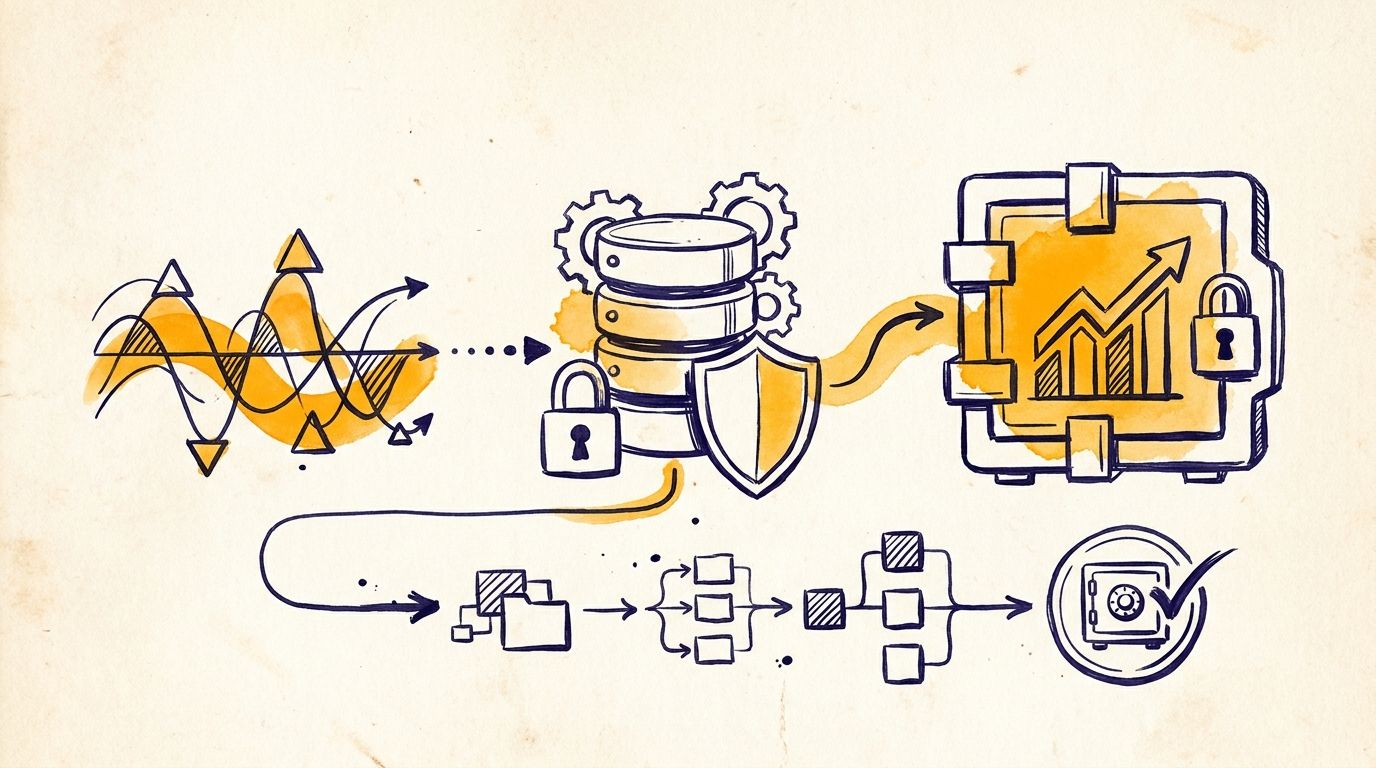
A TradingView alert can mark the exact moment your strategy fires, but it cannot place the trade for you. To go hands-free you need a layer that listens for that alert and turns it into a real order on your exchange. This guide covers Coinbase TradingView automation end to end: how to connect TradingView to Coinbase Advanced with webhooks and a trade-only API key, so your signals execute without you watching the chart — and without handing anyone custody of your funds.
We will not recommend a strategy or predict any outcome here. This is purely about wiring up dependable execution for a strategy you already run.
Automating signals into Coinbase involves three parts working in sequence:
The middle layer does the real work. It decides whether one alert becomes exactly one correct order, even when TradingView retries a webhook or an alert fires twice. If the webhook hop is new to you, our TradingView webhook to exchange guide walks through it in detail.
Coinbase routes programmatic trading through its Advanced Trade API, and API keys are managed in your Coinbase settings under API (Coinbase issues these as Developer Platform keys). Create a new key and, when prompted for permissions, grant Trade and View access only. Leave Transfer — the permission that allows moving funds off the account — switched off.
An execution layer never needs transfer or withdrawal access. Disabling it means that even if the key were exposed, it could only place orders, never move assets off Coinbase. Coinbase issues the credential as a key name plus a private key, so copy both and store them somewhere safe the moment they are shown — the private key is not displayed again. For the full reasoning behind this, see our guide on why trade-only API keys matter.
Enter the API key name and private key into your execution tool and select Coinbase as the exchange. With SignalToExchange this connection is non-custodial: your funds stay in your Coinbase account, and the platform only places orders through the trade-only key. Confirm the tool can read your account balance before continuing — that verifies the credential is correct and that the permissions you granted are sufficient to trade.
Open your strategy or indicator in TradingView and create an alert. In the alert dialog, set the Webhook URL to the endpoint your execution layer gives you, then put a structured message in the alert body that describes the order: the symbol, the side (buy or sell), the order type, and the size. Most execution layers accept a small JSON payload here, so use the exact field names your tool documents so each value maps cleanly to a Coinbase order. Note that Coinbase spot pairs use a hyphen format such as BTC-USD, so confirm your payload uses the symbol format your tool expects. Webhook alerts require a paid TradingView plan.
Before running at full size, fire one alert manually and confirm that a single order — and only one — appears in Coinbase. Check that the symbol, side, and quantity match what you intended. This is the moment to catch a mismatched ticker or a wrong position size while the stakes are small. Coinbase also distinguishes spot from derivatives, and futures availability depends on your region; if you intend to trade futures, confirm the product is available to you and that your signal routes to the right market.
Once a test order routes correctly, enable the alert to run on your strategy's conditions. Watch the first several live signals to confirm each one becomes the order you expect. A reliable execution layer deduplicates repeated alerts so one signal fires exactly one order, which protects you from duplicate positions when TradingView retries a webhook.
SignalToExchange is non-custodial execution infrastructure. It takes your TradingView signal, validates it against your rules, and routes it to Coinbase as a correctly formatted order over low-latency connections. Your funds never leave Coinbase, keys are trade-only and encrypted at rest, and idempotent dispatch means one signal fires exactly one order. It does not build strategies or sell signals — you bring the strategy, and it handles reliable execution. If you want to understand the non-custodial model first, see what non-custodial actually means for your trades.
If you want to connect your TradingView alerts to Coinbase securely, Request access / start your free trial →
Automated trading involves risk. SignalToExchange is execution infrastructure and does not provide financial advice, trading signals, or guarantees of any kind.
You have a TradingView strategy that fires clean alerts, and you want to automate trading on Bitfinex with TradingView signals instead of clicking every entry...
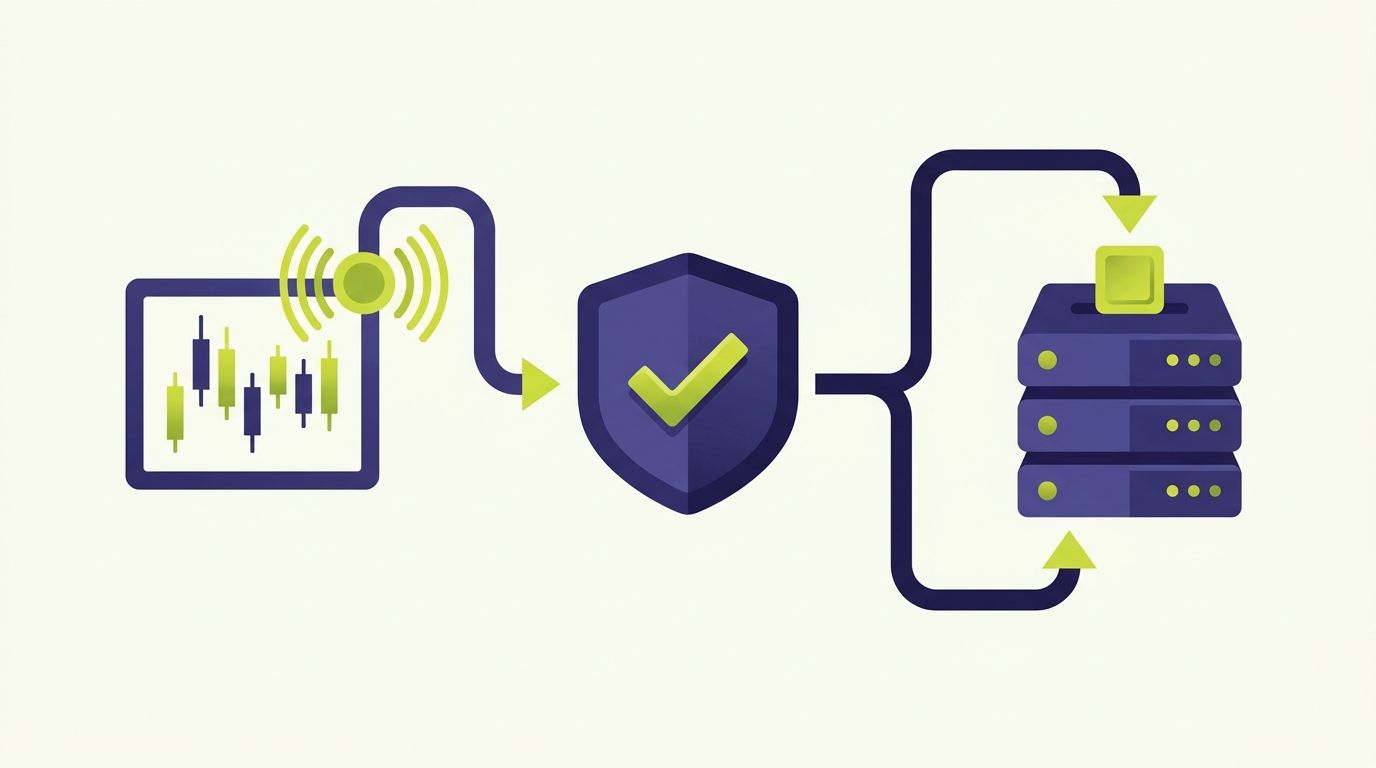
If you run strategies on TradingView and trade on HTX (Huobi), HTX Huobi TradingView automation closes the gap between the alert firing on your chart and the o...
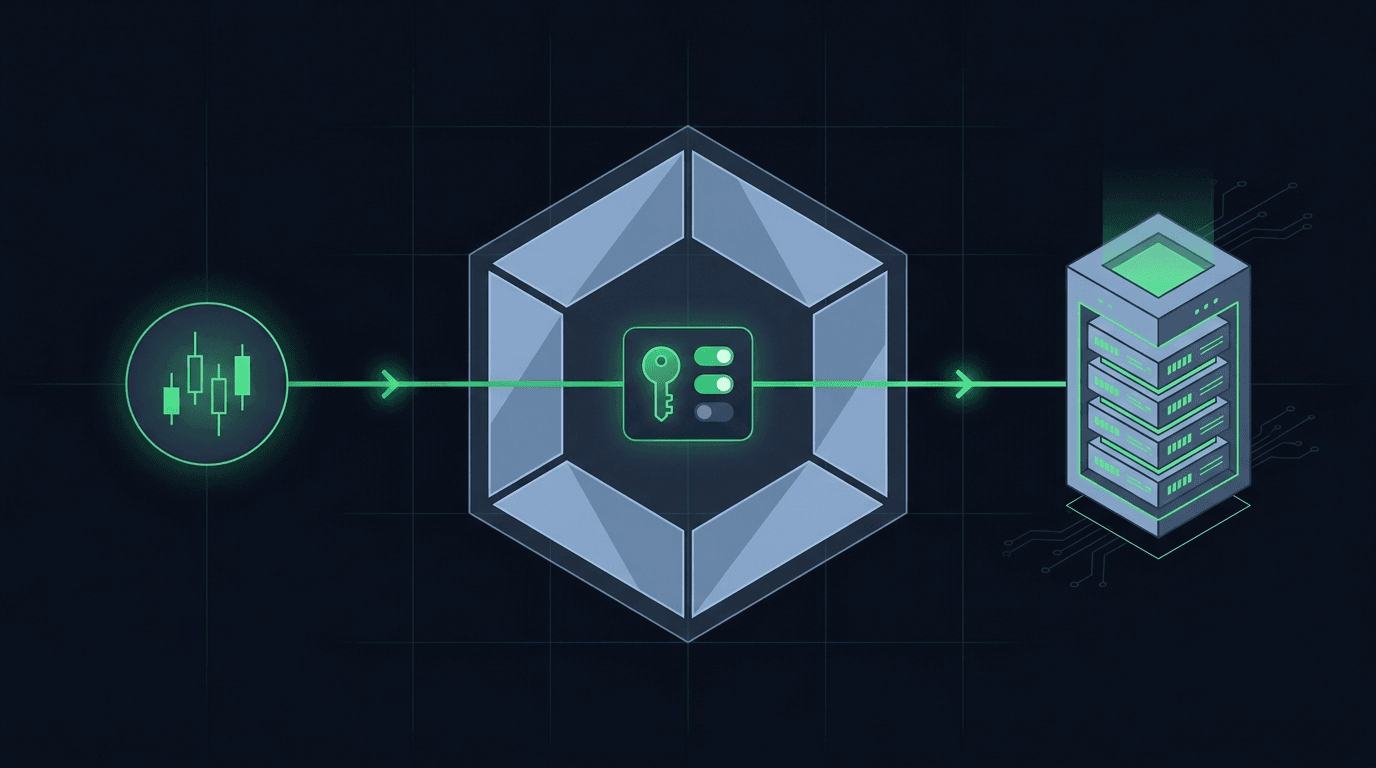
You have a TradingView strategy that fires clean alerts, and you want those alerts to place orders on Crypto.com without sitting at the screen all day. Crypto....
Non-custodial execution. Trade-only API keys. Independent infrastructure built for reliability.
Request Early AccessTrade-only API key enforcement. No withdrawal permissions. No custody.