How to Automate TradingView Alerts With Zapier
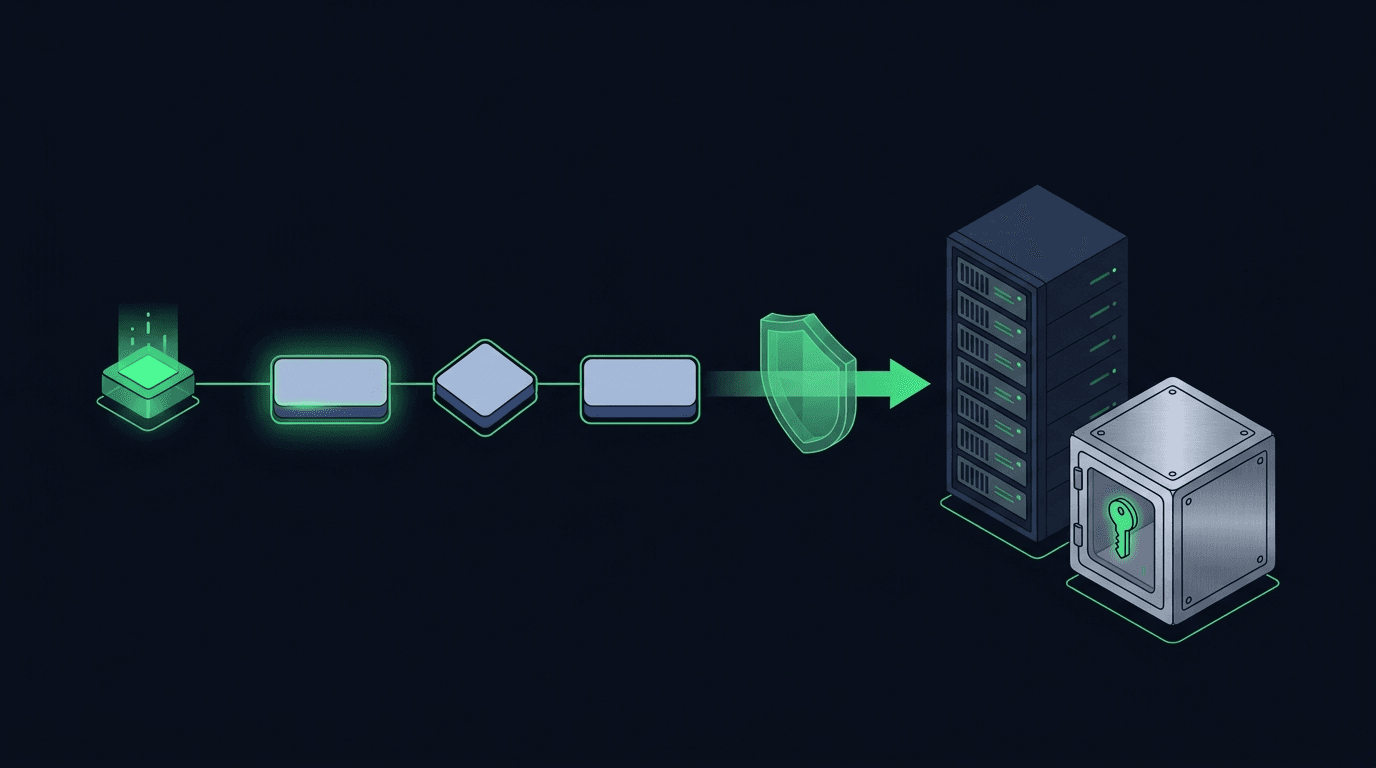
Your TradingView strategy fires a clean alert at exactly the right moment — and then nothing happens on your exchange. If that gap between signal and execution...
Read more
Learn how to close part of a position with a TradingView webhook alert: how to size a partial exit, structure the JSON payload, use reduce-only so it can never flip your trade, and handle rounding safely.
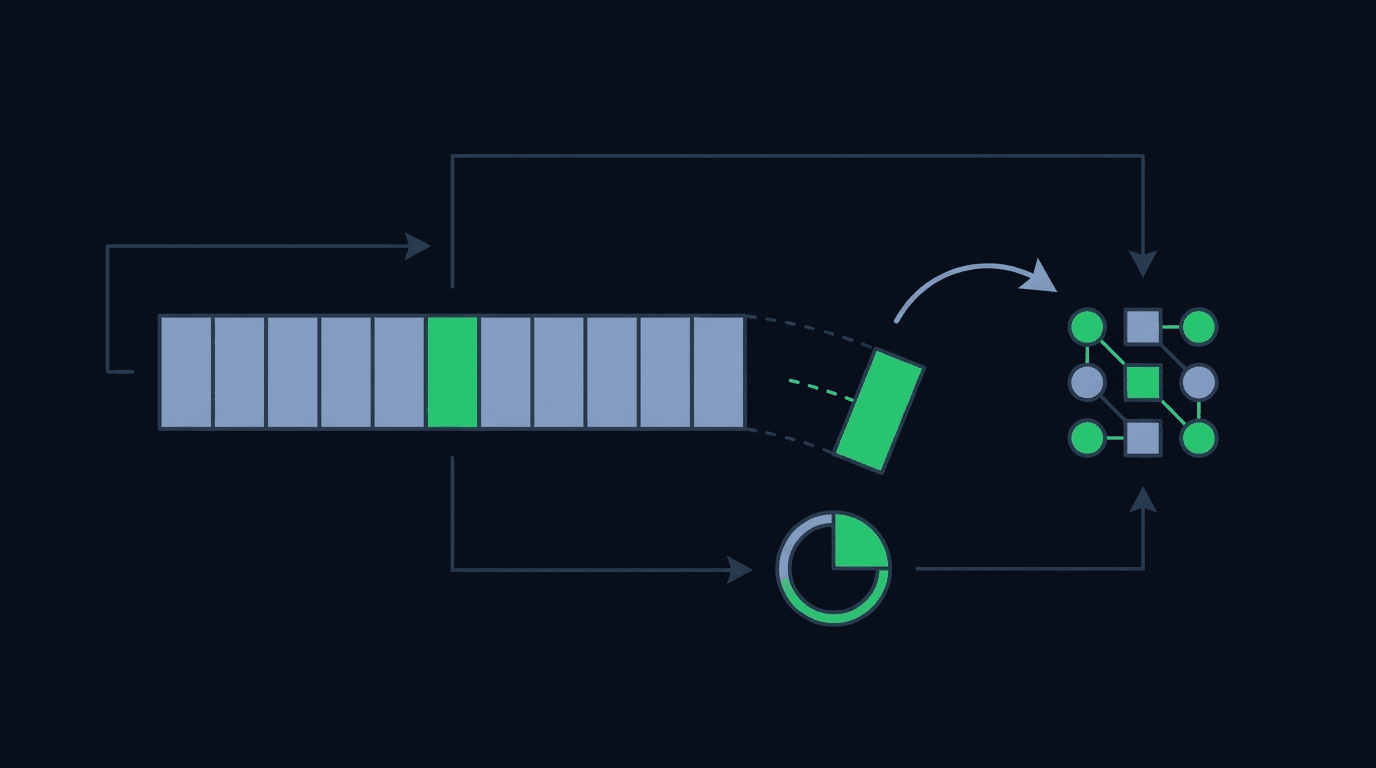
Your strategy is up on the trade, and you want to bank some of it without walking away from the rest. By hand this is easy: you eyeball the position and sell a slice. Automating it is where people get stuck. To close part of a position with a TradingView webhook alert, the alert has to say exactly how much to close, in a format the exchange understands, and in a way that can never accidentally open a new trade in the other direction. Get one of those wrong and a partial exit turns into a full flip.
This guide covers what a partial close is, why it is harder to automate than a full close, the two ways to size it, how to build the alert and its JSON payload, and how a reduce-only flag keeps it safe.
A partial close reduces the size of an open position without shutting it entirely. If you are long 1.0 BTC and you close a quarter of it, you are left holding 0.75 BTC in the same direction. Nothing about your entry, your remaining stop, or your take-profit target changes except the quantity.
The important detail is that a partial close is still just an order in the opposite direction of your position, sized to less than the full amount: closing part of a long is a sell for a fraction of the quantity, and closing part of a short buys a fraction back. The exchange has no dedicated "partial close" button in its API; you express it through order size plus a reduce-only instruction, covered below.
A full close is forgiving. Most systems let you send "close position" and the exchange figures out the exact remaining quantity for you. You do not have to know whether you are holding 0.9834 or 1.0 units — the exchange closes whatever is open.
A partial close removes that safety margin. Now your alert has to name a specific quantity, and that number has to be correct relative to a position size your strategy may only think it knows. Three things tend to go wrong. The quantity drifts, because a previous fill was partial and the live position is smaller than your script believes — send a fixed close larger than what is open and, without protection, the surplus opens a position the other way. The direction is ambiguous, because a partial exit and a fresh entry in the opposite direction look identical at the order level; only the reduce-only flag tells the exchange which one you mean. And the precision is wrong, because a fraction that produces 0.00031 BTC when the minimum is 0.001 is simply rejected, and your exit never happens.
There are two common ways to express how much to close, and picking one deliberately saves a lot of debugging.
The first is a fixed quantity: your alert says "sell 0.25" and that is exactly what gets submitted. It is predictable and easy to reason about, but it assumes your strategy and the exchange agree on what is open, so it works best when position sizes are consistent and entries are tightly controlled.
The second is a percentage of the current position: your alert says "close 25 percent" and the system reads the live position size from the exchange, multiplies, and submits the result. This is more robust because it adapts to whatever is actually open, including positions filled partially earlier — the tradeoff being that it depends on an accurate, up-to-date read of your position when the alert fires. For most automated setups it is the safer default because it degrades gracefully when the position is not the size your strategy expected. For sizing mechanics more broadly, see how to control order size in TradingView webhook alerts.
In TradingView, a partial close is just another alert with a message body, whether it fires from a strategy exit, a manual alert, or a Pine `alert()` call. A clean, machine-readable payload looks like this:
``` { "secret": "your-webhook-secret", "action": "close", "symbol": "BTCUSDT", "side": "sell", "reduce_only": true, "size_type": "percent", "size": 25 } ```
Each field has a job. `action` marks this as an exit rather than an entry. `side` is the closing direction, opposite to your open position. `reduce_only` guarantees the order can only shrink the position. `size_type` and `size` together say "close 25 percent" — swap to `"size_type": "quantity"` and `"size": 0.25` for a fixed close. The `secret` authenticates the alert so a stranger who guesses your URL cannot fire orders on your account. For the full structure, see how to structure a TradingView webhook JSON payload for orders.
Keep the payload flat and explicit. Ambiguous shorthand like a bare number forces the receiving layer to guess your intent, and guessing is exactly what you want to remove from an unattended pipeline.
The single most important field in a partial-close payload is `reduce_only`. A reduce-only order can shrink or close an existing position but can never increase one or open a new position in the opposite direction. If your alert tries to close more than is open, the exchange caps the order at the remaining quantity instead of flipping you short.
This matters because partial closes are precisely the case where quantity mismatches happen: you think you are holding one unit, a prior fill left you with less, and your "close a quarter" order is now a larger share of the real position than intended. With reduce-only set, the worst case is that you close slightly more than planned — never that you open a brand-new trade against yourself. It converts a potentially account-damaging bug into a harmless rounding difference. Reduce-only is worth understanding on its own; we cover it in what a reduce-only order is and why automated traders use it.
Once you know how much to close, the exchange still has rules about how the number is expressed. Every market has a step size (the smallest increment a quantity can move in) and a minimum order size, and a percentage-based close will routinely produce a raw number like 0.243718 units that has to be rounded to the step size first.
Round down rather than up. Rounding up can push a near-full partial close into closing the entire position; rounding down leaves a tiny remainder you can clean up later. Also check the minimum: if a quarter of a small position falls below the exchange minimum, the order is rejected and your exit silently fails. A good relay layer validates these constraints before sending, so a bad size surfaces as a clear error rather than a position that quietly stayed open.
A few habits keep partial closes reliable once they are live:
TradingView only sends the alert message — it does not know your live exchange position. To close a percentage, the receiving layer reads your current position size when the alert fires, calculates the fraction, and submits a reduce-only order for that amount. Your alert just specifies the percentage and the closing side.
With `reduce_only` set, the exchange caps the order at whatever quantity is open, so you close the position fully instead of flipping into a new trade. Without it, the surplus opens a position the opposite way — the exact failure mode reduce-only prevents.
Yes. Many traders scale out in stages, closing a slice at one target and another later. Each stage is its own alert with its own size — just make sure every stage is reduce-only and that your sizing accounts for the position being smaller after each earlier close.
Not automatically. Reducing the position leaves existing stop or target orders at their original quantity, oversized relative to what remains. If you scale out, plan to resize or replace your protective orders to match the smaller position.
Closing part of a position is where careless automation does real damage — a mis-sized exit that flips your trade is far worse than one that never fired. The fix is boring on purpose: explicit sizing, reduce-only on every exit, and precision handling before the order leaves your stack. SignalToExchange is a non-custodial relay that reads your live position, sizes the partial close, and forwards it with a reduce-only flag using a trade-only API key — so your funds never leave your own exchange and no withdrawal access is ever granted. You keep the logic; the relay handles reliable, correctly-sized execution. Request access / start your free trial and put your partial exits on infrastructure built to place exactly one order per signal.
Automated trading involves risk. SignalToExchange is execution infrastructure and does not provide financial advice, trading signals, or guarantees of any kind.
Your TradingView strategy fires a clean alert at exactly the right moment — and then nothing happens on your exchange. If that gap between signal and execution...
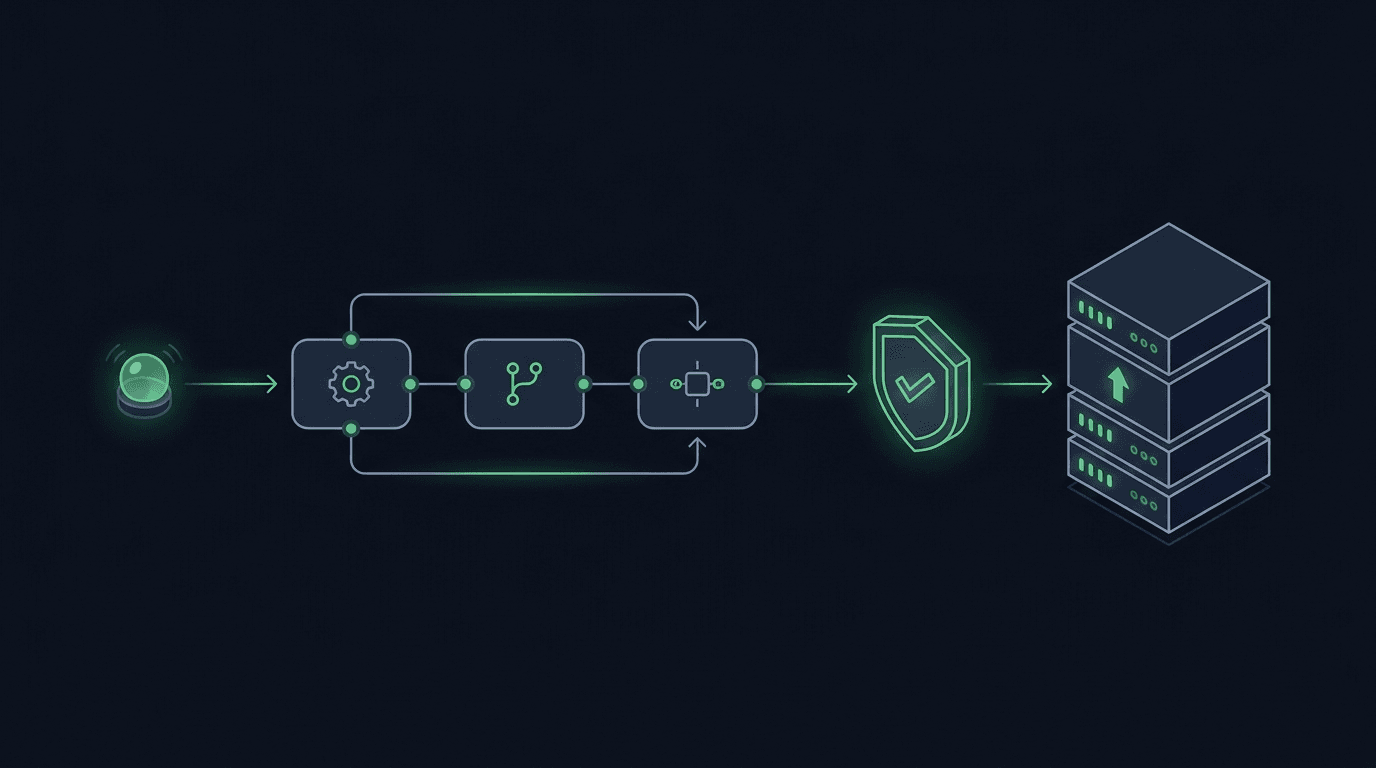
You have a TradingView strategy that fires clean alerts, but every signal still waits on you to see the notification and place the order by hand. By the time y...

TradingView is where many traders build their edge, but a chart alert that only pops up on your screen still leaves the hardest part — placing the order — up t...
Non-custodial execution. Trade-only API keys. Independent infrastructure built for reliability.
Request Early AccessTrade-only API key enforcement. No withdrawal permissions. No custody.