How to Automate TradingView Alerts With Zapier
Your TradingView strategy fires a clean alert at exactly the right moment — and then nothing happens on your exchange. If that gap between signal and execution...
Read more
TradingView strategy alerts and study alerts can both trigger automated orders, but they work differently. Here is how each behaves and how to choose.
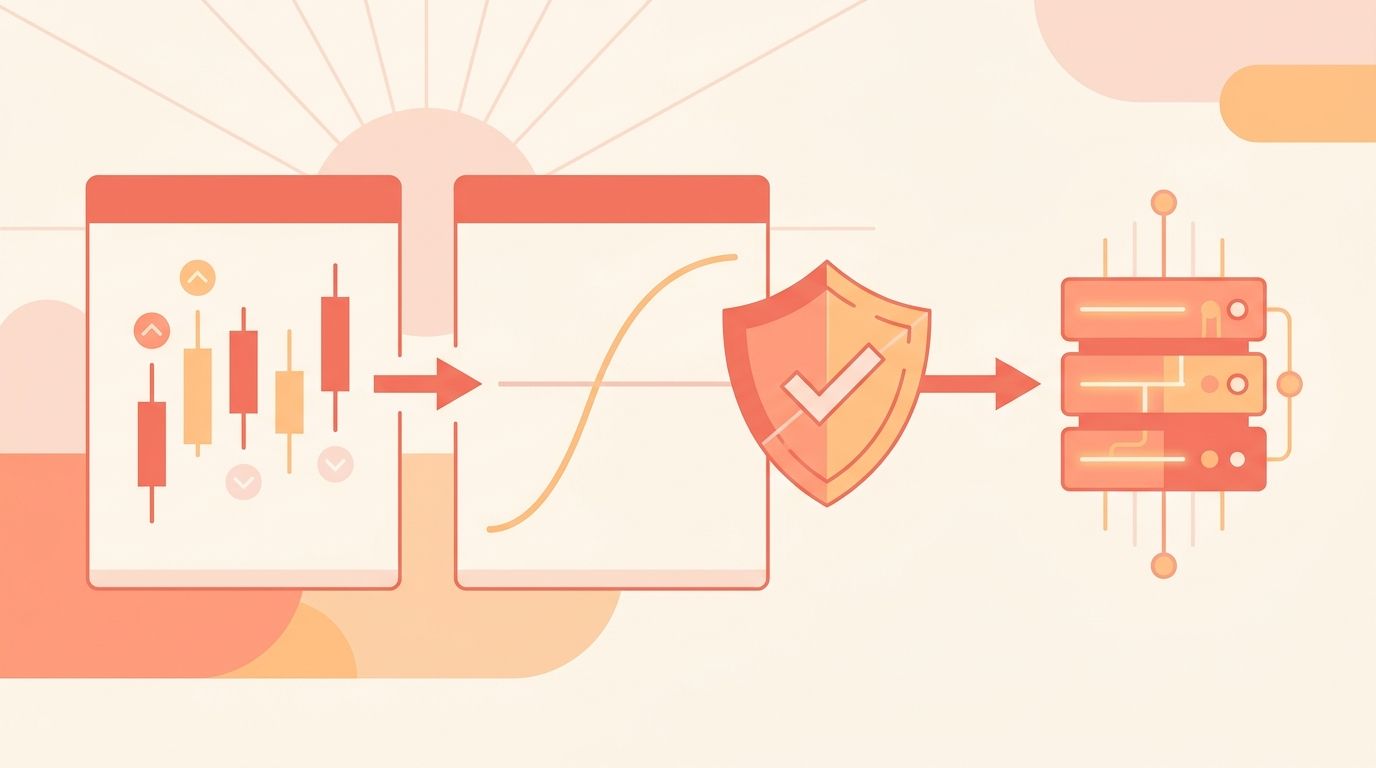
If you automate crypto trading with TradingView, one of the first forks in the road is the TradingView strategy vs study alerts decision. Both can fire a webhook. Both can trigger a real order on your exchange. But they come from different kinds of Pine Script, they behave differently, and picking the wrong one is a common reason automated setups misfire. This guide explains what each alert type is, how they differ where it matters for automation, and how to choose. The good news is that once you understand the mechanics, the choice is straightforward and reversible: you can switch alert types later without rebuilding your exchange connection.
A strategy in TradingView is a Pine Script that uses `strategy()` and calls like `strategy.entry()`, `strategy.exit()`, and `strategy.close()`. It simulates a trading system on historical data and shows you a backtest: entries, exits, and a performance summary on the chart.
Strategy alerts are alerts attached to that script. When you add an alert on a strategy, TradingView offers a special condition called "Order fills only." The alert fires whenever the strategy would place an order in its simulation. You can insert placeholders like `{{strategy.order.action}}`, `{{strategy.order.contracts}}`, and `{{strategy.position_size}}` into the alert message, so the webhook payload carries the exact side and size the strategy decided.
The appeal is direct: the same script you backtested is the script that triggers live orders. You do not have to re-implement your entry and exit logic in two places.
A study (also called an indicator) is a Pine Script that uses `indicator()`. It plots things — moving averages, RSI, bands, custom signals — but it does not simulate orders or track a position. Studies are for analysis and visualization.
Study alerts come in two forms. You can attach a generic alert to any plotted condition, such as price crossing an EMA, or the script author can define named triggers with `alertcondition()` that appear as ready-made conditions in the alert dialog. A study alert fires when your chosen condition becomes true on the bar.
Because a study has no concept of a position, a study alert is just a signal: this happened. It is up to you — and your relay and exchange — to decide what order that signal should become. We cover the two trigger functions in more depth in our guide to Pine Script alertcondition vs alert().
Here is the distinction that matters when you wire either one to an exchange.
A strategy alert already knows the intended action and size. The strategy is tracking a simulated position, so when it fires, it can say "buy 0.5 BTC to enter long" or "close the position." Your payload can be almost complete on its own.
A study alert knows only that a condition is true. It does not know whether you are already in a position, how large the order should be, or whether this signal should open, add to, or close a trade. You supply that context in the alert message you write by hand.
Neither is better in the abstract. They fit different workflows:
Strategy alerts are a good fit when:
The main caveat is that a backtest is a simulation. Fills, fees, and slippage in live markets differ from the idealized backtest, and TradingView's strategy engine can recalculate on unclosed bars if you are not careful. Alert on bar close, and treat the backtest as a model of behavior rather than a prediction.
Study alerts are a good fit when:
The trade-off is that you own the position logic. If a study alert fires "long" twice in a row, nothing on the TradingView side stops a second order. Your payload and your relay have to handle deduplication and current-position awareness.
Whichever alert type you choose, the mechanism is the same. TradingView sends an HTTP POST to a webhook URL with your message as the body. That message is usually JSON describing the order. If you are new to shaping that payload, our walkthrough on structuring a TradingView webhook JSON payload covers the fields exchanges expect.
The webhook has to reach something that can talk to your exchange. That is the job of a relay layer. SignalToExchange receives the webhook, validates it, and submits the corresponding order to your exchange over an authenticated API connection. You connect trade-only API keys — keys that can place orders but have no withdrawal access — so funds never leave your exchange account. You control the logic; the relay handles execution.
Security matters here because a webhook URL that accepts orders is sensitive. Sign your alerts so the receiver can verify each request is authentic; our guide to securing a TradingView webhook with HMAC signing shows one practical approach.
Whether you land on strategy or study alerts, a few habits keep automated execution predictable:
Yes. Both send a webhook, and any webhook that reaches a relay connected to your exchange can result in an order. The difference is how much order detail the alert itself provides.
You need a script to attach an alert to. Strategy alerts require a `strategy()` script. Study alerts can attach to a built-in indicator or a custom `indicator()` script. Writing your own gives you the most control, but many traders start from existing indicators.
Backtests are simulations. Live fills depend on real liquidity, spread, and timing, and strategies can recalculate on unclosed bars. Alerting on bar close and accounting for slippage narrows the gap, but a backtest is a model, not a statement about future live behavior.
Neither is universally better. Strategy alerts suit systems that manage a connected position from one backtested script. Study alerts suit simple, event-based triggers where you handle sizing and position state downstream. Many traders use both: a strategy for their core system, and standalone study alerts for signals they want to act on separately.
No. TradingView fires the alert, but something has to receive the webhook and place the order. That receiving and execution layer is what turns the alert into an actual exchange order.
The TradingView strategy vs study alerts choice comes down to where you want your position logic to live: inside a backtested strategy script, or downstream in your payload and relay. Pick the one that matches how you already think about your trades, keep your payloads explicit, and test the full path before scaling up. When you are ready to connect either alert type to your exchange with trade-only keys and non-custodial execution, request access or start your free trial. See how SignalToExchange turns signals into orders — reliably, and without ever touching your funds.
Automated trading involves risk. SignalToExchange is execution infrastructure and does not provide financial advice, trading signals, or guarantees of any kind.
Your TradingView strategy fires a clean alert at exactly the right moment — and then nothing happens on your exchange. If that gap between signal and execution...
You have a TradingView strategy that fires clean alerts, but every signal still waits on you to see the notification and place the order by hand. By the time y...
TradingView is where many traders build their edge, but a chart alert that only pops up on your screen still leaves the hardest part — placing the order — up t...
Non-custodial execution. Trade-only API keys. Independent infrastructure built for reliability.
Request Early AccessTrade-only API key enforcement. No withdrawal permissions. No custody.