How to Automate TradingView Alerts With Zapier
Your TradingView strategy fires a clean alert at exactly the right moment — and then nothing happens on your exchange. If that gap between signal and execution...
Read more
A DCA strategy is a series of identical, repeating buys — the kind of execution that is easy to define and easy to fumble by hand. Here is how to wire dollar-cost averaging to TradingView webhook alerts so each scheduled interval fires exactly one order on your own exchange, using trade-only keys, consistent sizing, and idempotency to avoid duplicate or missed buys.
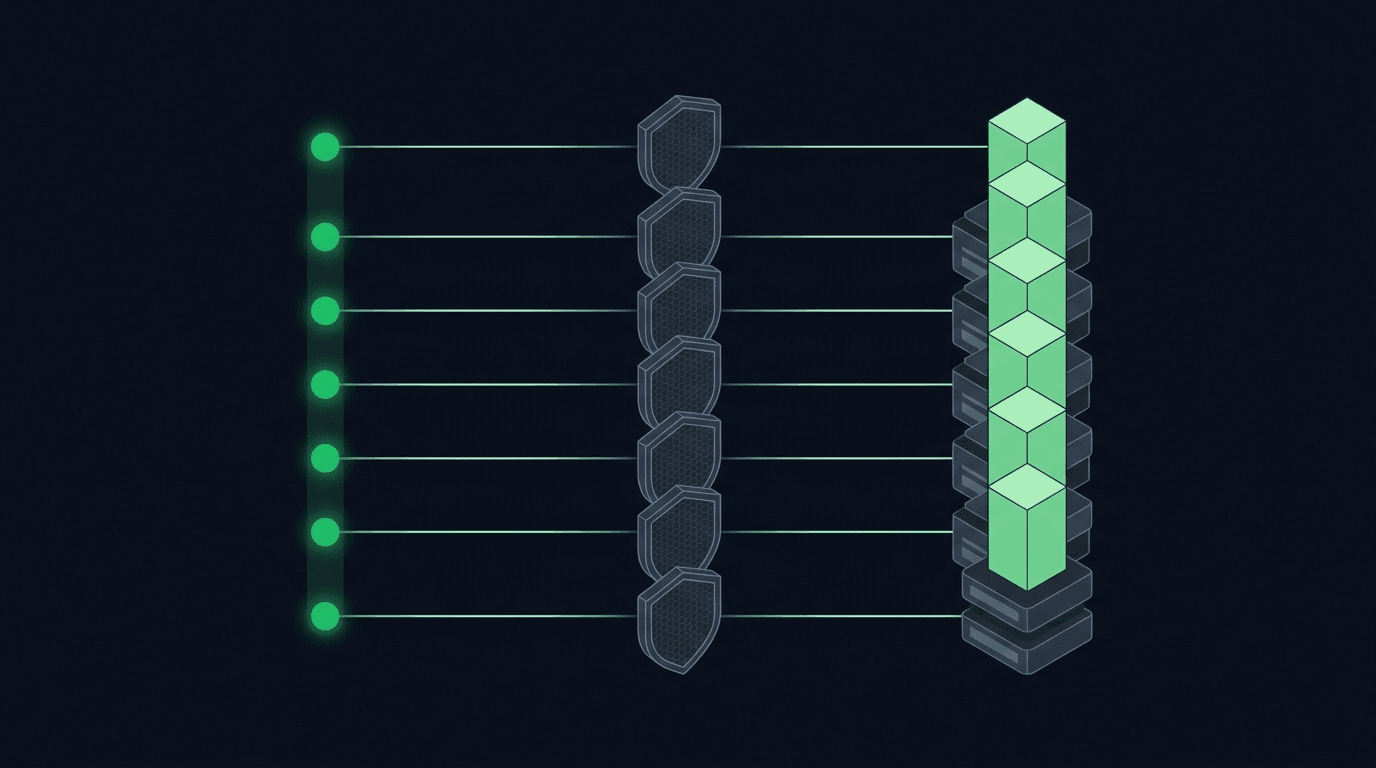
If you run a DCA strategy, TradingView webhook alerts can execute it for you so you are not logging in to place the same buy over and over. Dollar-cost averaging means buying a fixed amount of an asset at regular intervals, and the mechanics are simple until you try to run them by hand: you forget a scheduled buy, you fat-finger the size, or you are away from the screen when your interval hits. Wiring a DCA strategy to a TradingView webhook turns each scheduled event into one message that fires exactly one order on your exchange.
This guide is about execution, not strategy. Whether dollar-cost averaging is right for you, what asset you buy, and how often you buy are your decisions. Our job is to make the buy you already decided on fire reliably, on schedule, without you giving up custody of your funds.
Dollar-cost averaging (DCA) is buying a set amount at a set cadence: the same amount every day, every week, or on whatever schedule you define, regardless of where the price sits that day. As a decision it is one line. As an execution problem it is a series of identical, repeating market buys that all need to reach your exchange at the right time and at the right size.
That repetition is what makes DCA a good fit for automation and a poor fit for manual clicking. A human placing the same order forty times will eventually skip one, double one, or key in the wrong amount. A webhook that fires the same structured payload every interval does not get bored or distracted. The hard part is not the idea of DCA; it is making every single scheduled buy land consistently.
TradingView is where many traders already define timing, whether through a scheduled alert, a simple indicator condition, or a Pine Script strategy. A webhook lets that timing reach your exchange directly. When the interval fires, TradingView sends a message to a URL, that message describes the order you want, and a relay submits it to the exchange over an authenticated connection.
The alternative is a cron job on a server you maintain, or a manual reminder you answer yourself. Both work until they do not: the server sleeps, the token expires, or you are asleep when the buy is due. Routing the alert through a dedicated execution layer removes the always-on infrastructure you would otherwise babysit, while keeping the schedule itself in a tool you already know.
You need three things: a TradingView account that can send webhook alerts, an account on a supported exchange such as Binance, Bybit, Kraken, OKX, Coinbase, KuCoin, or Bitget, and a set of API keys from that exchange.
Create those keys as trade-only keys. That means the key can place and cancel orders but cannot withdraw funds, and your balance never leaves the exchange. This is the non-custodial model: you keep your coins where they already are, and the relay only ever has permission to trade, never to move money out. If you are new to how exchange permissions are scoped, our guide on trade-only API keys walks through creating them, and crypto exchange API key permissions explains what each toggle actually controls.
Decide the cadence first. TradingView can fire an alert on a recurring basis, or you can attach an alert to a condition that recurs, such as the open of each daily or weekly bar. The point is that the alert triggers once per interval, cleanly, without extra noise. A DCA schedule that fires twice on the same bar is worse than one that fires once, so test that your condition produces a single event per interval before you connect anything live.
Keep the strategy logic in TradingView and the execution logic out of it. Your alert should express intent: buy this asset, this amount, now. It should not try to track how much you have already accumulated or make decisions about position state. Those belong to the execution layer.
The alert message is a small JSON payload that describes the order. For a DCA buy it is deliberately boring: the symbol, the side (buy), the order type (market), and the fixed amount you want to spend or acquire each interval. A minimal payload might name the pair, set the side to buy, and set a quote amount so each interval spends the same fixed sum.
Getting the field names and structure right is the difference between an order that fills and an alert that silently does nothing. For the exact shape, field names, and examples, see how to structure a TradingView webhook JSON payload, and to make sure each field maps to the correct exchange parameter, how to map TradingView alert fields to exchange order parameters.
DCA depends on consistency: each interval should buy the same fixed amount so the average cost reflects the whole schedule rather than a few oversized entries. Decide whether you are specifying a quote amount (spend a fixed sum of your quote currency each time) or a base amount (acquire a fixed quantity of the asset each time), and use the same convention on every alert.
Order sizing is where small mistakes compound, because a DCA plan repeats the same order many times. If the size drifts, the whole schedule drifts with it. Our guide on controlling order size in TradingView webhook alerts covers fixed amounts, quote versus base sizing, and how to avoid rounding surprises that leave a buy rejected.
Two failure modes matter for a repeating strategy. A duplicate buy happens when the same alert fires twice or a retry re-sends an order that already filled, so an interval accidentally buys double. A missed buy happens when an alert fires but the order never reaches the exchange and nothing notices.
Idempotency solves the first: each order carries a stable key so that if the same instruction arrives twice, the second one is recognized and ignored rather than executed again. One signal becomes exactly one order. For a deeper look at stopping repeats at the source, read how to prevent duplicate TradingView alerts from firing. For missed buys, lean on retries with sensible timeouts and a record of every attempt, so a network hiccup does not quietly swallow an interval.
Yes. With trade-only API keys, the execution layer can place buys but cannot withdraw. Your assets stay on your own exchange, and the keys carry no withdrawal permission, which is the core of a non-custodial setup.
As often as your TradingView plan allows alerts and your exchange allows orders. Daily and weekly cadences are common, but the schedule is entirely yours to define. The execution layer treats each fired alert as one order regardless of how frequent the interval is.
A stable idempotency key lets the system recognize a repeat instruction and skip it, so an overlapping or retried alert does not turn one scheduled buy into two. This is why DCA automation should always send an idempotent order rather than a bare fire-and-forget request.
No. Automation makes execution consistent and hands-off, but market risk is unchanged. A tool that fires orders reliably is not a substitute for understanding what you are buying and why.
SignalToExchange supports Binance, Bybit, Kraken, OKX, Coinbase, KuCoin, and Bitget, among others. You connect trade-only keys from whichever supported exchange holds your funds.
A DCA strategy is only as good as its execution, and execution is exactly the part worth handing to infrastructure built for it. You define the cadence and the size in TradingView; the relay turns each scheduled alert into one reliable, idempotent order on your own exchange, using keys that can trade but never withdraw. Request access or start your free trial to connect a supported exchange with trade-only keys and let your schedule run itself.
Automated trading involves risk. SignalToExchange is execution infrastructure and does not provide financial advice, trading signals, or guarantees of any kind.
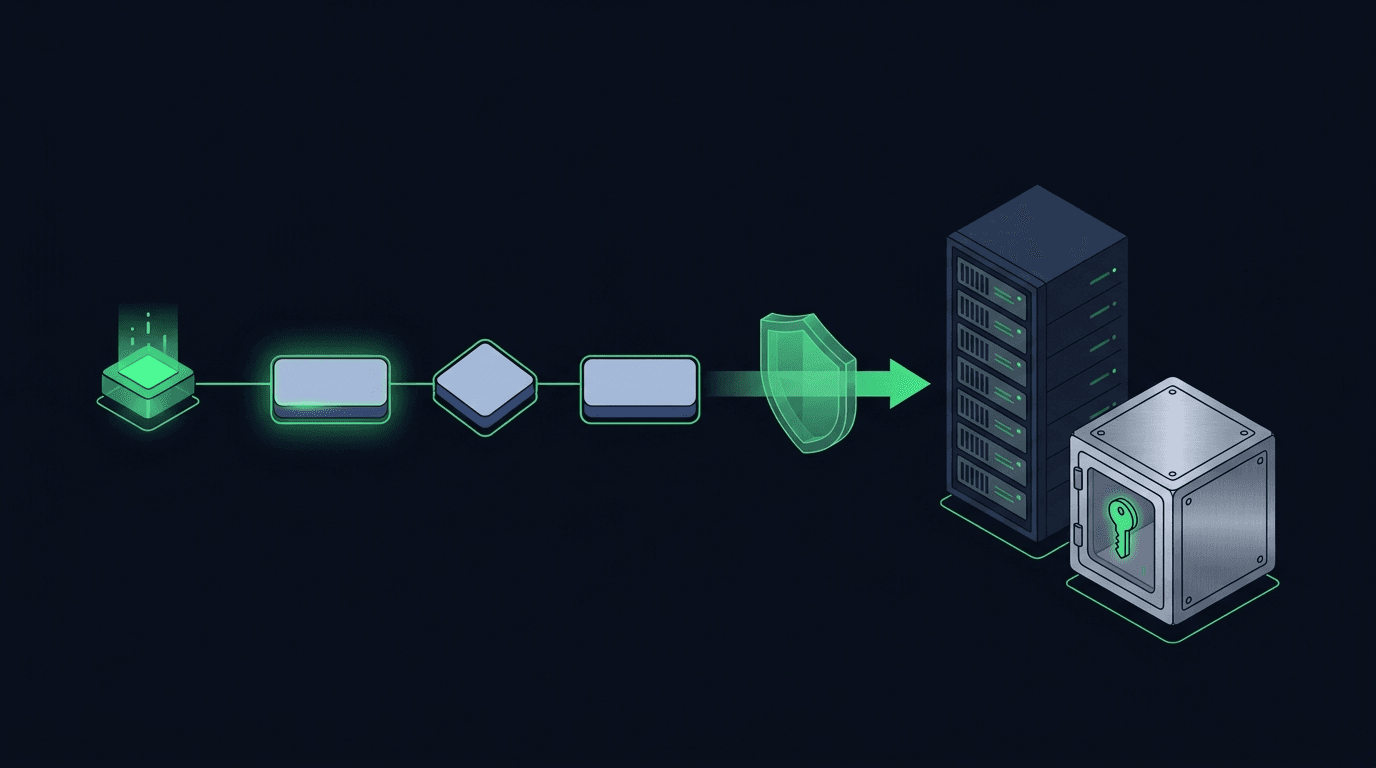
Your TradingView strategy fires a clean alert at exactly the right moment — and then nothing happens on your exchange. If that gap between signal and execution...
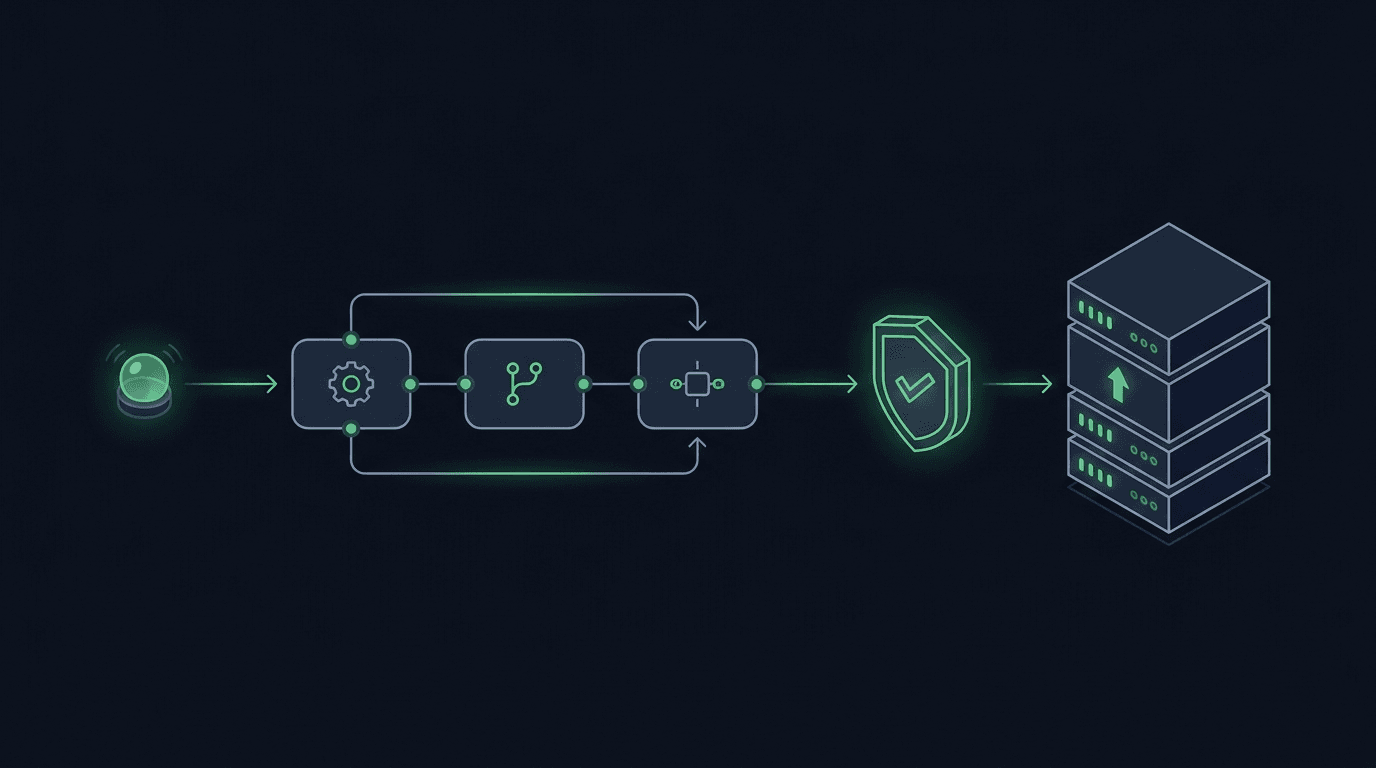
You have a TradingView strategy that fires clean alerts, but every signal still waits on you to see the notification and place the order by hand. By the time y...
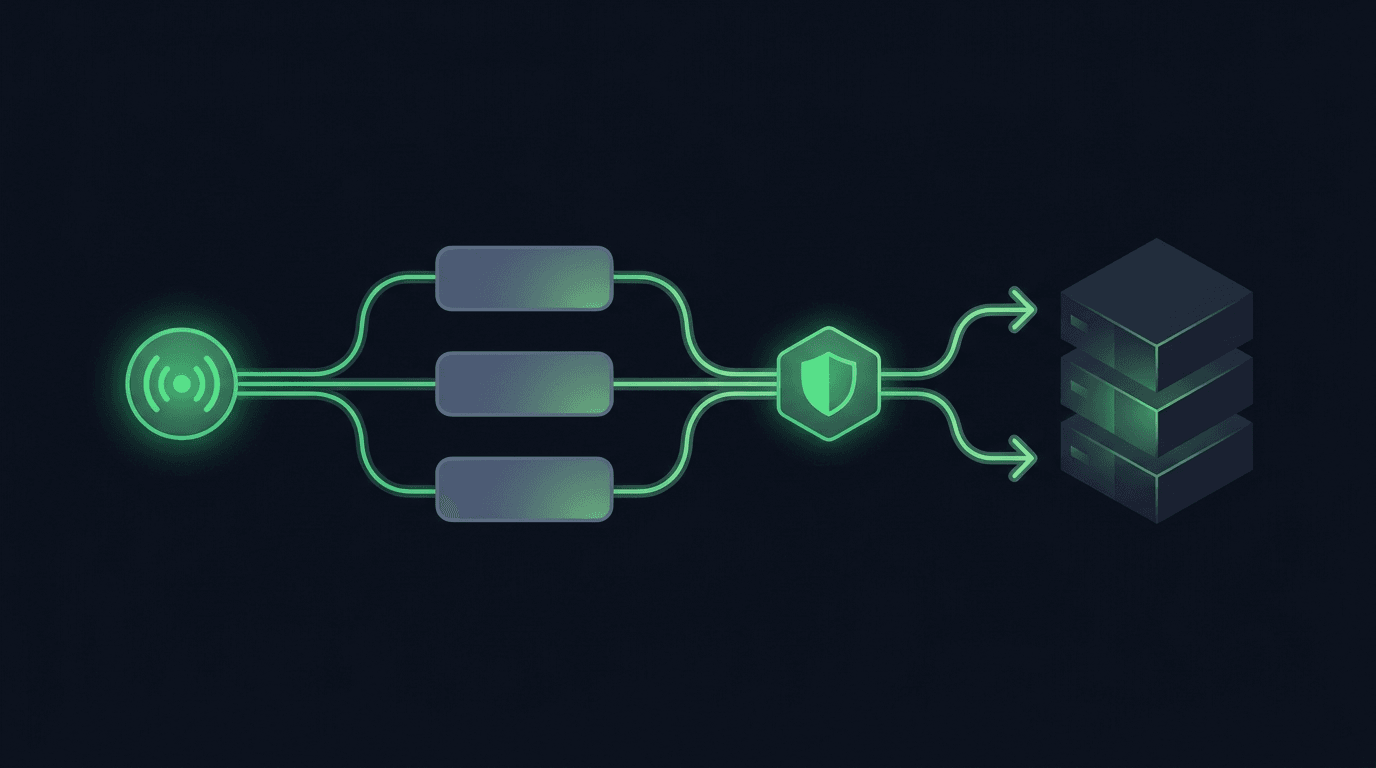
TradingView is where many traders build their edge, but a chart alert that only pops up on your screen still leaves the hardest part — placing the order — up t...
Non-custodial execution. Trade-only API keys. Independent infrastructure built for reliability.
Request Early AccessTrade-only API key enforcement. No withdrawal permissions. No custody.