How to Automate a DCA Strategy From TradingView Webhook Alerts
If you run a DCA strategy, TradingView webhook alerts can execute it for you so you are not logging in to place the same buy over and over. Dollar-cost averagi...
Read more
A step-by-step guide to Pine Script automation: turn a backtested TradingView strategy into live exchange orders with alerts, a structured payload, and reliable execution.
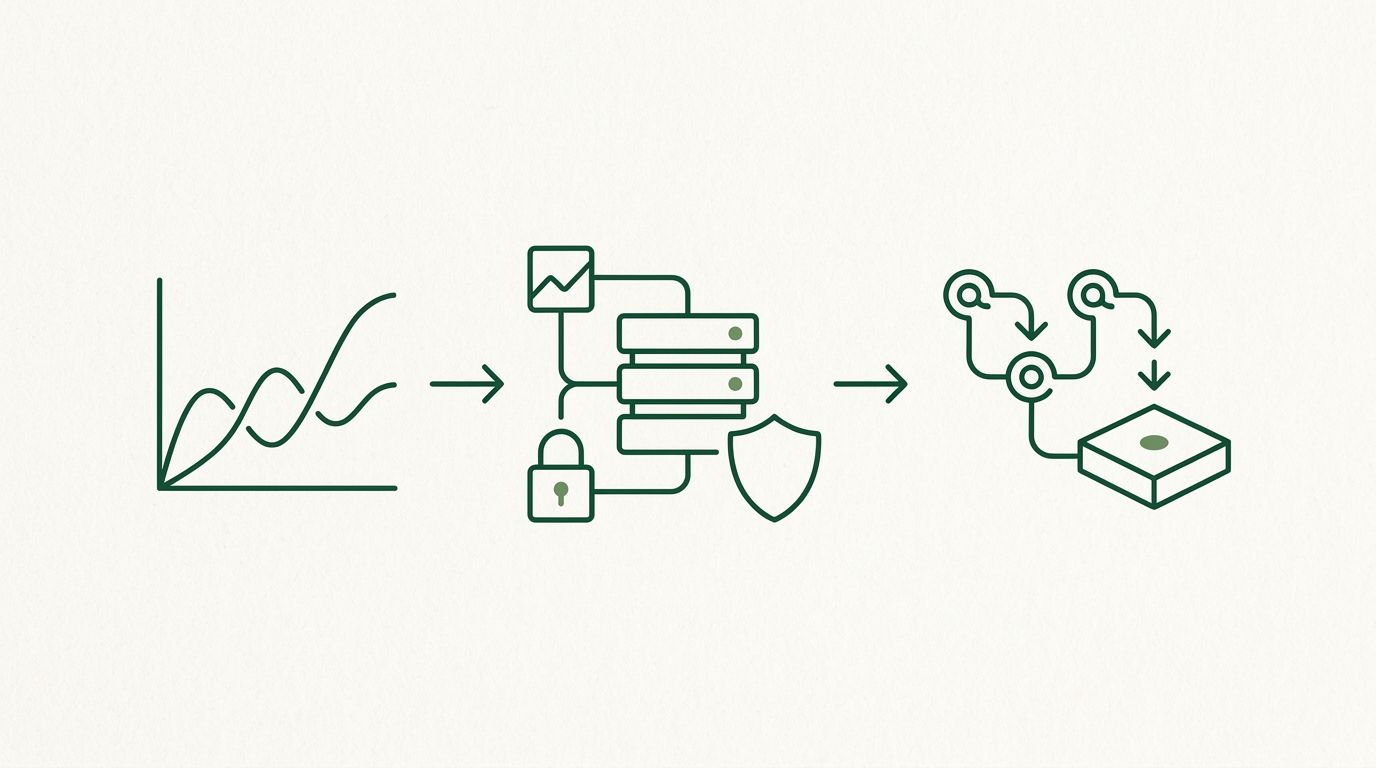
Pine Script automation is the bridge between a strategy that looks good in the TradingView backtester and one that actually places orders on your exchange. A backtest proves your logic on historical bars. Going live means that same logic has to fire an alert, send a clean message, and reach an exchange as a correctly formatted order — reliably, every time. This guide walks the gap between those two worlds: what changes when you move from backtest to live, and how to wire it up without rewriting your strategy.
In the backtester, TradingView fills your strategy.entry and strategy.exit calls against historical data. Nothing leaves the chart. Going live changes three things. First, your strategy has to emit a signal the outside world can read — an alert. Second, that signal has to travel to something that can act on it. Third, that something has to place a real order on your exchange and handle the messy parts: retries, duplicates, and partial fills.
It helps to separate the two halves of the job. Generating the signal is the part you already control in Pine Script. Turning it into a live order is execution — and as we cover in signals vs execution, that second half is where most of the real engineering lives.
A backtest-only script uses strategy.entry / strategy.exit but never announces anything. To automate, add alert() calls (or alert conditions) at the exact points where you want an order to fire. Emit a structured message rather than a sentence — the receiver parses it, not a human:
          //@version=5
strategy("My Strategy", overlay=true)
longCond = ta.crossover(ta.ema(close, 9), ta.ema(close, 21))
if longCond
    strategy.entry("L", strategy.long)
    alert('{"pair":"BTCUSDT","action":"buy","type":"market","size":"0.01"}', alert.freq_once_per_bar_close)
Keep the JSON shape identical across every alert in the script so each message maps cleanly to one action. For ready-to-use templates, see the TradingView alert message format guide.
Fire on alert.freq_once_per_bar_close. Intrabar alerts can trigger on a candle that later reverses, so what you backtested (confirmed bars) and what you trade live stop matching. Bar-close keeps live behavior aligned with the results you validated.
An alert on its own only notifies you. To automate, the alert has to POST its message to a destination via a webhook. Create the alert on your strategy, choose the signal as the condition, and paste your execution layer's URL into the Webhook field. The full walkthrough is in how to send a webhook from TradingView.
The receiver validates the message, formats an exchange-correct order, and submits it. This is where reliability matters most. Two issues bite live strategies that never show up in a backtest:
Don't jump from backtest straight to full size. Run the live wiring with the smallest order your exchange allows and confirm that what arrives matches what you intended: correct pair, correct side, correct quantity. Watch a handful of real signals flow end to end before you trust the path. A backtest tells you the logic is sound; a small live run tells you the plumbing is sound.
Once your strategy emits a clean signal on bar close, sends it via webhook, and routes through a receiver that dedupes and places orders with a trade-only key, your Pine Script can run hands-free while you keep control of your keys and funds. SignalToExchange is a non-custodial execution layer built for exactly this step: it validates each signal, formats the order, enforces one-signal-one-order, and submits to your exchange using a key that can trade but never withdraw — your funds never leave your exchange. When you're ready to take a backtested strategy live, request access / start your free trial →
Automated trading involves risk. SignalToExchange is execution infrastructure and does not provide financial advice, trading signals, or guarantees of any kind. You control your strategy and your keys.
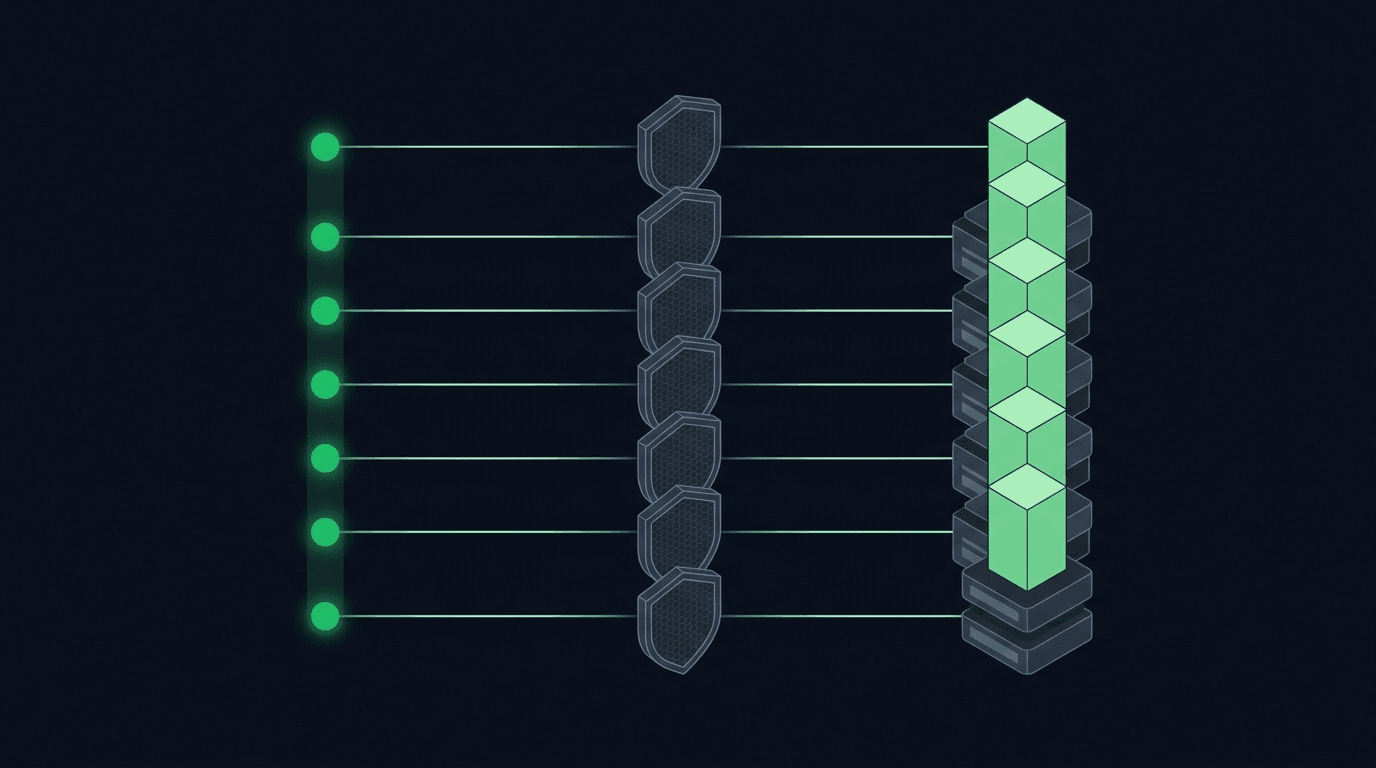
If you run a DCA strategy, TradingView webhook alerts can execute it for you so you are not logging in to place the same buy over and over. Dollar-cost averagi...
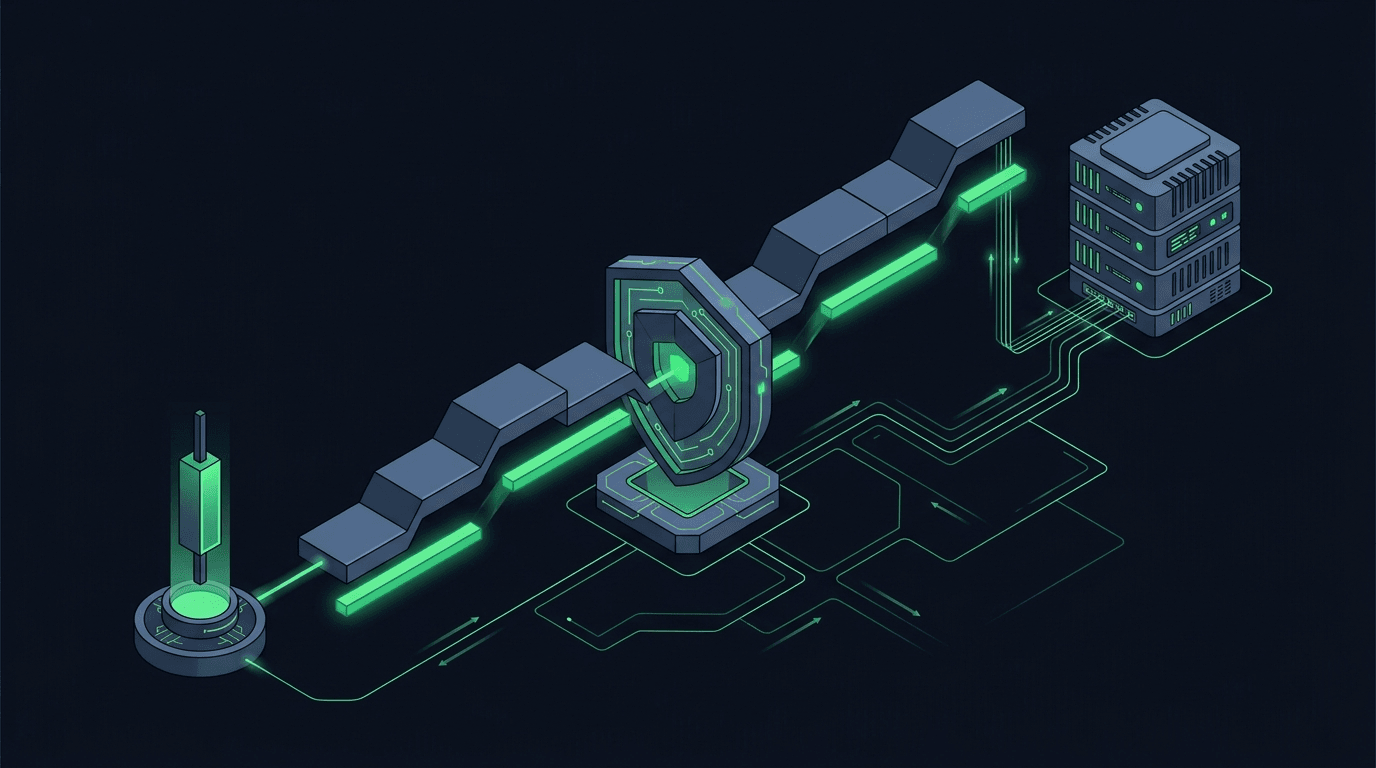
A trailing stop is one of the most requested features in TradingView webhook automation, and also one of the easiest to get wrong. The idea is simple: as price...
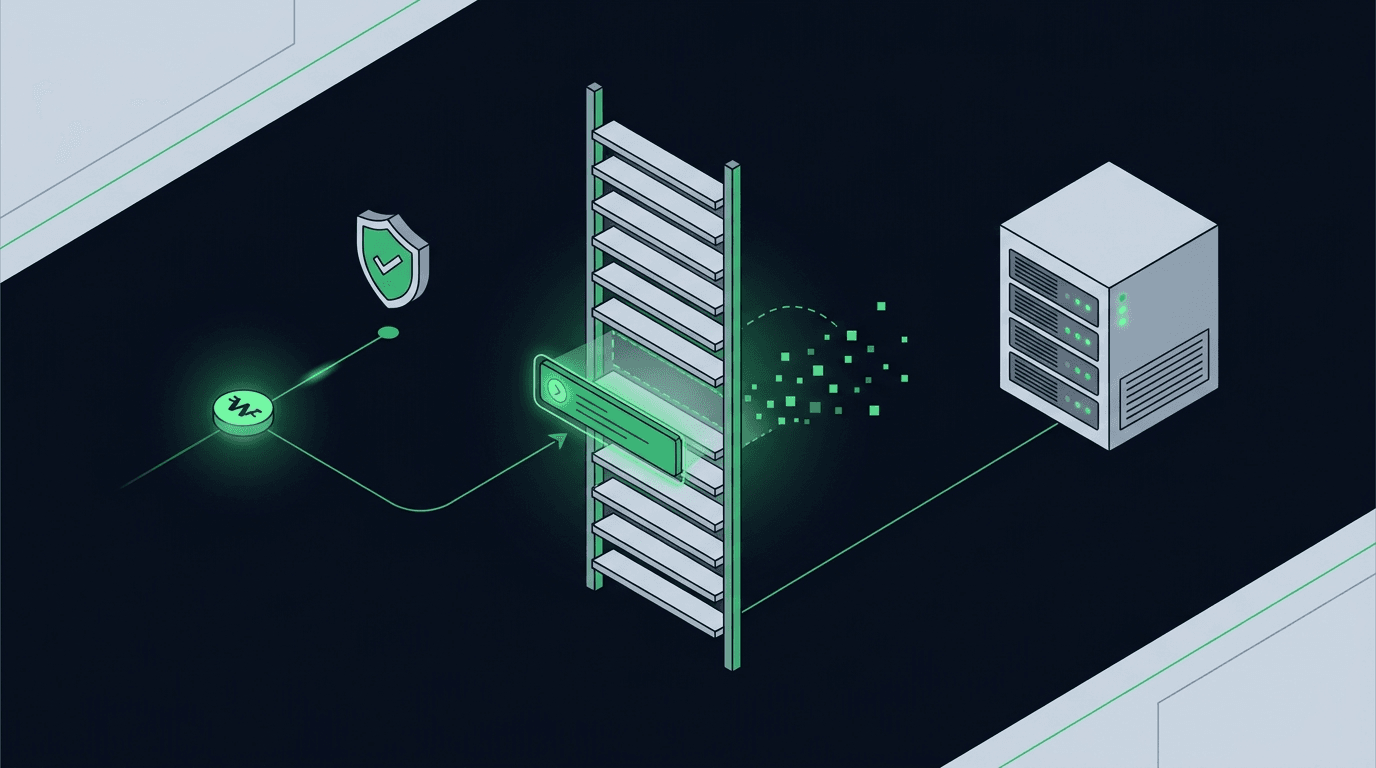
Most automation guides focus on how to open a trade. Far fewer explain how to cancel an open order using a TradingView webhook, and that gap causes real proble...
Non-custodial execution. Trade-only API keys. Independent infrastructure built for reliability.
Request Early AccessTrade-only API key enforcement. No withdrawal permissions. No custody.